
AI Photo Colorizer for Black and White Photos
Use this online AI photo colorizer to colorize pictures and turn treasured monochrome images into natural-looking color photos. Free photo colorizer — no sign-in or payment required.
 After
After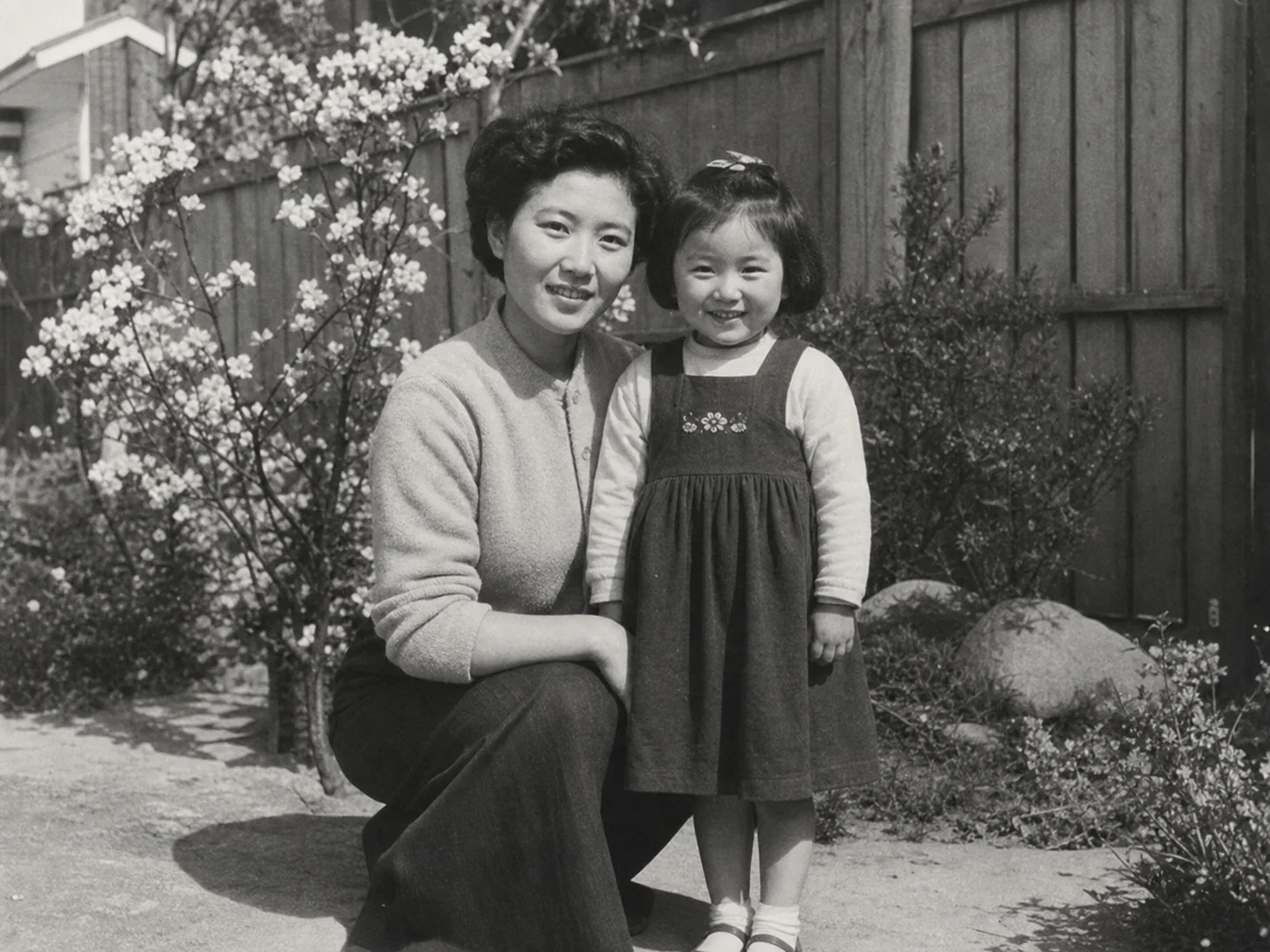 Before
Drag & drop or click to browse
Output Format
Output Format
A Thoughtful Way to Colorize Old Photos
Natural-looking color
This AI image colorizer reads faces, clothing, skies, foliage, and indoor scenes to create balanced color instead of a flat color overlay.
Made for meaningful photos
Use it for family albums, old portraits, school photos, travel snapshots, and archival images that deserve another look.
Choose the right context
Select a scene that fits your image so the colorization can better respect the feel of a family memory, archive, fashion photo, or landscape.
Keep your preferred format
Download the colorized result as JPG, PNG, or WebP after processing is complete.
Color the Photos That Matter Most
Family albums and portraits
Bring more warmth and visual context to treasured family photos, school portraits, and snapshots you want to share again.
Historical and archive photos
Use this image colorizer to explore a plausible color interpretation for older documents, public scenes, and local-history images while keeping the original copy intact.
Vintage fashion and editorial images
Reveal the mood of classic clothing, interiors, and studio lighting in photos that need a more complete visual story.
Travel, streets, and places
Revisit old trips and familiar places with natural-looking skies, greenery, architecture, and everyday detail.
From memory
to color
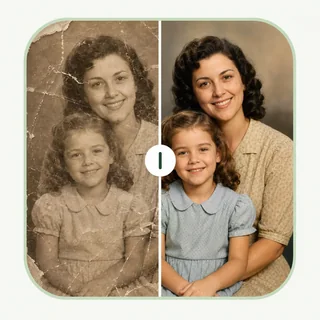
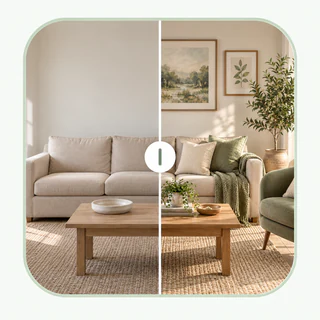
See how AI image colorizer can colorize photo with warmth and visual context while preserving the character of the original black and white image.
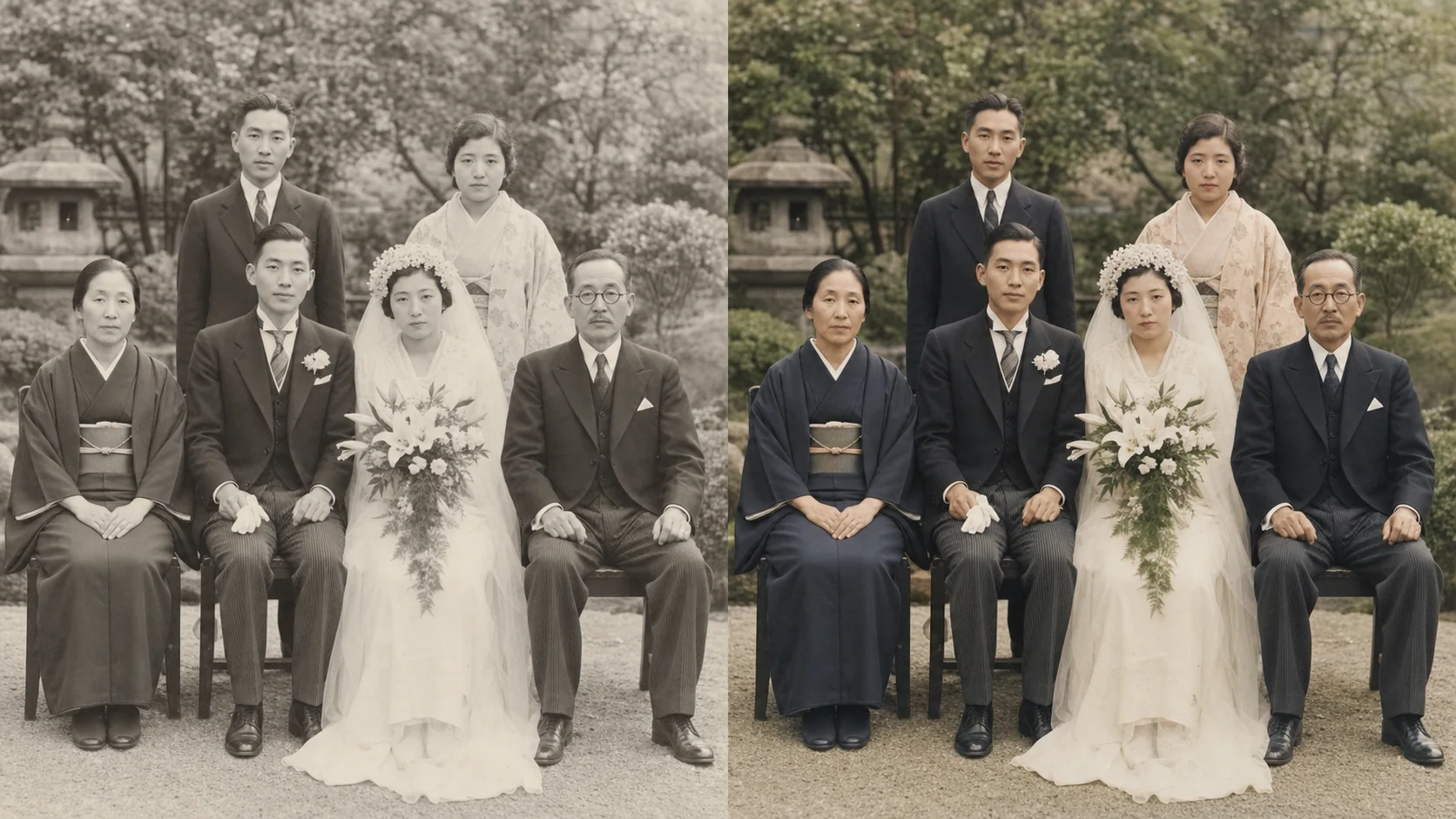
Family photographs
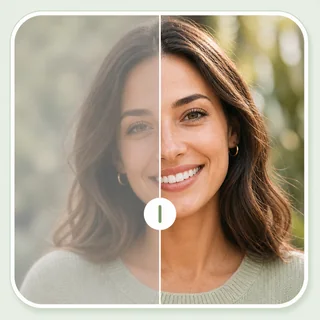
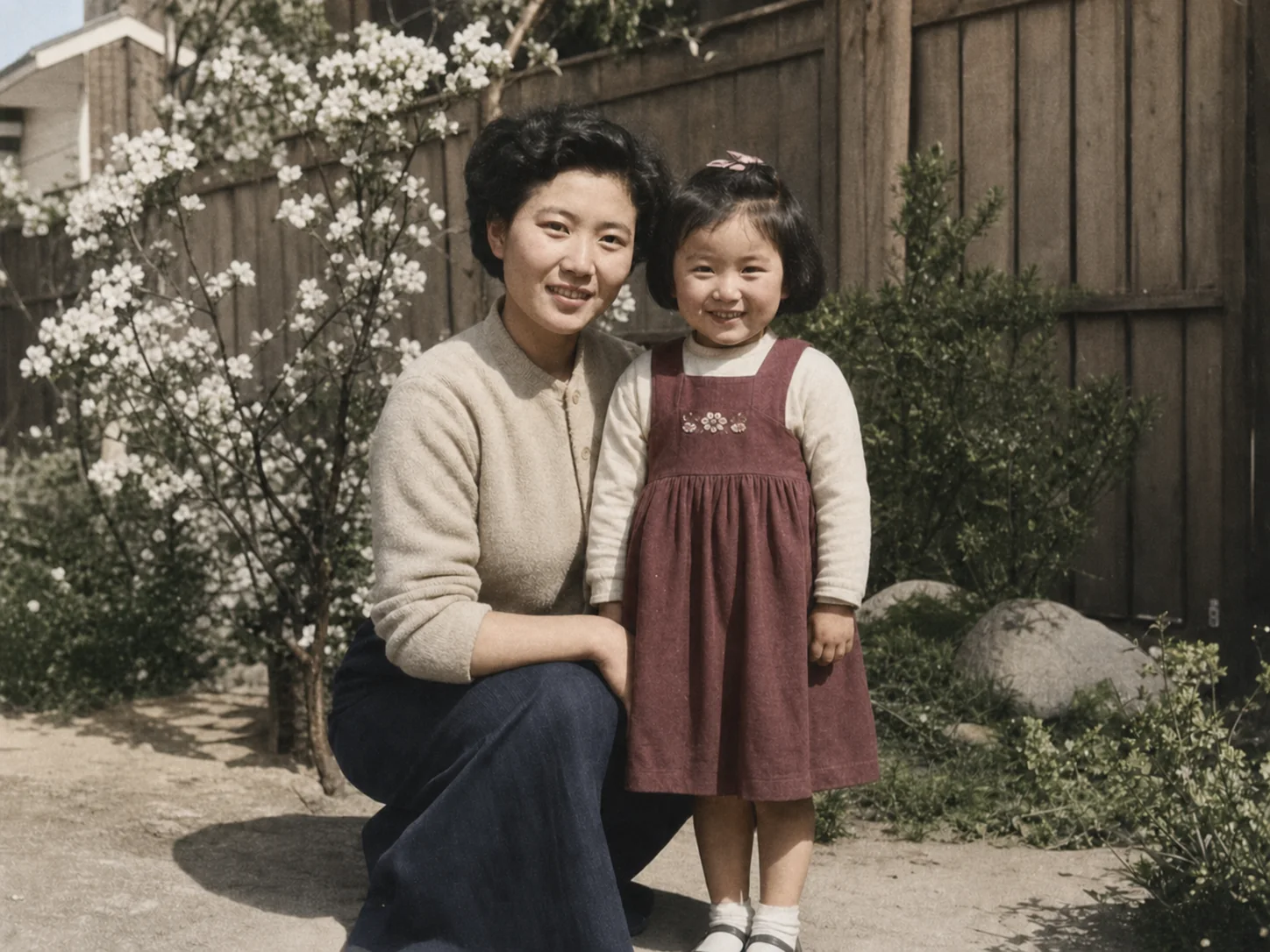
Give a cherished portrait a fresh sense of place with gentle skin tones, fabric detail, and natural outdoor color.
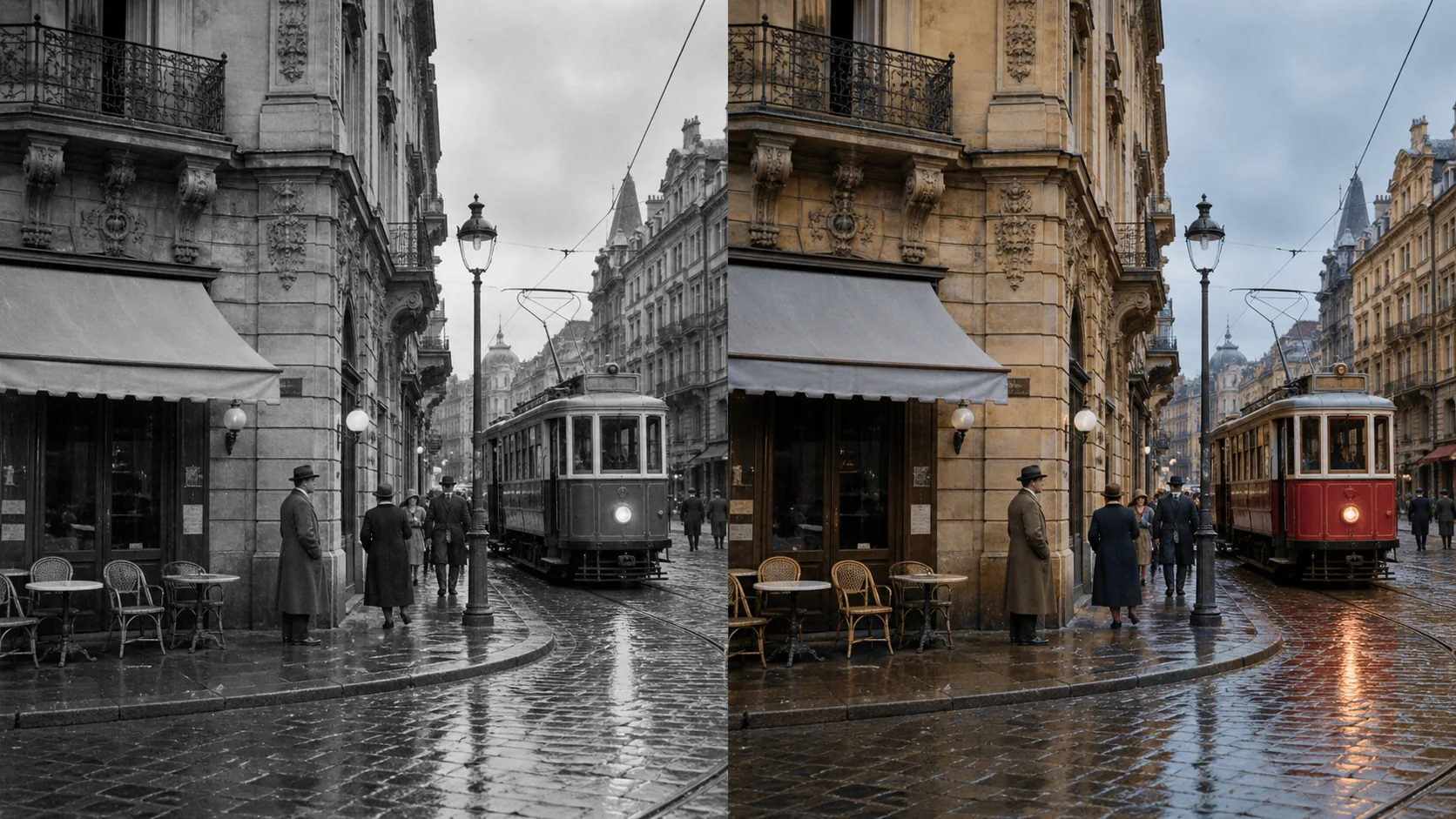
Historical street scenes
Add useful visual context to older streets, vehicles, buildings, and public scenes while keeping the original period atmosphere.
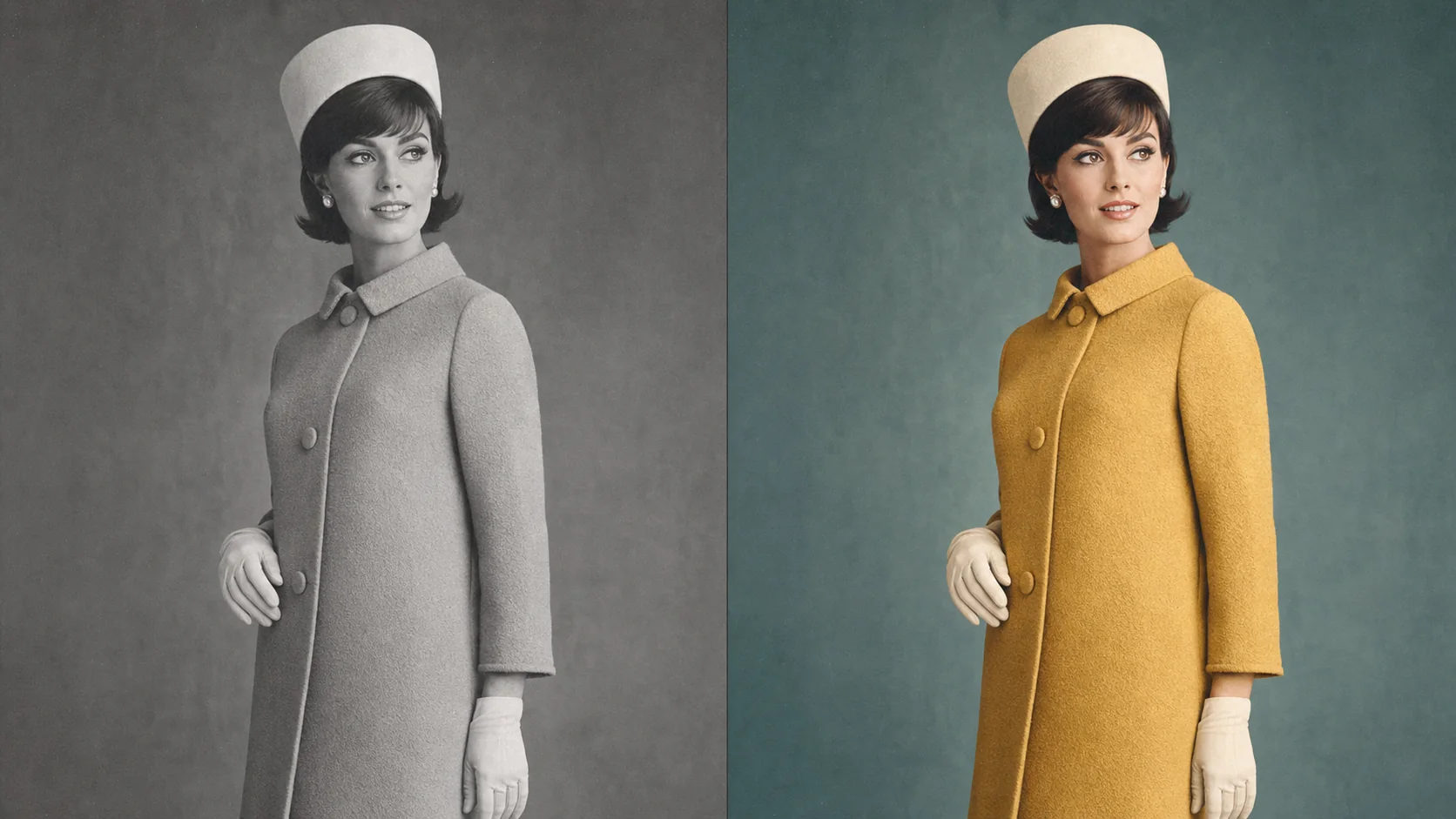
Vintage fashion portraits
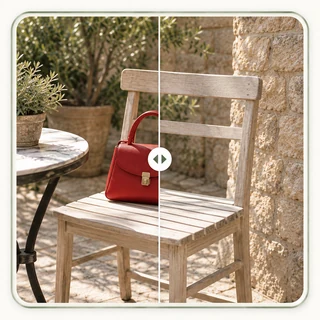
Bring back the subtle palette, fabric texture, and lighting of a classic editorial or personal fashion photograph.
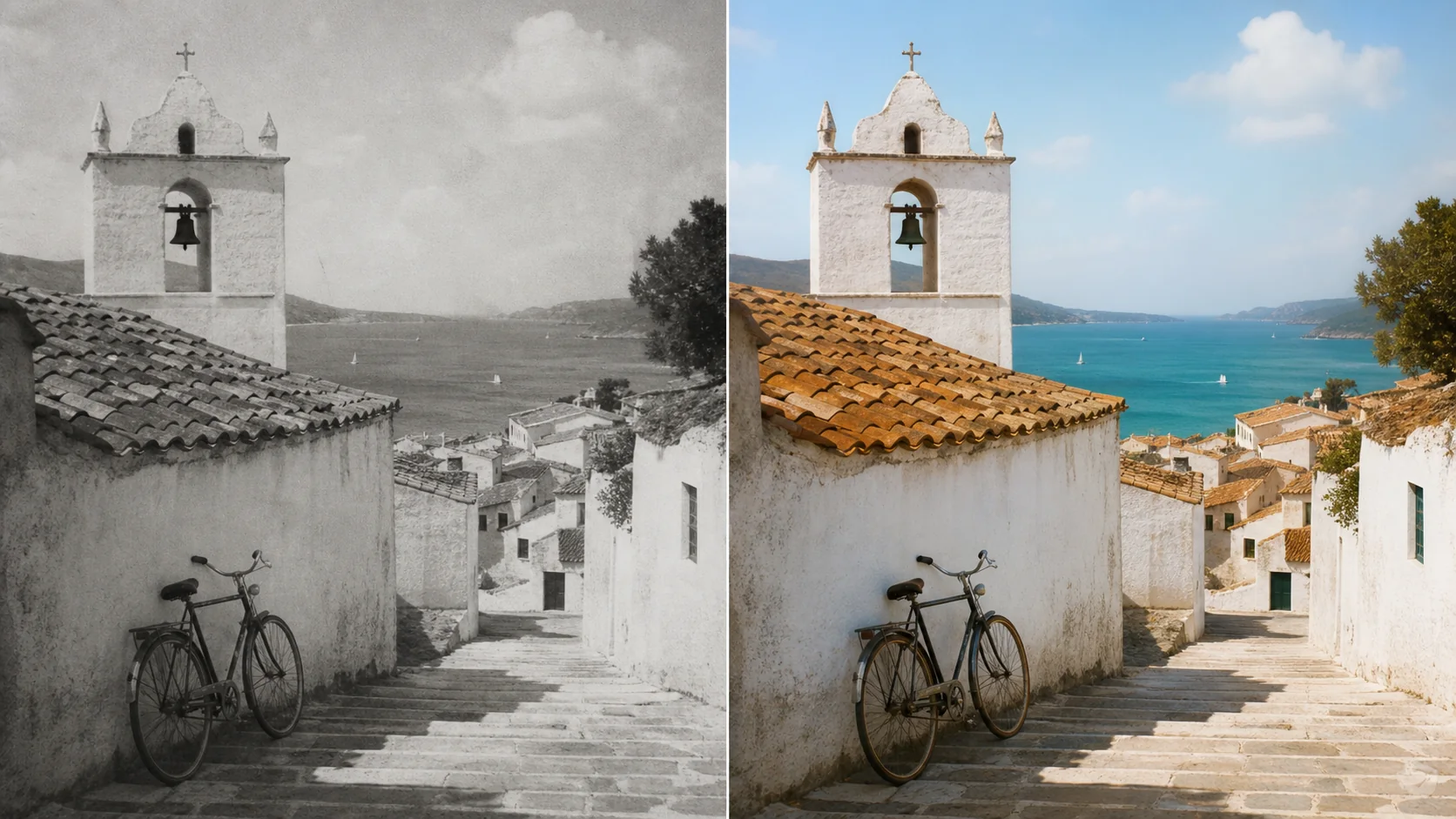
Travel and architecture
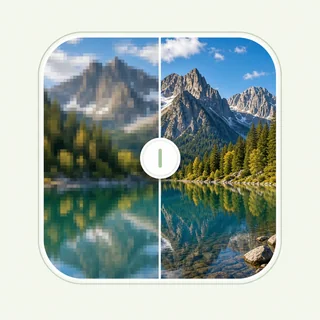
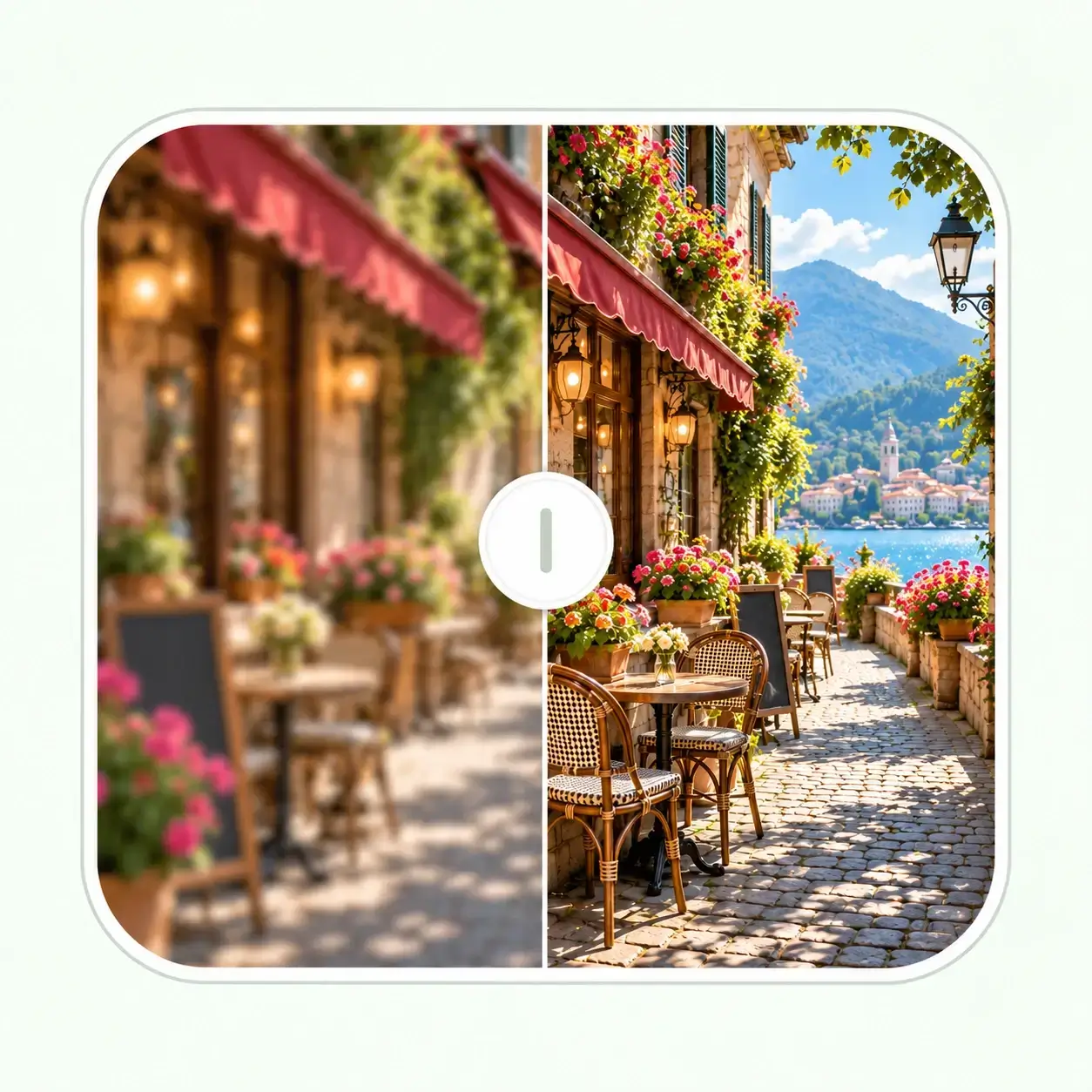
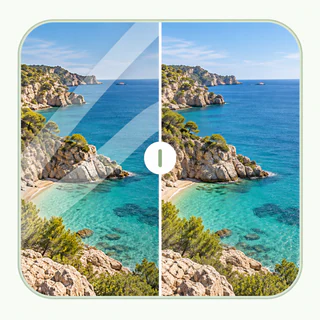
Restore the atmosphere of old places through believable skies, vegetation, stonework, and architectural materials.
How to Colorize Photo Online
Step 1
Upload a JPG, PNG, or WebP black and white photo.
Step 2
Choose a scene and let the image colorizer build a natural color treatment.
Step 3
Review the result, then download your colorized image.
Get the Best Colorized Result
Start with the clearest scan
A clear, well-exposed source gives AI more visual information about faces, clothing, backgrounds, and lighting.
Treat color as a thoughtful interpretation
AI creates believable color from image context. Review details carefully when exact historical color matters.
Repair damage when it gets in the way
Heavy scratches, fading, or blur can limit the result. Restore the image first when the original needs more repair.
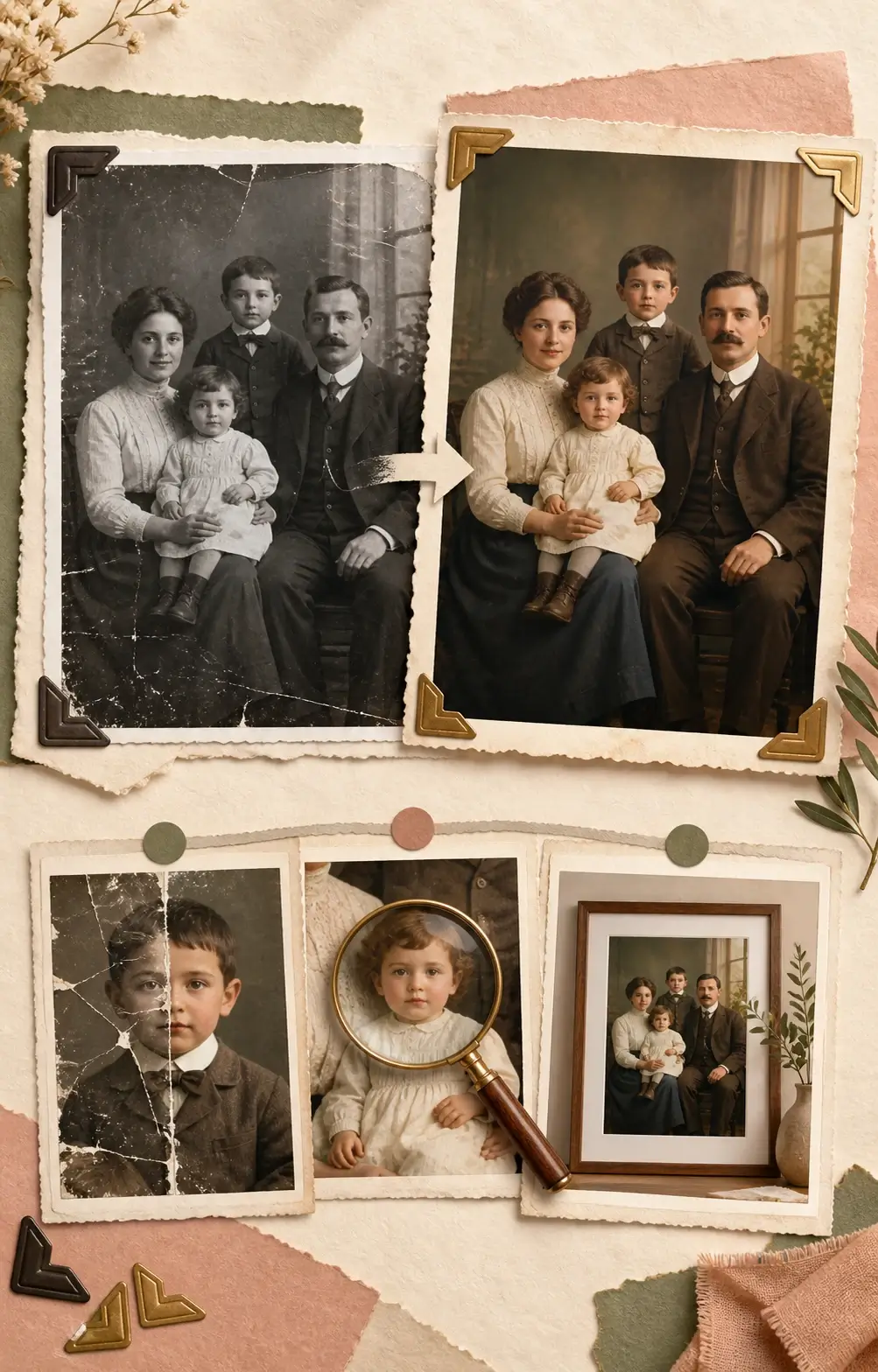
After Photo Colorization
Once your image has color, choose only the next step it needs—whether that is repair, a little more detail, or a larger final copy.
- 01
Ready to Save, Share, or Print
Review the colors in faces, clothing, and important details, then download the colorized image in the format that suits your next use.
- 02
Repair an Older or Damaged Original
If the original photo also has scratches, fading, tears, or blur, use Photo Restoration to repair those age-related issues, then colorize the repaired version for a more complete result.
- 03
Refine Detail or Prepare a Larger Version
For extra clarity after colorization, continue with Image Enhancer. When you need a larger copy for a print, presentation, or display, use Image Upscaler.
Designed for More Than One Type of Memory
Portrait-aware colorization
Faces and clothing are treated with care to help family photos feel warm and believable.
Archive-friendly scenes
Use an archive-oriented setting for historical documents, public scenes, and older photographs.
Clear, practical downloads
Choose the output format that works best for sharing, printing, or using the image in another project.
Simple browser workflow
Use this free photo colorizer in your browser: upload an image, choose the context, and download the result without installing software.
Continue Improving Your Image
Your black and white photo now has color. Continue only if the colorized result needs clearer detail, repair for an aging original, or a larger version for display.
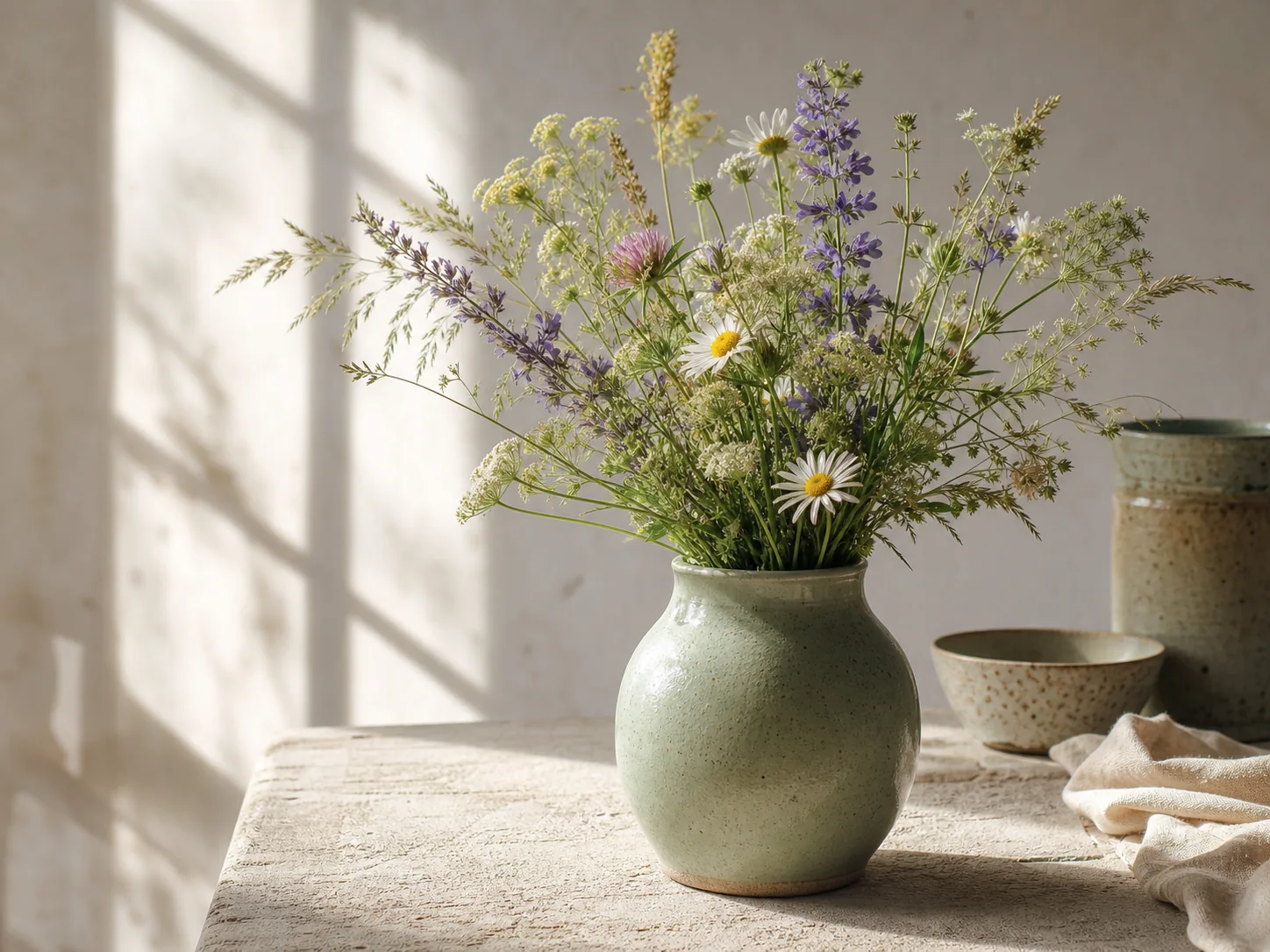
Enhance Image Detail
After colorization, use AI Image Enhancer to sharpen soft edges and bring out detail in faces, clothing, and backgrounds without changing the new color treatment.
Enhance Image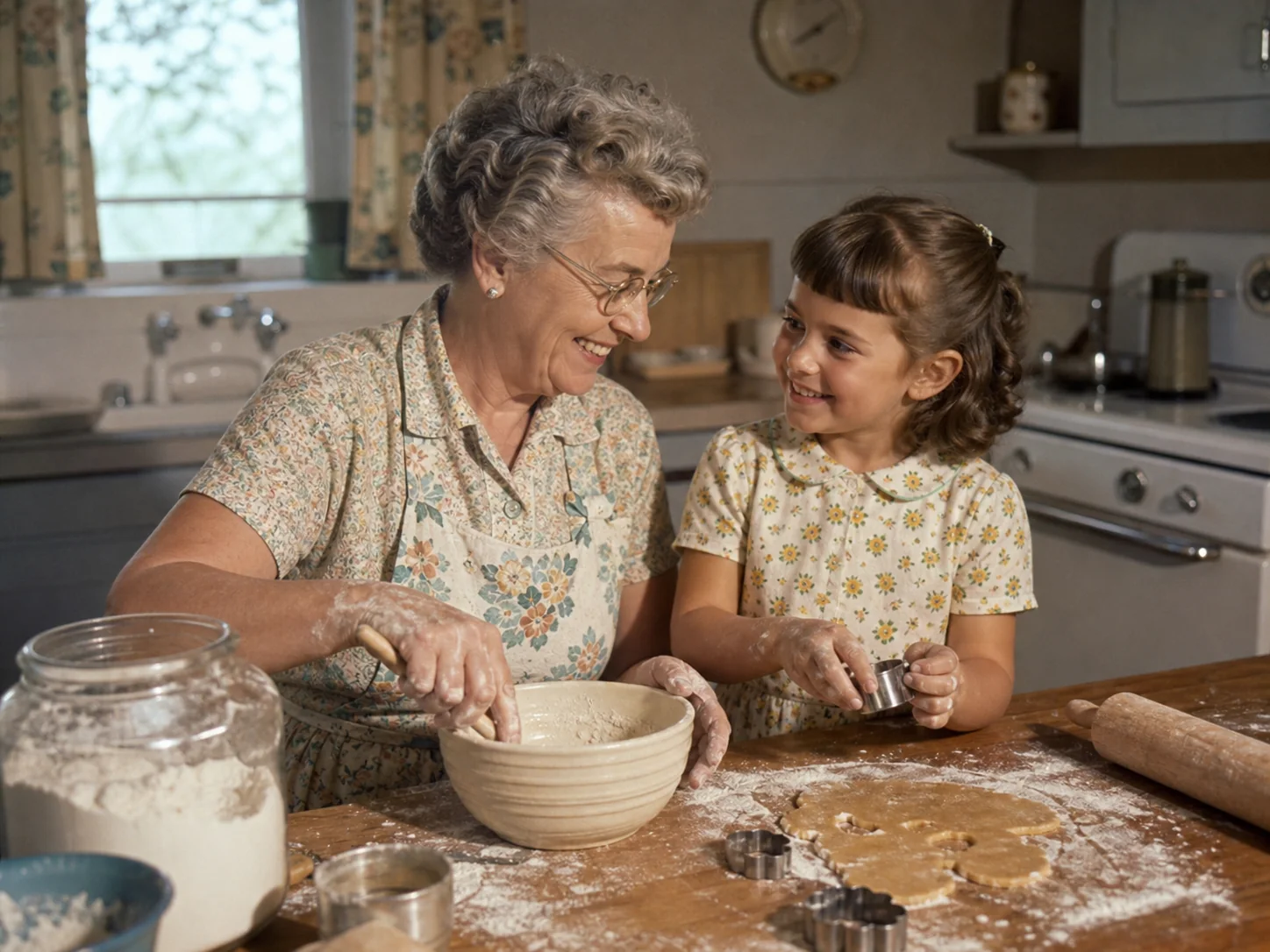
Repair an Old Photo
If the black and white original has scratches, fading, tears, or blur, use Old Photo Restoration first, then return to Photo Colorizer for a cleaner colorized result.
Restore Photo
Make a Larger Copy
When the colorized photo is ready to share, use AI Image Upscaler to prepare a larger copy for a print, presentation, digital frame, or large display.
Upscale Image