

Free AI Unblur Image – Make Blurry Photos Clear Online
Upload a blurry image and let AI deblur images instantly. Clear up out-of-focus photos, sharpen details, and download in high quality. One click · No Photoshop · No sign-up & software required · 100% free
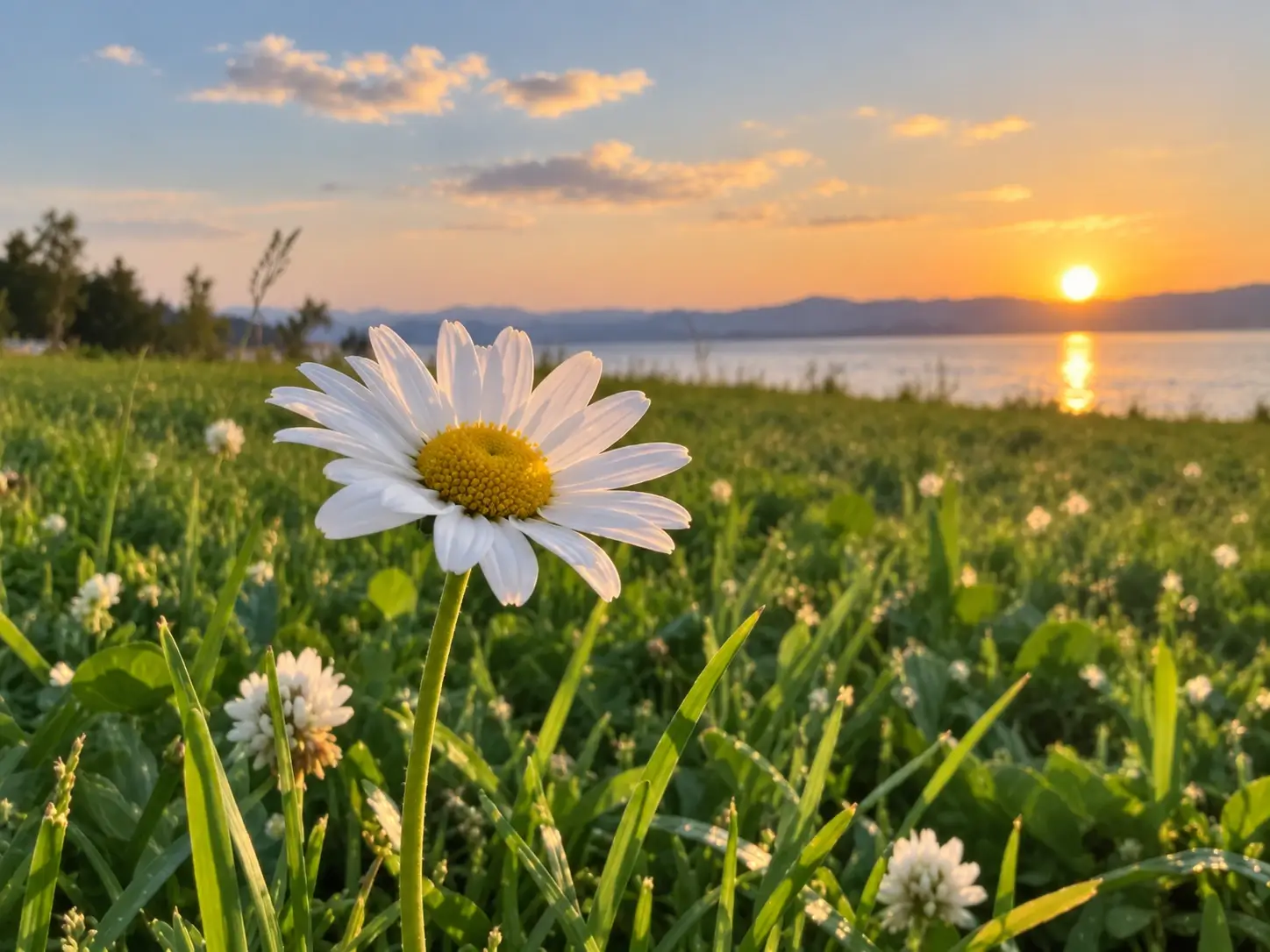
Upload Image
Drag & drop or click to browse
Upload 1–20 images.Batch processing requires .
Why Is My Photo Blurry? 4 Causes You'll Recognize
Motion Blur Ruins the Moment
A moving child, pet, or athlete leaves the subject smeared while the background stays sharp. You only notice once you zoom in—and by then the moment feels ruined, until you can unblur photo memories with AI.
Out-of-Focus Leaves Faces Soft
The camera locks onto the background instead of your subject. Portraits and product shots come out with a crisp setting but a blurry face or hero object—the kind of softness you later need to fix blurry photo problems.
Low Light Adds Noise and Blur
Night, indoor, or handheld shots in poor light turn grainy and soft at once, so detail disappears and the image feels muddy. It's one of the most common reasons people want to unblur image files at home, then unblur photo prints too.
Shared Images Lose Quality
Photos saved from chat apps, social feeds, or email get compressed again and again, arriving on your device softer and fuzzier than the original—just the kind of photo you'll want to unblur photo content before sharing.
How to Unblur an Image in 3 Easy Steps
Step 1: Upload
Upload a JPG, PNG, or WebP blurry photo up to 18MB. No account, no setup, no software to install.
Step 2: One Click
Click once and our AI unblurs the image, rebuilding detail for a clearer, natural-looking result while you wait seconds.
Step 3: Download
Download your clear image in JPG, PNG, or WebP. No watermark, no payment, ready to share, print, or post.
Fix Blurry Photos in One Click with AI
One-Click AI Unblur
Upload a blurry photo and let our unblur image tool, an AI deblur engine, remove blur from photo automatically. No editing skills and no manual masking—one click turns a soft shot into a clear one, free and online.
Make Blurry Photos Clearer
Our deblur image model handles motion blur, out-of-focus, and compressed softness in one pass. It rebuilds edges and texture so the photo reads clearly—the easiest way to fix blurry photo issues without installing any software.
Recover Detail, Not Just Sharpen
Smart reconstruction brings back fine detail instead of simple sharpening, so you avoid extra noise and crunchy artifacts. Unlike tools that only sharpen blurry image areas with harsh edges, our deblur image engine can remove blur from photo cleanly and never over-sharpens blurry image detail.
Keep Results Believable
The clear result stays natural—faces, text, and textures look real, not over-processed or plasticky. It takes seconds, so you can fix blurry photo problems and move on.
Unblur Image
Before and After
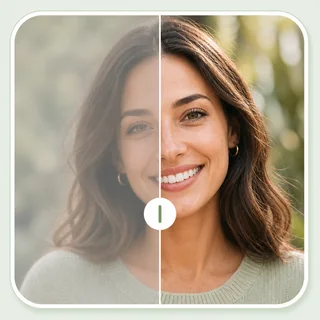
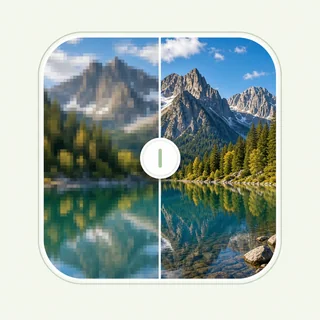
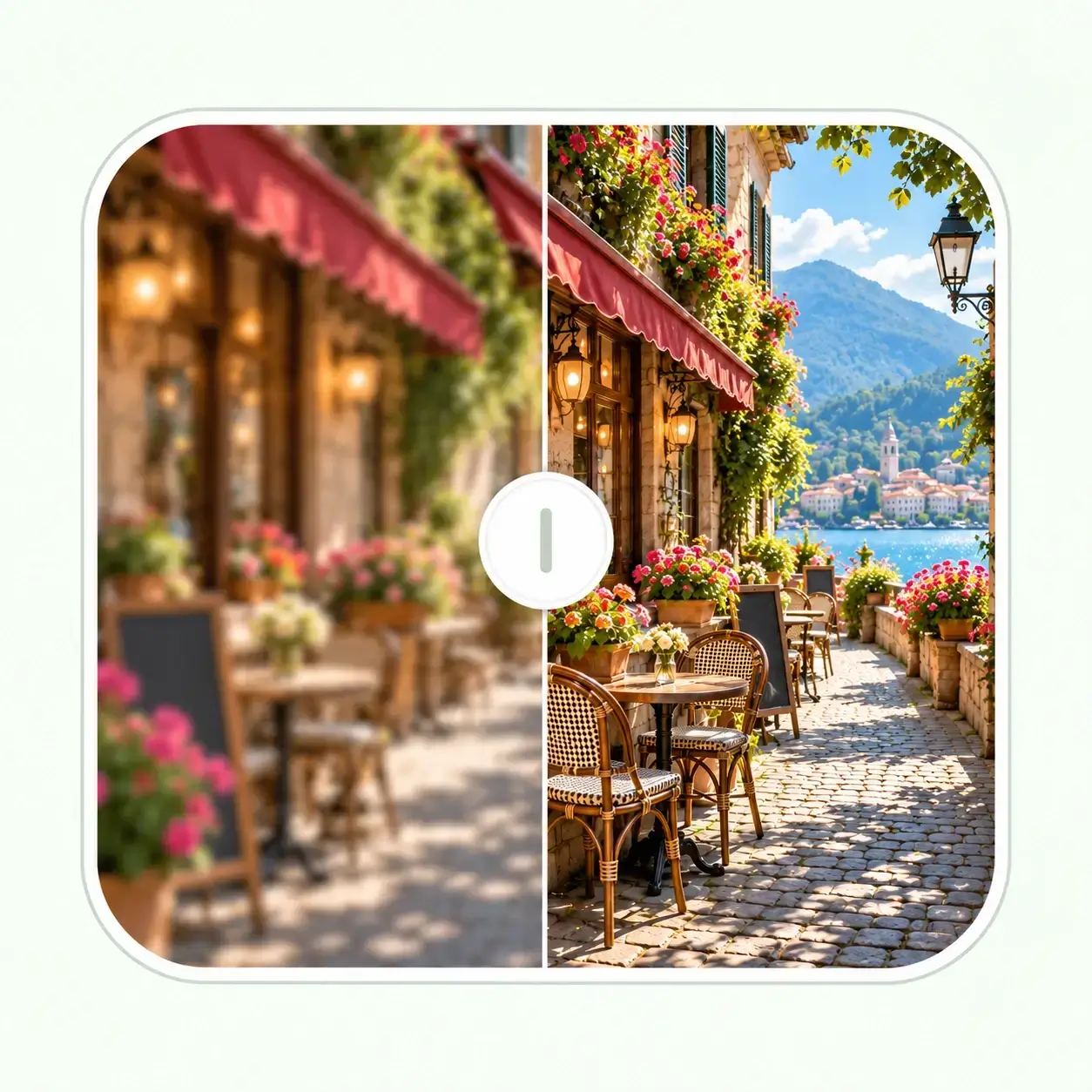
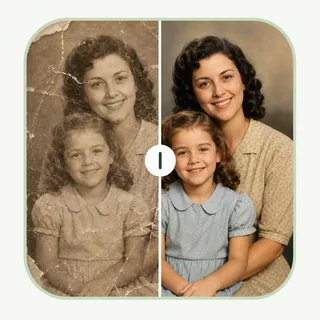
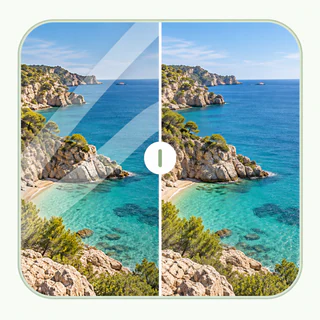
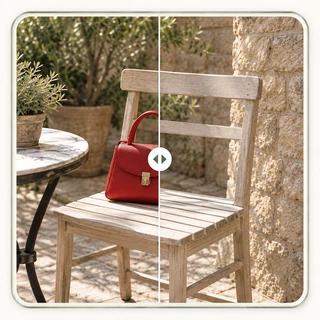
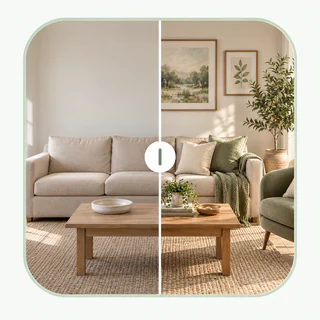
Real blurry photos, made clear with our unblur image tool and clean deblur image results. Each pair shows the same shot before AI deblurring and after—motion blur, camera shake, soft focus, and low-resolution softness all turned into natural, usable images.

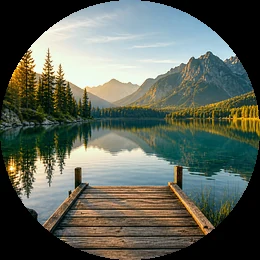
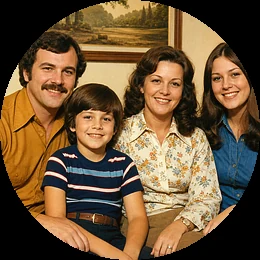
Free one-click deblurring for creators, sellers, and everyday photos
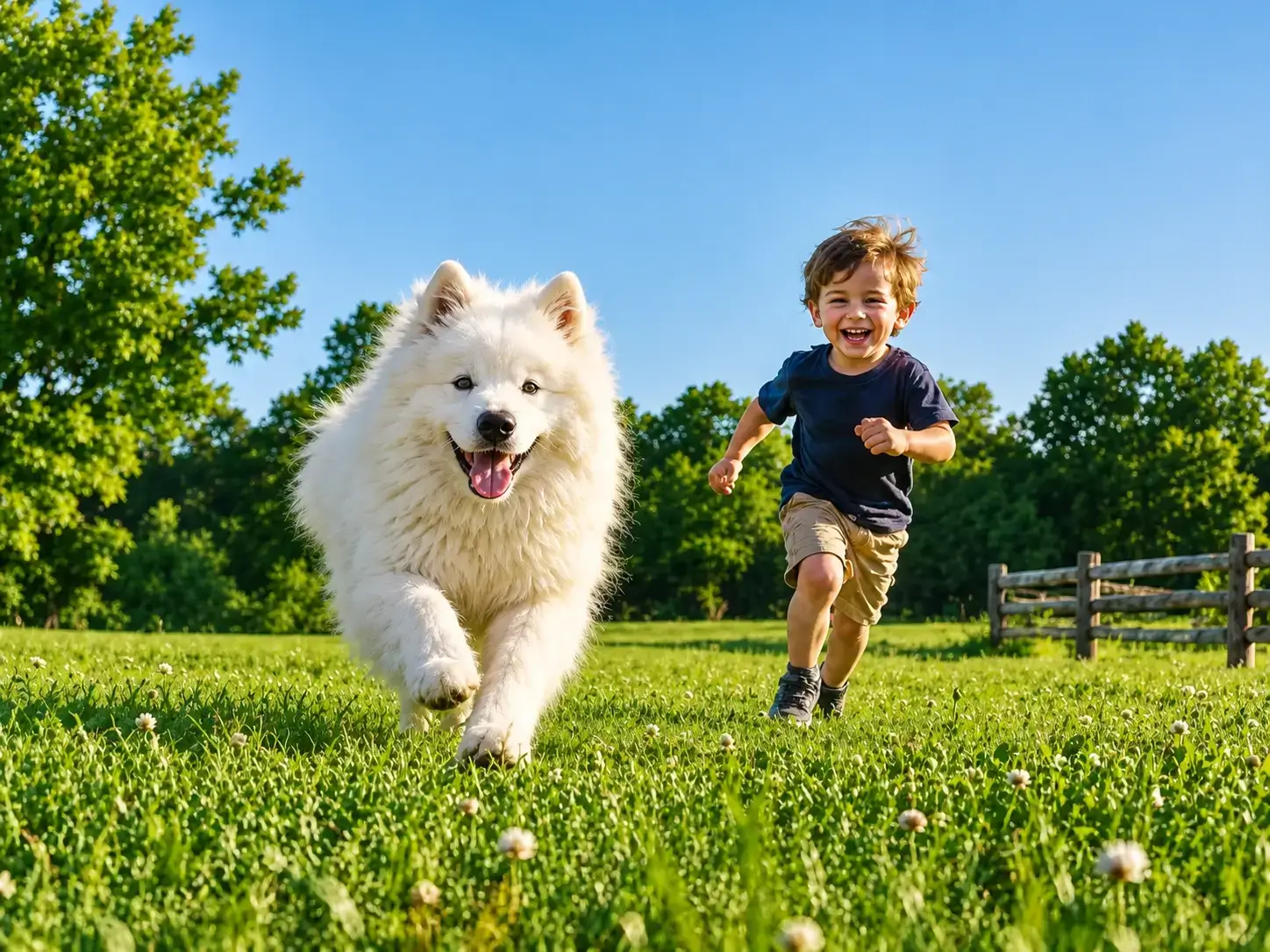
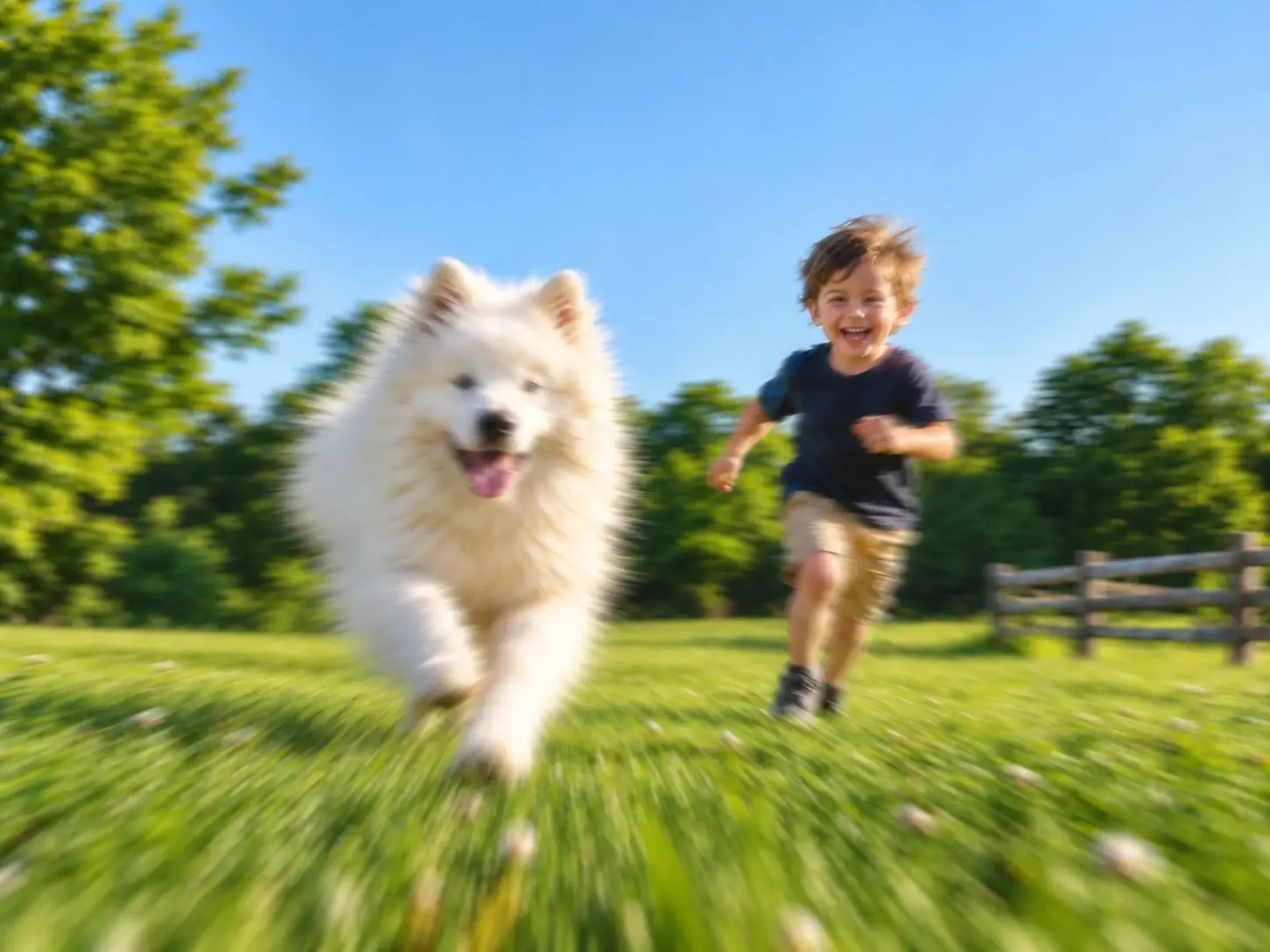
Unblur a Pet Photo Caught in Motion
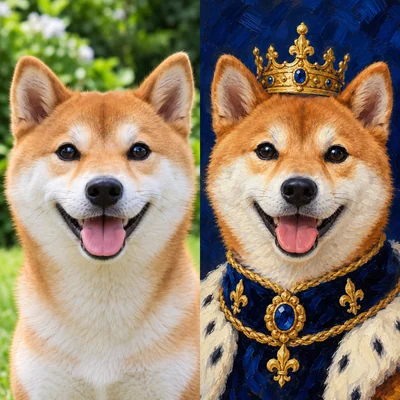
A playful dog or running child left the frame smeared. Our AI deblur recovers clearer eyes and fur texture while keeping the portrait natural, not artificially sharpened. It's a quick deblur image fix you can trust—our AI sharpen blurry image regions without the crunchy look.
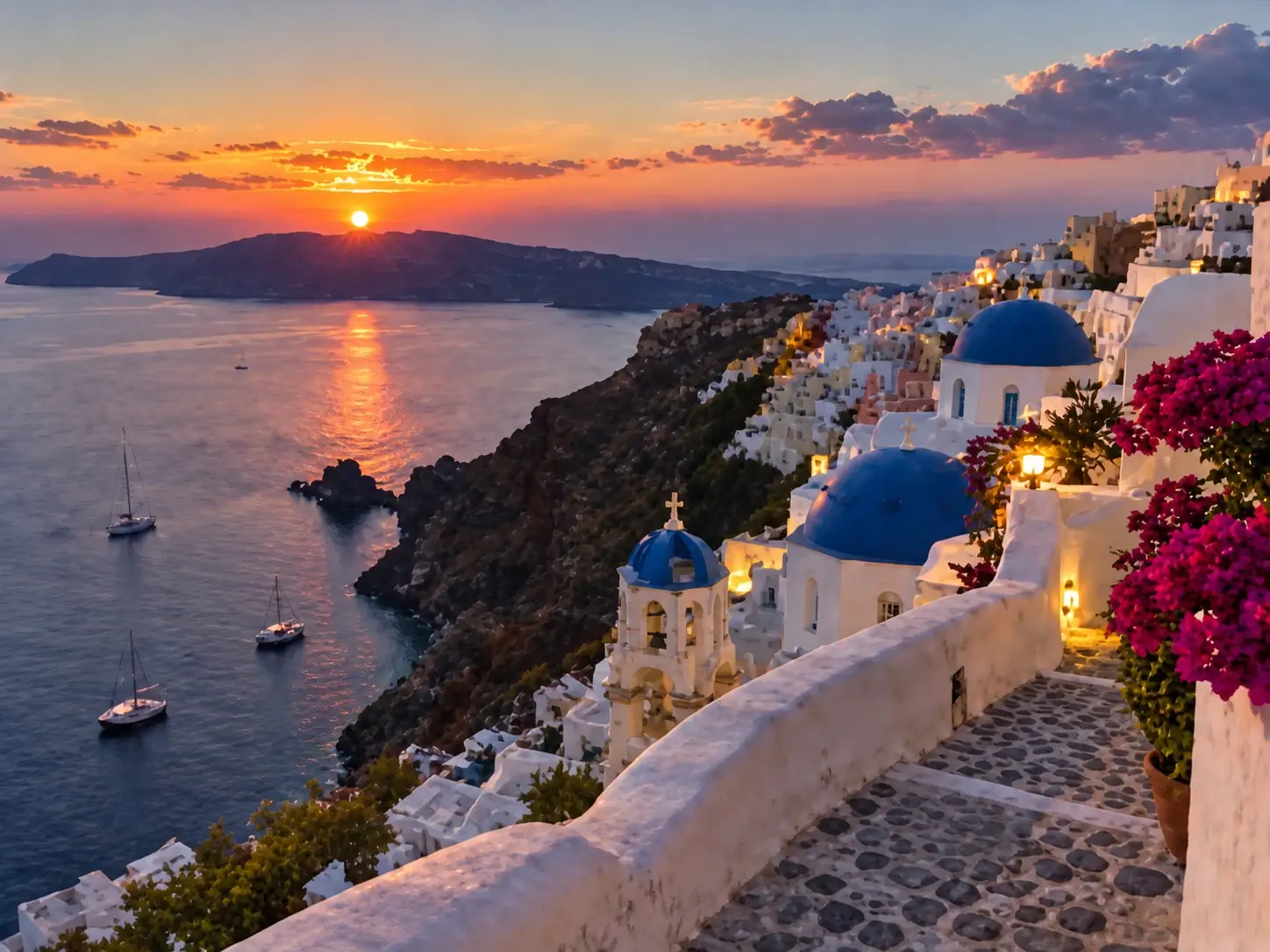
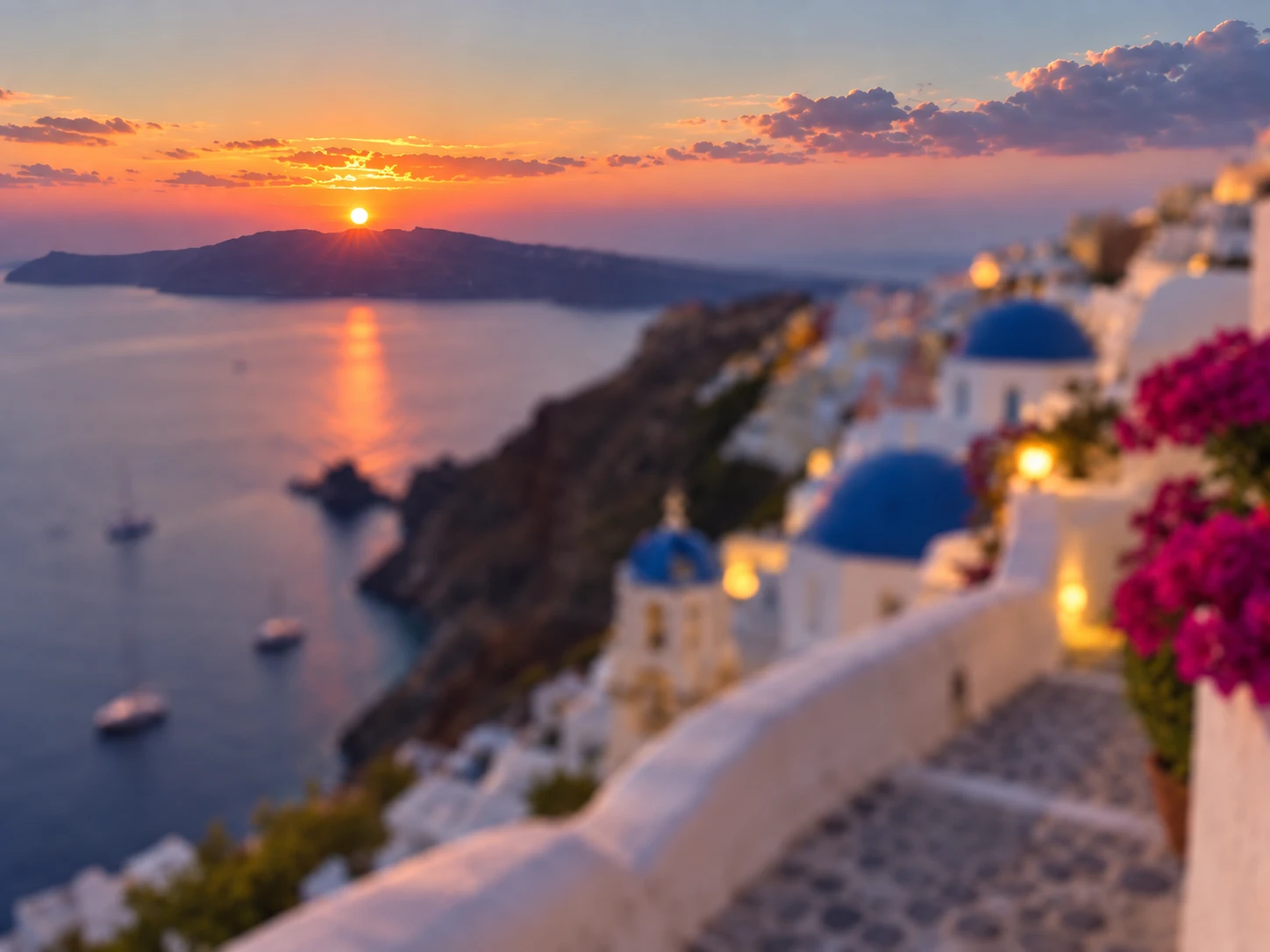
Fix a Shaky Travel Landscape
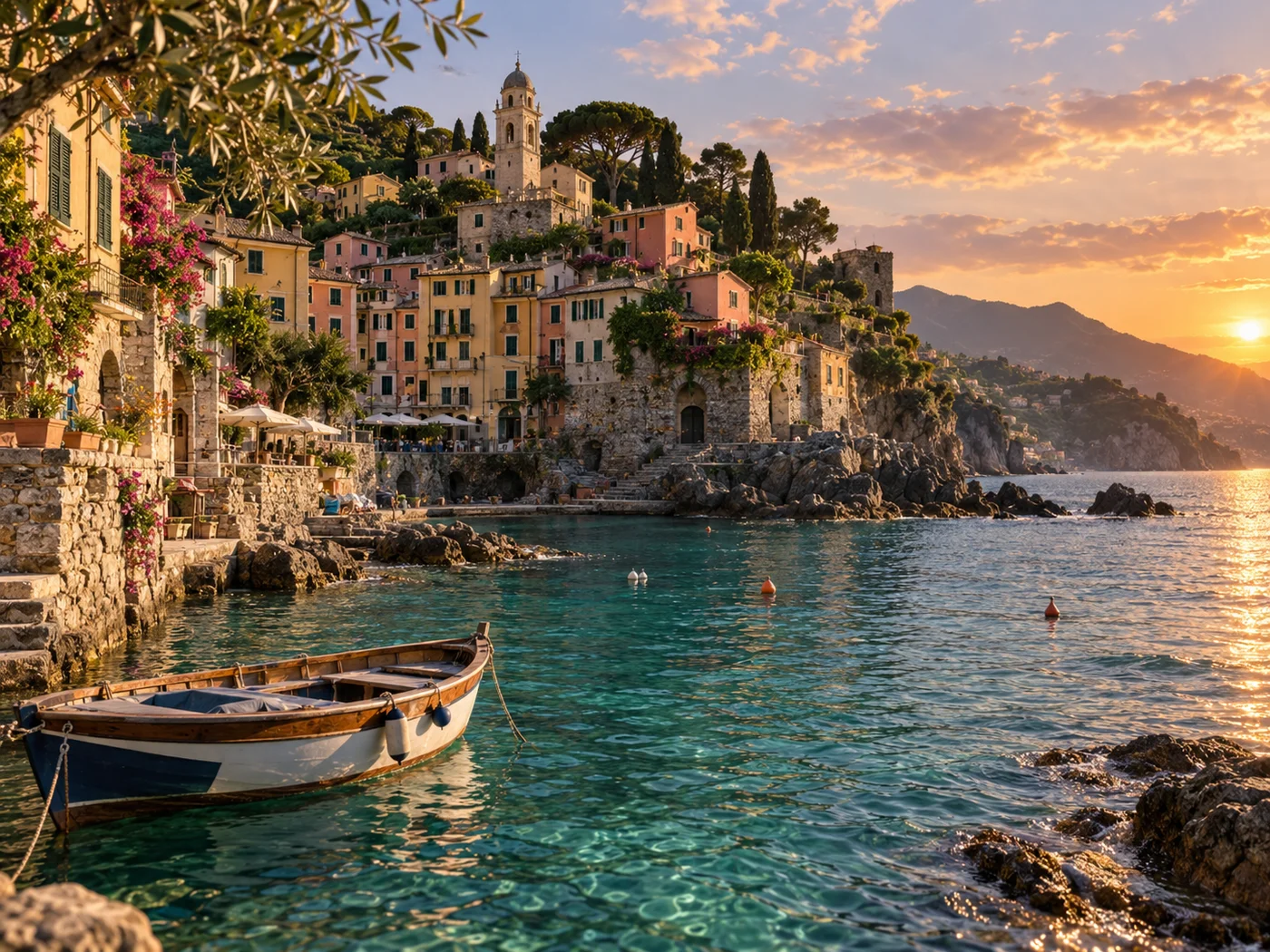
Camera shake or a missed focus point turns a great travel moment into a soft blur. Our AI deblur tool rebuilds edges so cityscapes and mountain shots read clearly again—no Photoshop required.
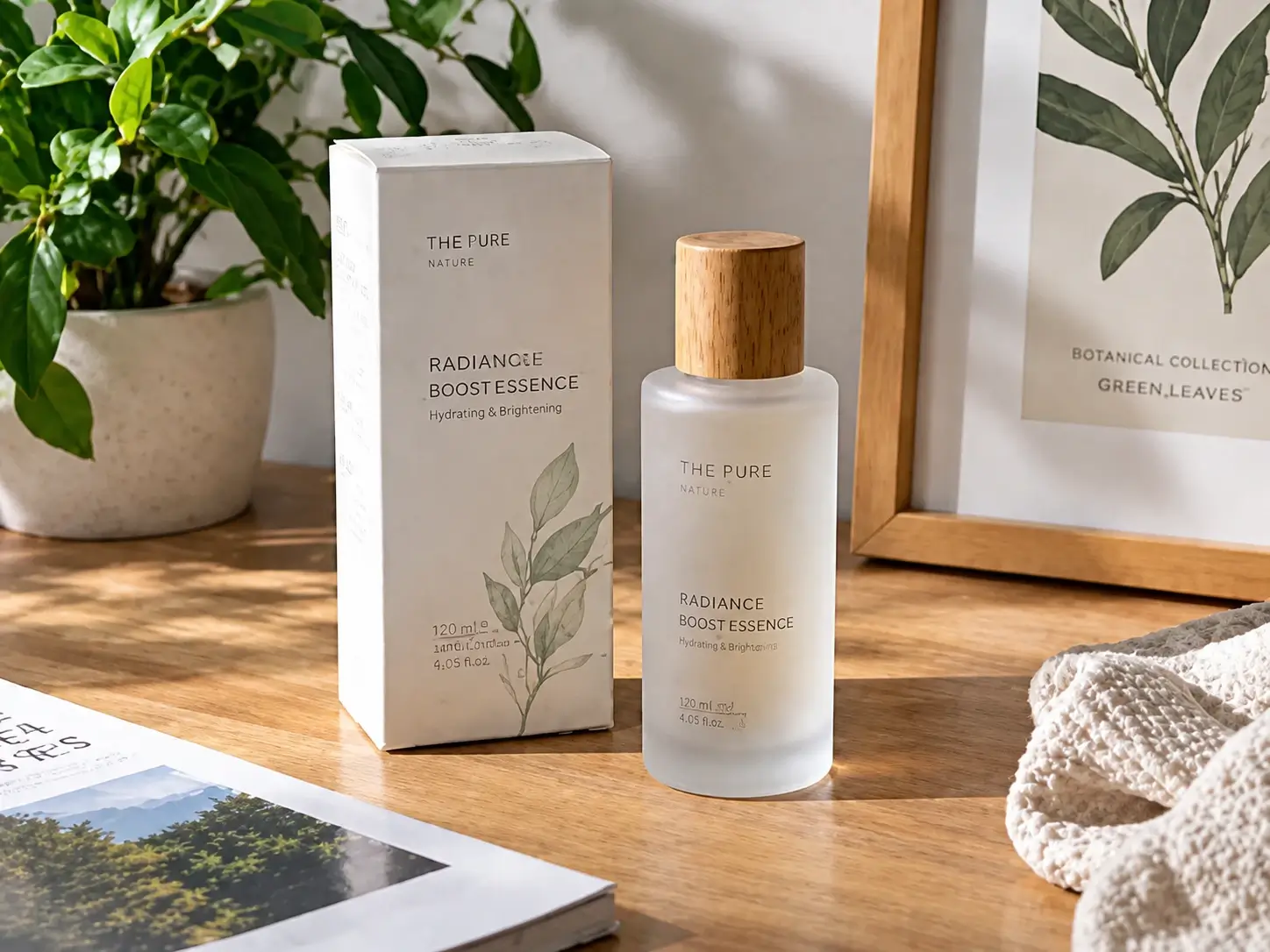
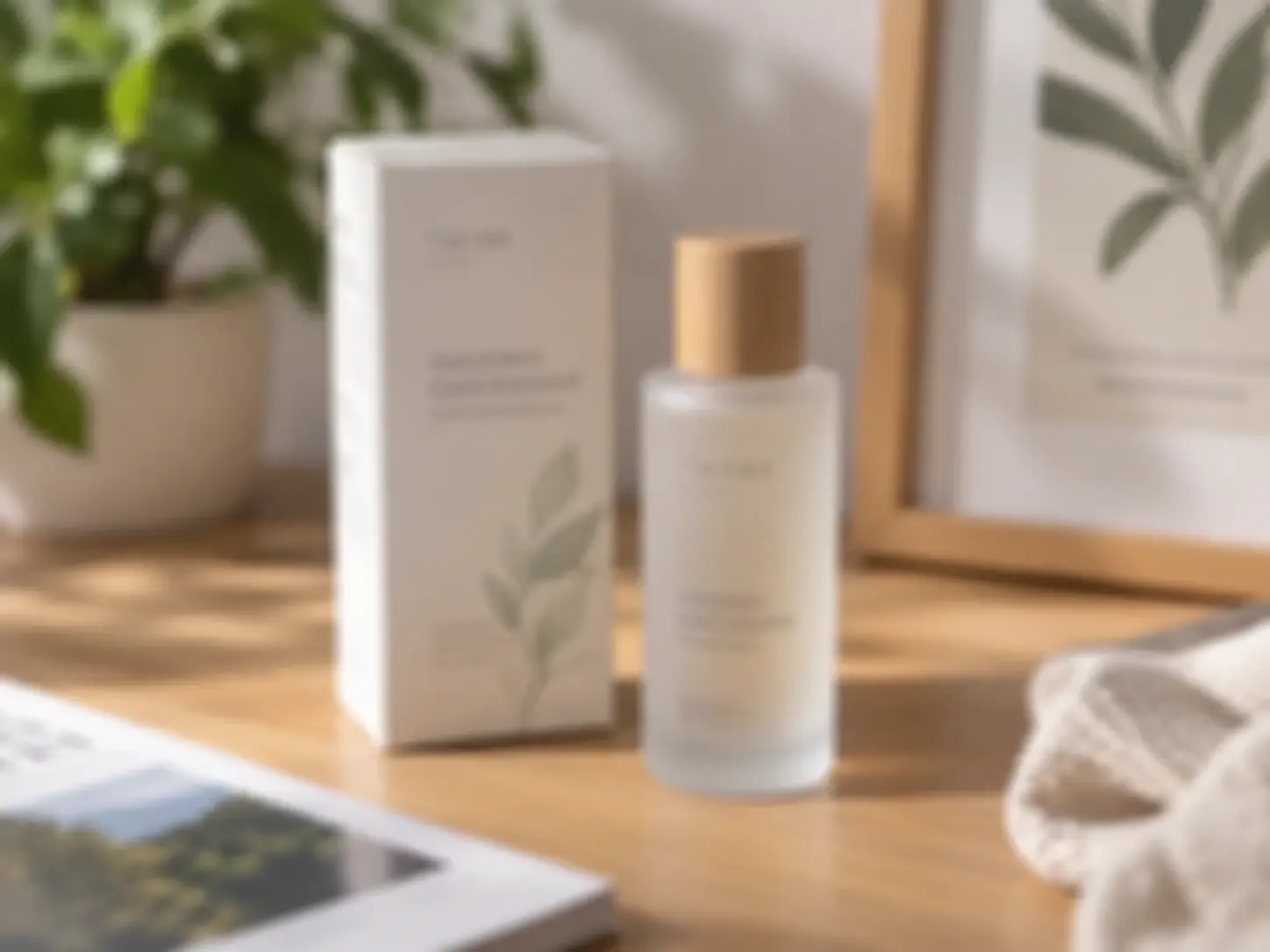
Fix a Soft Screenshot or Product Shot
Compressed product photos and chat-shared screenshots often look fuzzy. Our unblur image tool lifts detail so listings, thumbnails, and posts look sharper and more trustworthy—exactly how to fix a blurry screenshot before you share it.
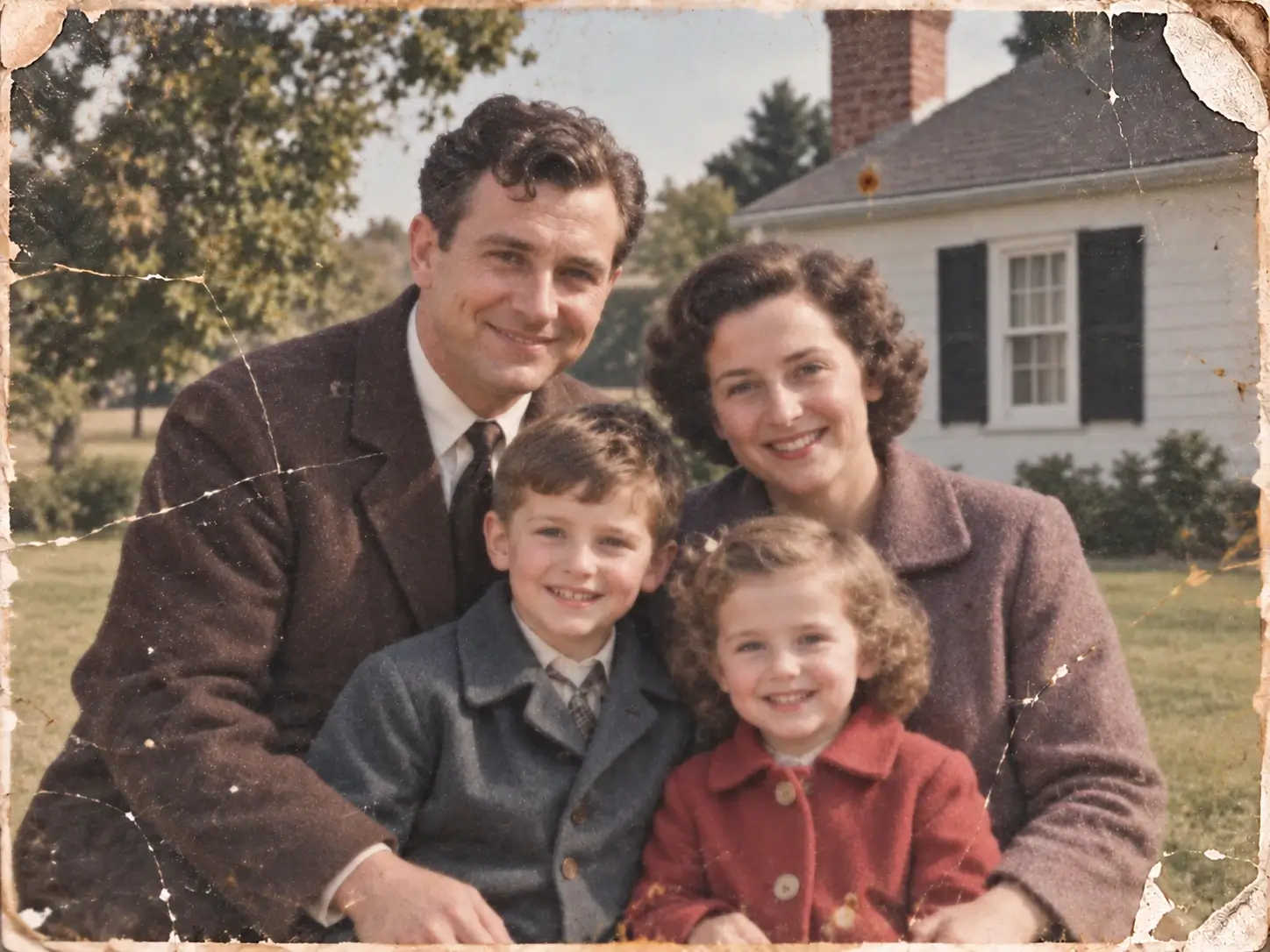
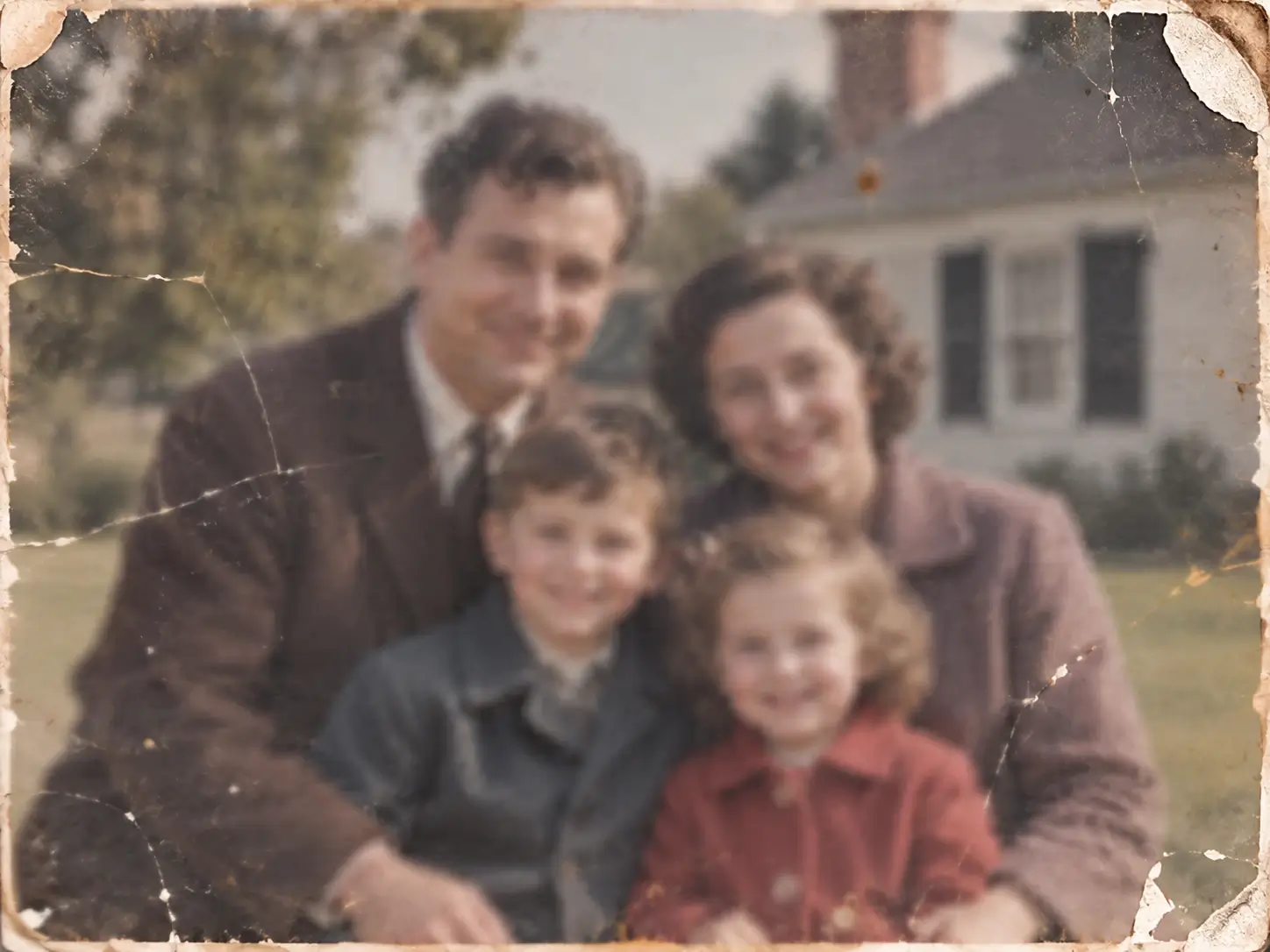
Clear Up a Blurry Old Family Photo
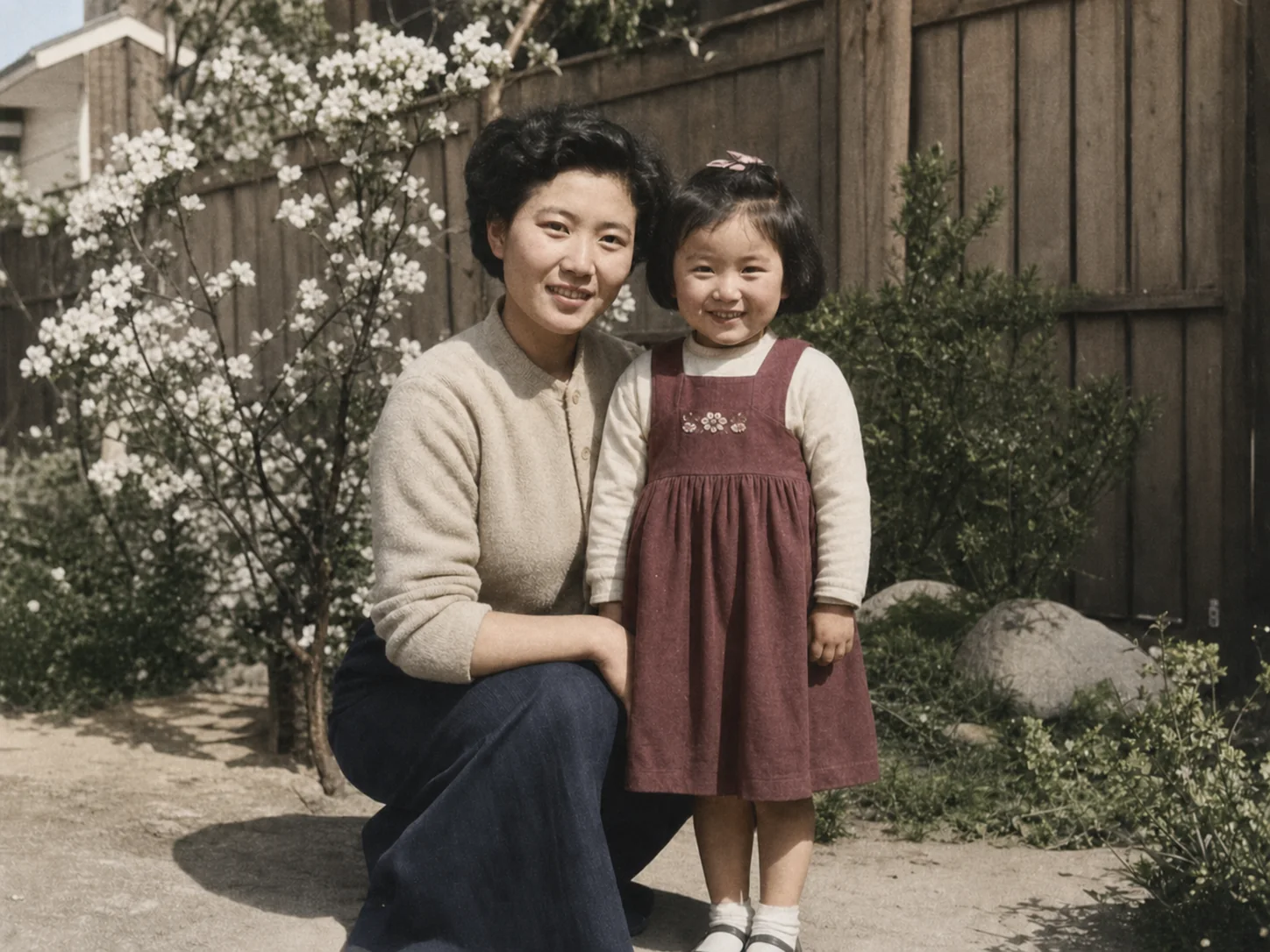
Aged scans and old prints lose sharpness over time. Our deblur image tool brings back visible detail for albums and archives, then you can restore damage in the next step if needed.
Why Use Our Online Unblur Photo Tool?
No Editing Skills Needed
Built for everyone. No layers, filters, or manual sliders—if you can upload a file, you can unblur photo files with zero editing experience.
One-Click Processing
One tap runs the full AI pipeline. No settings to tune and no before-and-after toggling required before you get a clear result—you upload and receive a finished unblur image.
Online, Free, and Fast
Runs in your browser—no software to install, no account, no payment. Clear results in seconds, with free daily credits for every visitor who needs to unblur image files.
Natural Results and Private
Output stays believable, not over-sharpened. Your uploads are processed for the task and handled under our deletion policy, so you can fix blurry photo problems without worry—our AI deblur can sharpen blurry image edges without faking them.
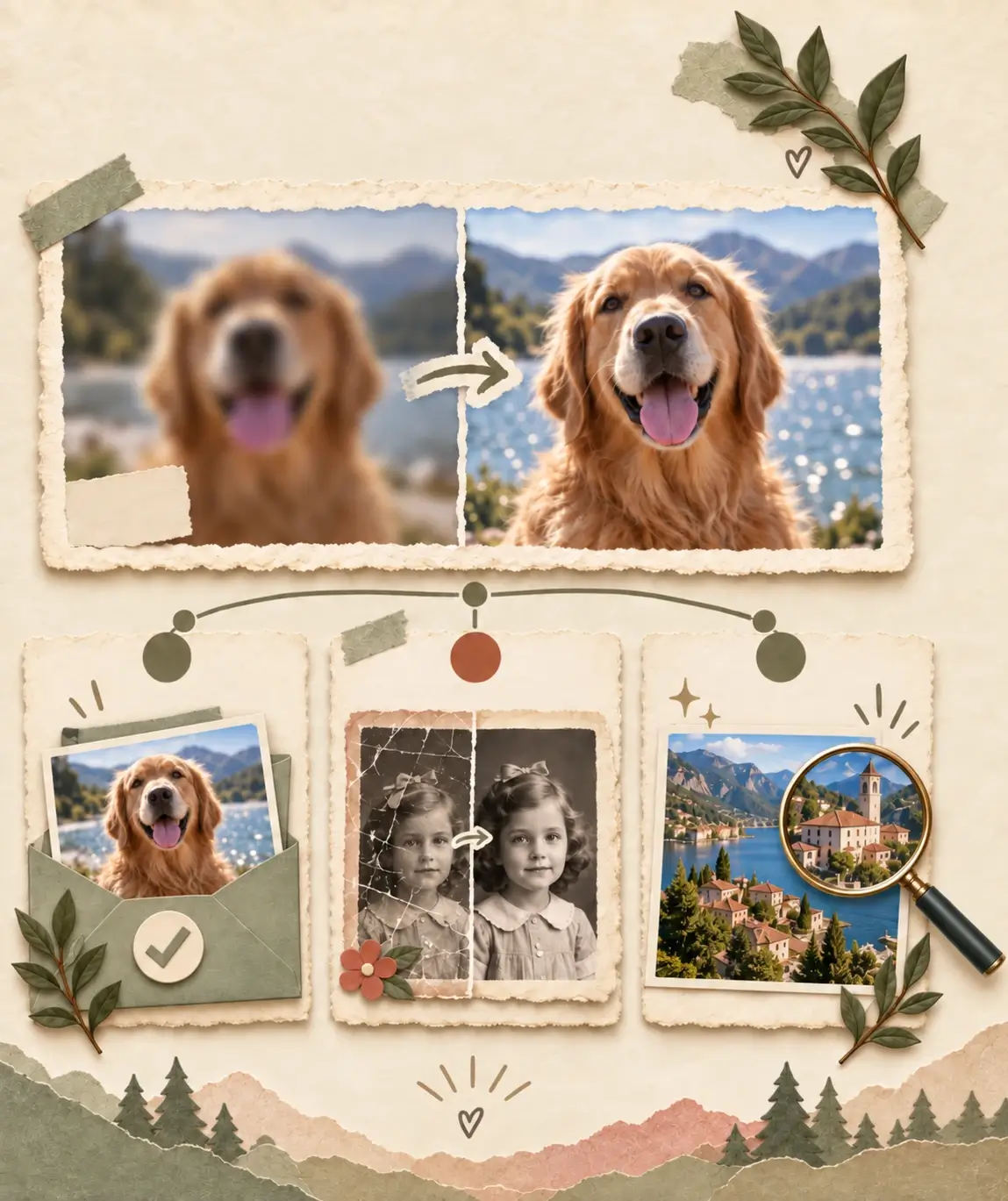
After You Unblur the Image: What's Next
Your photo is now clear at its current size. If it still has a specific limitation, move to the next tool that fixes that exact problem—keep the unblurred version as your clean starting point.
- 01
Unblur to Clear
Use Unblur Image to turn a blurry original into a clear, natural-looking photo with one-click deblur image processing, free and online in your browser.
- 02
Need to Repair an Old Photo
If the original is an old photo with scratches, tears, or fading, repair the damage with Photo Restoration after unblurring, then keep the repaired version as your new starting point.
- 03
Need a Brighter or Larger File
If the clear image needs richer color or light, refine it with Image Enhancer. If it is still too small for print or display, continue with Image Upscaler before you save the final file.
More Free AI Photo Tools to Try After Unblurring
After you unblur image files here, continue with a related tool only when the result needs repair, color, or more polish before you save or share.
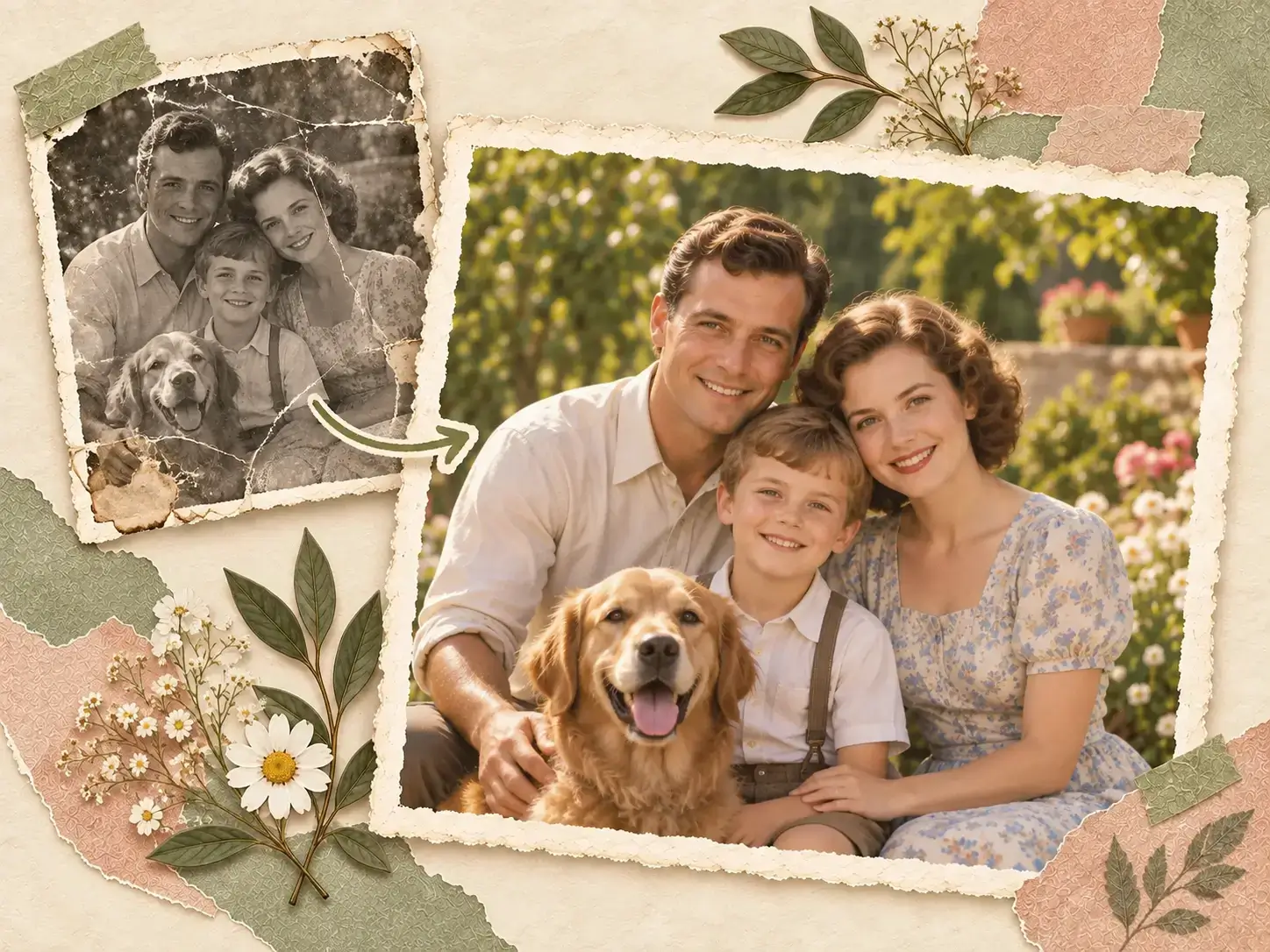
Repair Old and Damaged Photos with Photo Restoration
If the unblurred photo shows scratches, tears, or fading, use Photo Restoration to repair age-related damage before saving or printing.
Restore Photos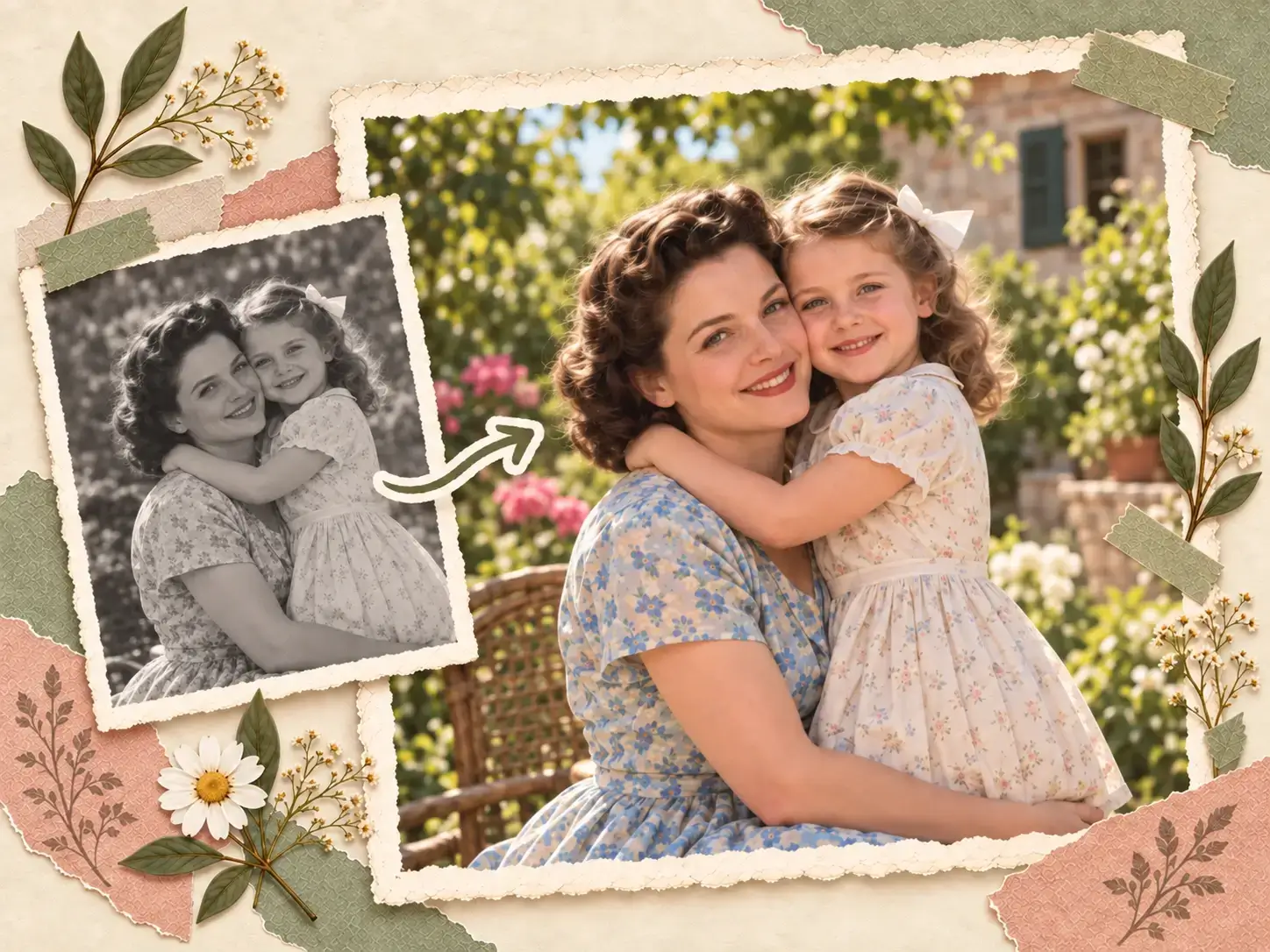
Add Natural Color to Old Images with Photo Colorizer
After unblurring an old black-and-white scan, use Photo Colorizer to add believable color and bring the memory to life.
Colorize Photo
Refine Color and Light with Image Enhancer
After unblurring, refine the clear image's color, lighting, and texture with Image Enhancer when you need a more polished final look.
Enhance Image