




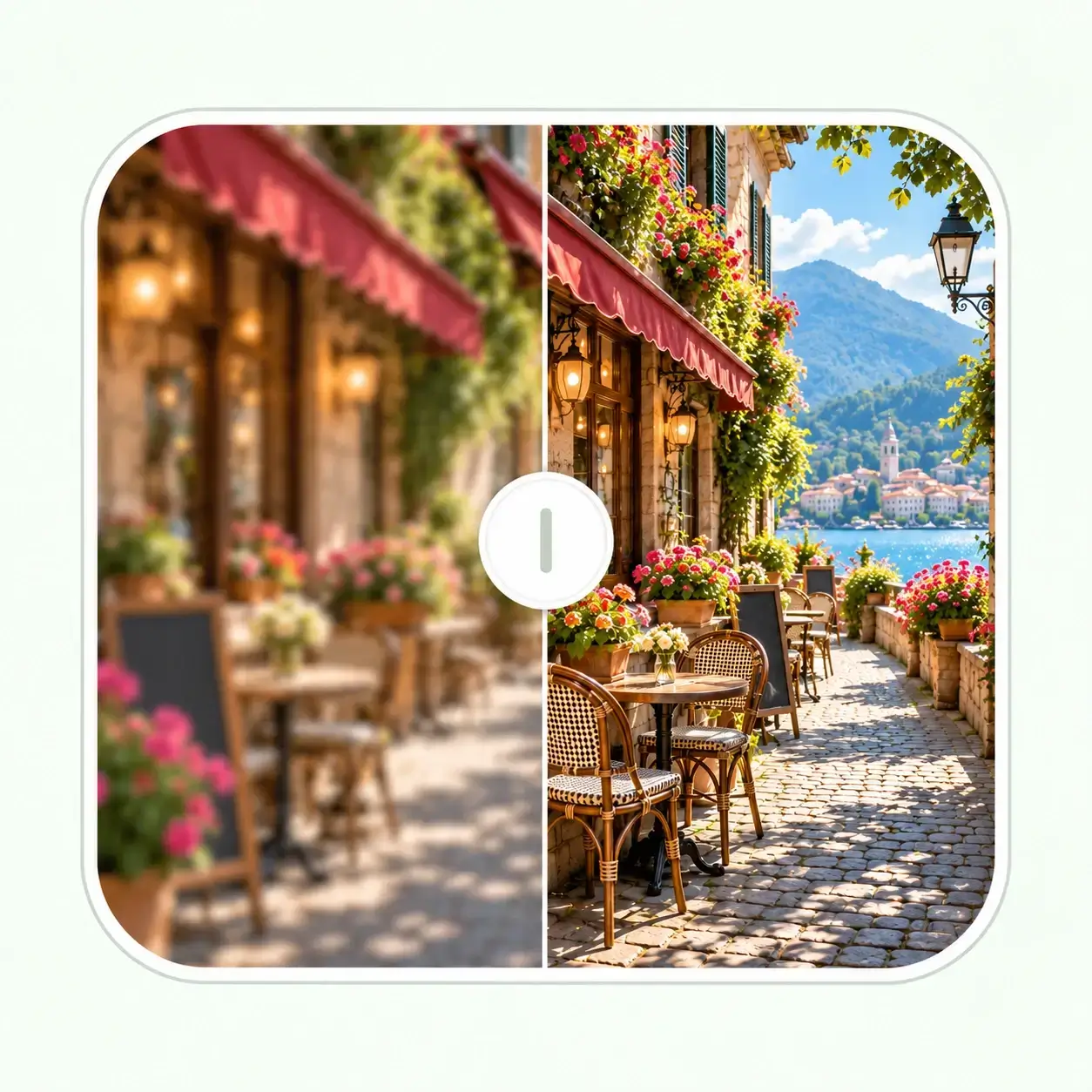


Free AI Watermark Remover for Images
Remove watermark from photo or image you own or are allowed to edit. Clear logos, text, stamps, timestamps, and overlays, then save a clean file for a listing, campaign, archive, presentation, or print layout. Free daily credits — no software to install


Drag & drop or click to browse
Output Format
Output Format
Remove Watermark from Image with AI
Remove Watermarks, Logos, and Text
This image watermark remover clears visible overlays, logos, stamps, timestamps, preview labels, and corner badges from images you are allowed to edit.
Rebuild the Area Behind the Mark
AI uses the surrounding image to repair the covered area, helping backgrounds, textures, edges, and lighting stay consistent.
Review Before You Download
Compare the cleaned result with the original, then save a reusable file for listings, campaigns, archives, presentations, or print.
Try It with Free Daily Credits
Try this free watermark remover in your browser with daily credits. No software, Photoshop, or manual retouching is needed to get started.
Clean Images for the Places You Need to Use Them
Your Product and Catalog Images
Remove old labels, export overlays, or internal proof marks from product photos you own or are authorized to update, then prepare a cleaner file for listings, catalogs, and campaign assets.
Your Campaign and Social Graphics
Refresh approved creative assets when a draft label, old date, or previous campaign overlay gets in the way of reuse across social posts, ads, presentations, or landing pages.
Your Property and Interior Photos
Clean timestamps, corner badges, or approved overlays from your own property and space photos so attention stays on the room, lighting, and visible details.
Your Scans, Archives, and Personal Photos
Remove a date stamp, proof mark, or scanned label from an image you are entitled to edit before saving, restoring, sharing, or printing a cleaner version.
See What a Clean Result
Can Look Like
Explore before-and-after examples of preview text, sample stamps, repeated logos, and corner badges. See how an AI watermark remover can remove watermark from a photo when there is enough nearby image detail to rebuild the area naturally.



For creators, sellers, editors, and everyday image cleanup


Clear Preview Text from Listings
Remove broad preview text from travel, lifestyle, and property listing photos while keeping walls, sky, lighting, and background detail consistent.


Remove Sample Stamps from Images
Clean center sample stamps from interior, product, and portfolio images without leaving the repaired area looking blurred or patched.

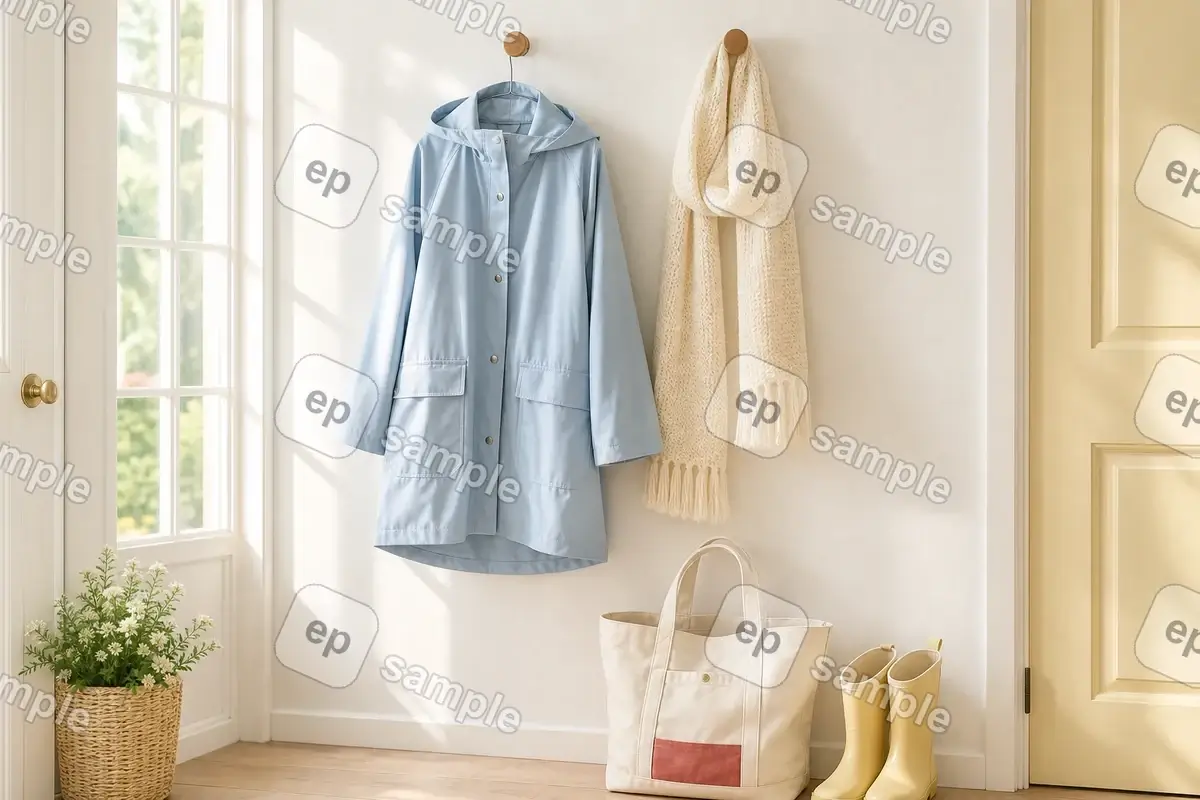
Remove Repeated Logo Watermarks
For images you are allowed to edit, it also works as a logo remover for tiled or corner marks while helping preserve nearby texture.


Clear Corner Logos and Creator Tags
Remove corner logos and creator tags from photos you can edit while keeping food, fabric, and background texture intact.
How to Remove Watermark from Image in 3 Steps
Step 1: Upload Your Photo or Image
Upload a JPG, PNG, or WebP file you own or are allowed to edit. A clearer source gives the AI more surrounding detail to work with.
Step 2: Remove and Compare
AI processes the image and removes the visible watermark, logo, stamp, text, timestamp, or overlay automatically.
Step 3: Download the Cleaned File
Save the result in the output format available in the tool, ready for your approved web, campaign, archive, presentation, or print use.
When Watermark Removal Works Best
Best for Clear, Localized Watermarks
Small text, corner logos, and date stamps are easier to clean when enough clear background remains visible around the mark.
Check Detailed Areas Carefully
Marks across faces, small text, or detailed patterns need close review because AI has less visible image detail to rebuild.
Use the Clearest Source
A clear original gives AI more detail to rebuild, helping you compare the repaired area and download a cleaner final image.
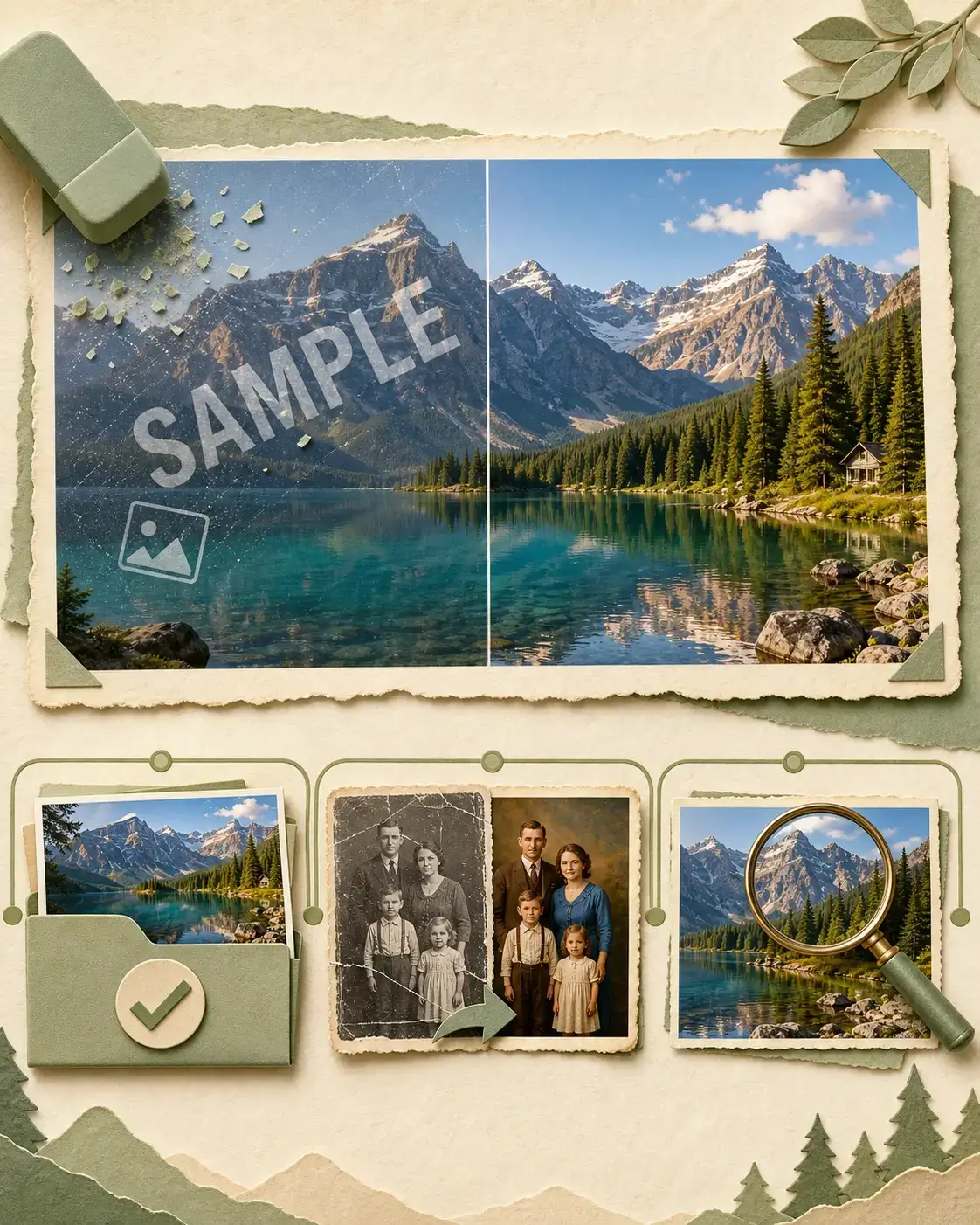
After Watermark Removal
Your image may be ready to save right away. If it still needs work, choose the next step that matches the photo.
- 01
Ready to Download
Compare the repaired area, then save the clean image for your approved listing, campaign, archive, presentation, or print layout.
- 02
Old Photo with Fading or Scratches
If this is an old photo with fading, scratches, or blur, you can try our Photo Restoration tool. If you would also like to colorize a black-and-white photo, Photo Colorizer can help after restoration.
- 03
Improve Image Detail
If the cleaned photo still looks a little soft and you want to see more detail, you can use our Image Enhancer before saving it for a listing, presentation, or print layout.
Why Use Our AI Image Watermark Remover
Automatic Watermark Removal
Our AI watermark remover identifies visible marks and uses nearby image detail to reconstruct the covered area.
Natural-Looking Repairs
Remove watermark from image while preserving its color, lighting, texture, and edges as naturally as possible.
Works in Your Browser
The free watermark remover works online, so no installation, complex layers, or manual cloning tools are required.
Use Images You Have Rights to Edit
Only remove watermarks from images you own, have permission to edit, or are otherwise legally allowed to clean.
Continue with the Next Step Your Image Needs
Watermark removal solves the visible mark. Choose a focused follow-up only when the cleaned image still needs sharper detail, a larger output, or repair for age-related damage.


Image Enhancer - Improve Cleaned Images
After removing watermark, use AI Image Enhancer to refine clarity, lighting, color, and detail for a more polished result.
Enhance Image

Image Upscaler - Enlarge Photos After Cleanup
Use AI Image Upscaler after watermark removal when you need a larger image for product pages, print layouts, presentations, or design assets.
Upscale Image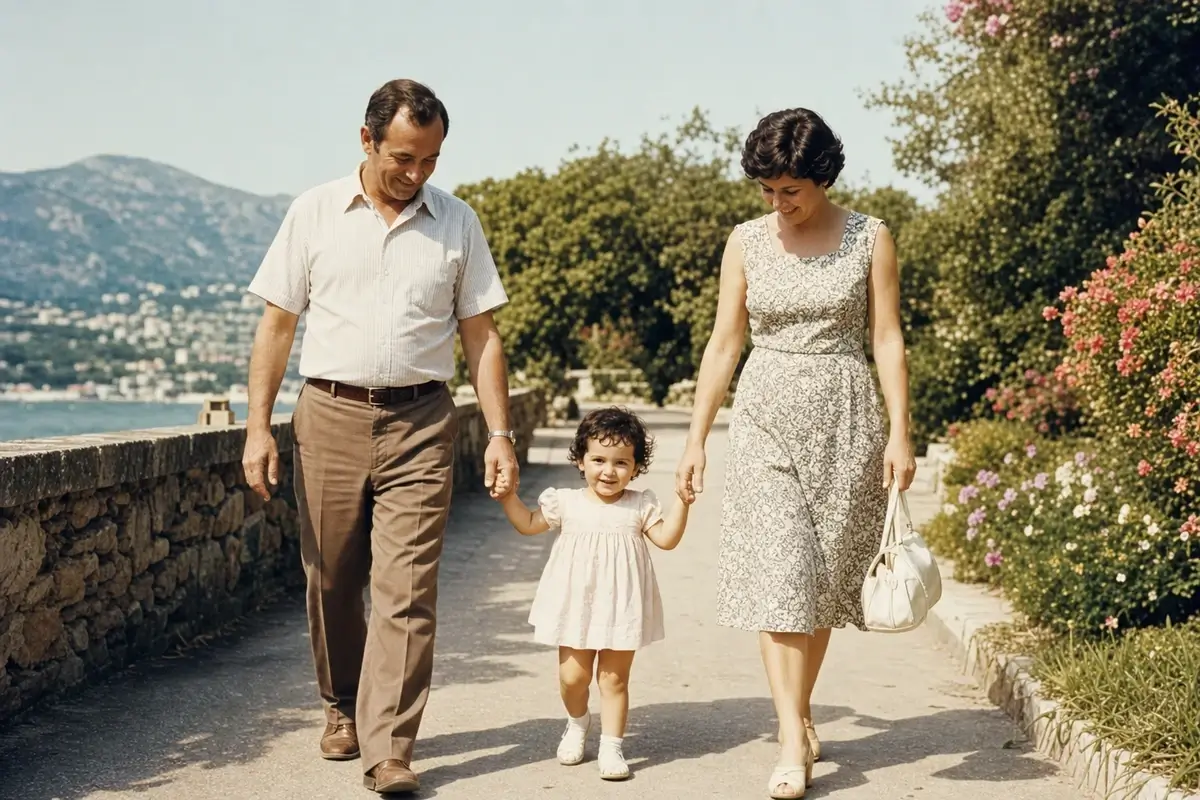
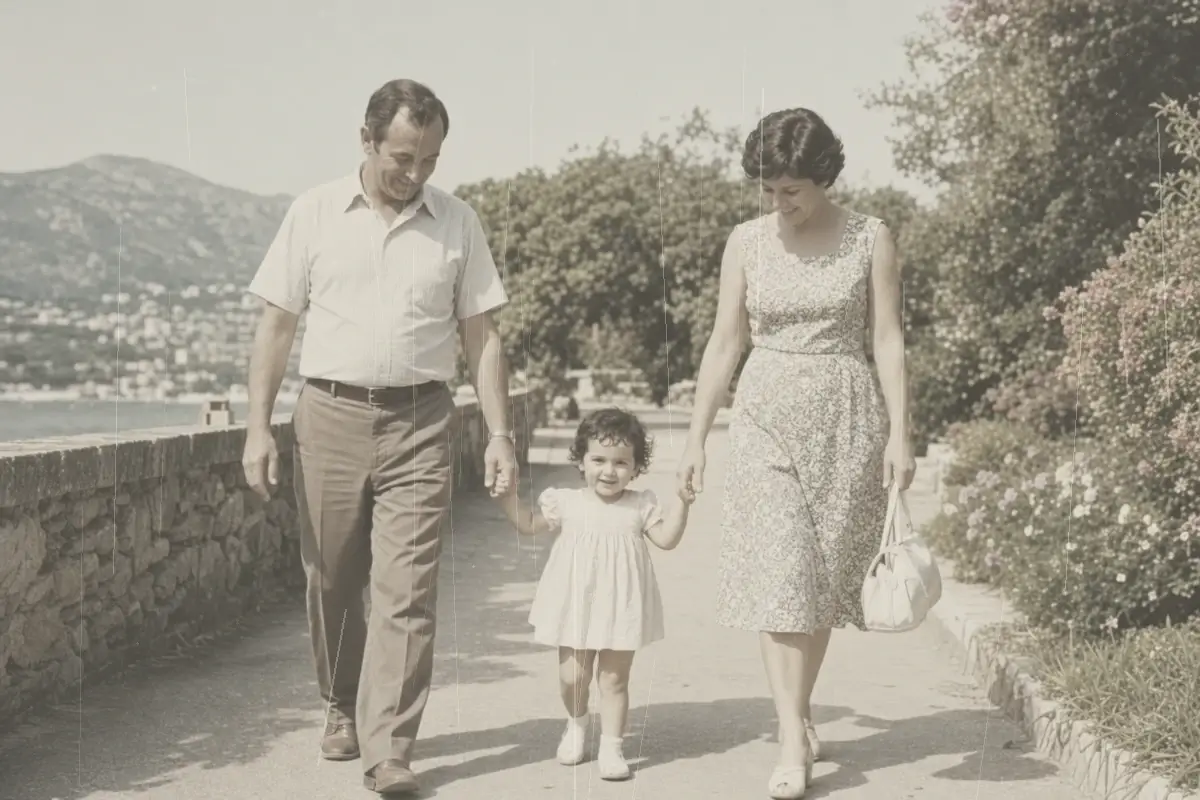
Photo Restoration - Repair an Old Photo After Cleanup
If an old scan has a date stamp, label, or approved watermark as well as fading, scratches, or blur, remove the mark first. Then use Photo Restoration to repair the age-related damage without losing the cleaned area.
Restore This Cleaned Photo