
Free Online Photo Restoration - Restore Old Photos with AI
Restore old photos online with AI photo restoration built for family albums, faded portraits, damaged scans, and black and white memories. Remove scratches, repair tears, recover detail, and improve image quality in one simple flow. free daily credits, no login, no payment
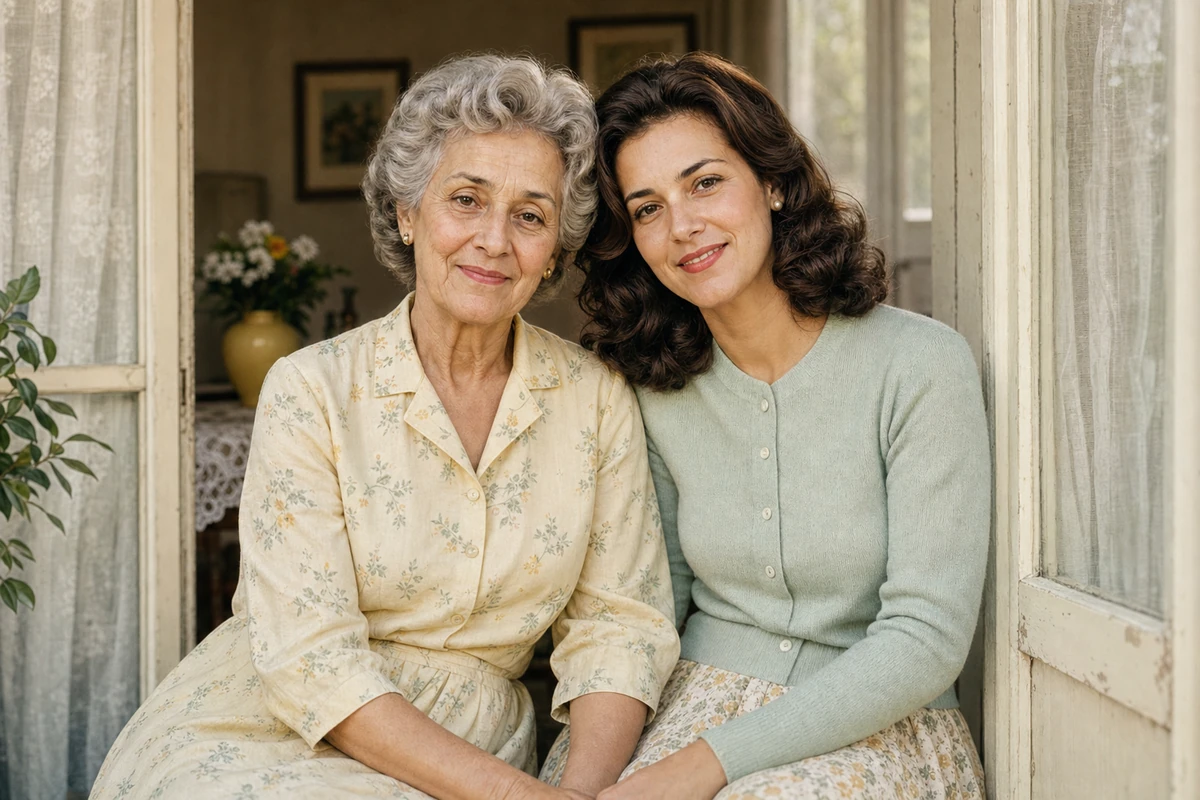 After
After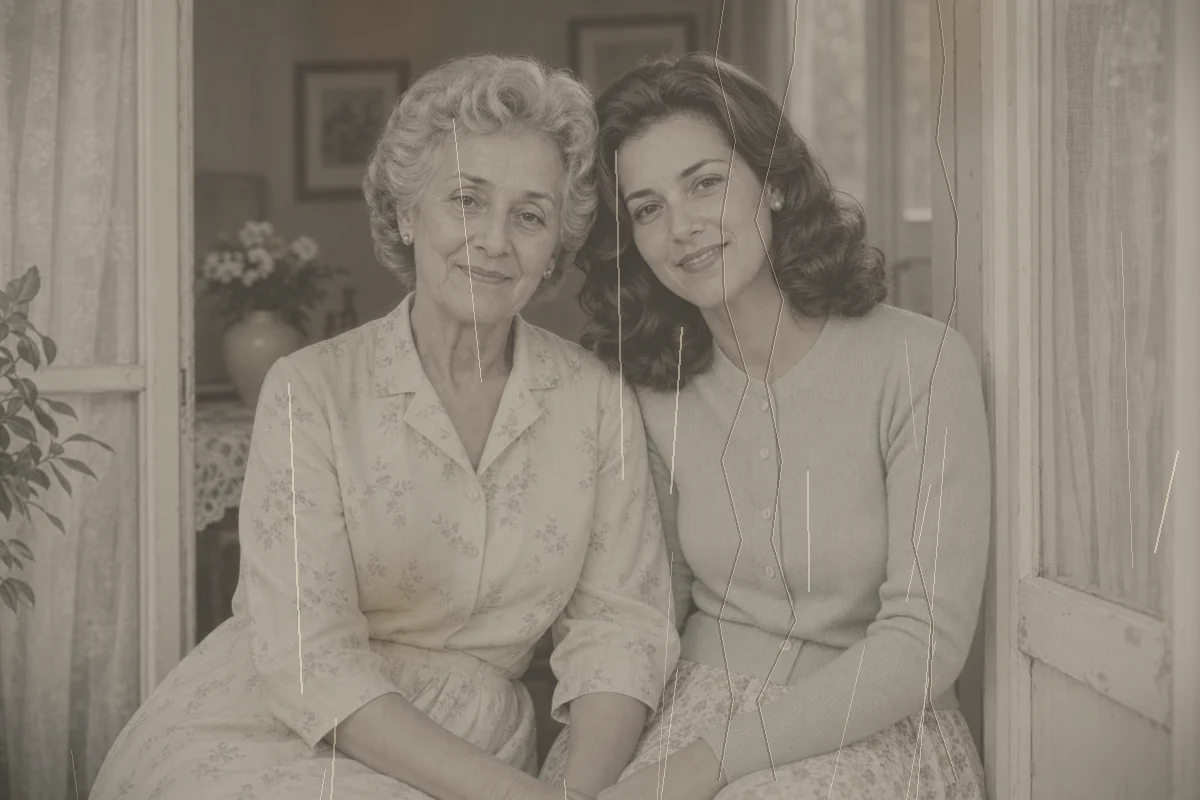 Before
Drag & drop or click to browse
Output Format
Output Format
Restore Old Photos and Repair Damaged Memories
AI Old Photo Restoration
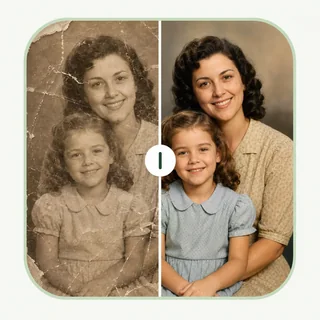
EnhancePhoto.ai uses AI photo restoration to bring vintage portraits, family photos, and scanned prints back to life. The old photo restoration model detects fading, scratches, blur, and aging marks automatically.
Repair Damage Automatically
Repair damaged photos from albums and archives without manual retouching. The AI fills cracks, removes dust spots, cleans stains, and reconstructs missing areas while keeping faces and textures natural.
Sharpen Faded Memories
Restore faded photos by improving contrast, reducing grain, and enhancing facial details. It is ideal for old family photos that look soft, yellowed, underexposed, or washed out after years in storage.
Restore Color and Detail
Revive color, balance exposure, and colorize black and white photos when needed. Use the photo restoration tool to create clean digital copies for sharing, printing, genealogy projects, and long-term preservation.
Restore Photos for the Moments That Matter
Family Albums and Personal Memories
Restore family portraits, childhood photos, wedding prints, and everyday snapshots that have faded, scratched, or worn over time before sharing them with relatives.
Genealogy and Family-History Projects
Prepare clearer copies of ancestor portraits and old family scans for a family tree, history book, research record, or private digital archive.
Historical and Archive Collections
Repair age-related wear in historical images and collection scans while retaining the details that make the original useful as a record.
Photo Books, Frames, and Displays
Clean a favorite image before using it in a photo book, framed print, memorial display, presentation, or larger wall layout.
Restore Your
Precious Memories
Whether you need to restore old family photos, repair damaged pictures, or improve faded portraits, EnhancePhoto.ai photo restoration gives your memories clearer detail and a more natural finish.

Loved by 10M+ users
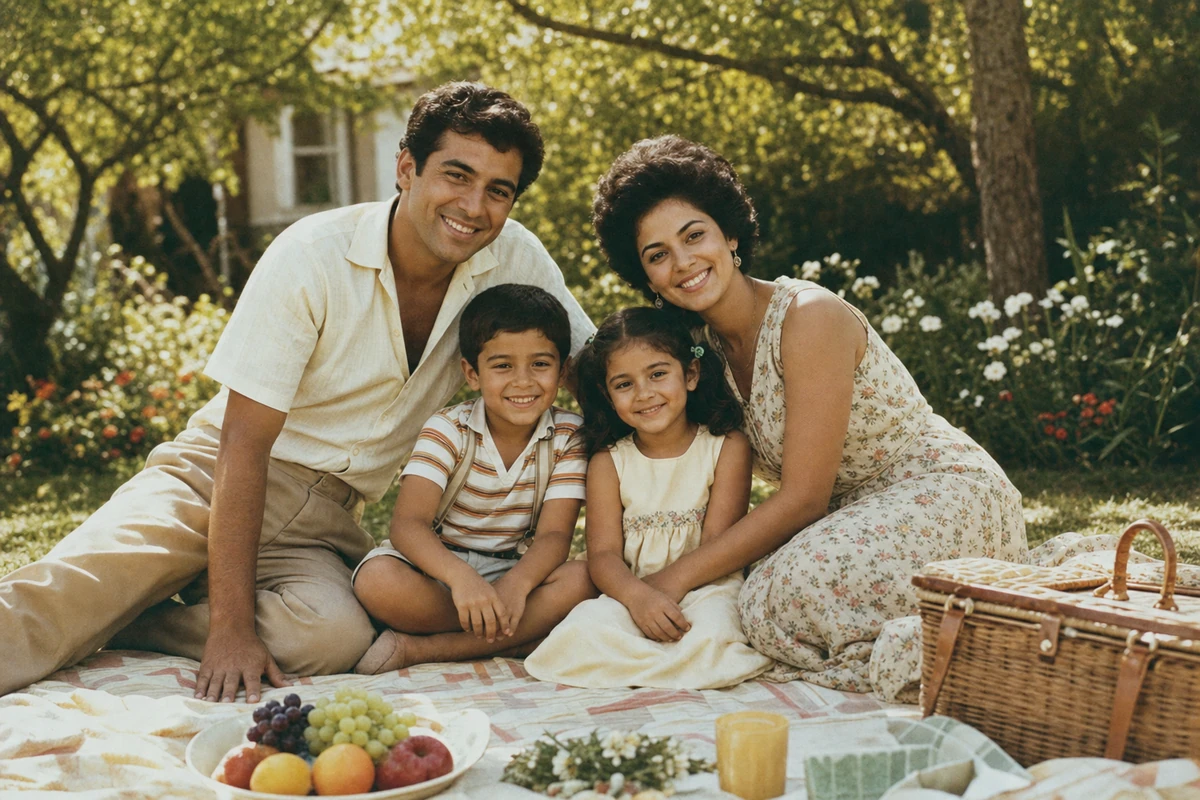
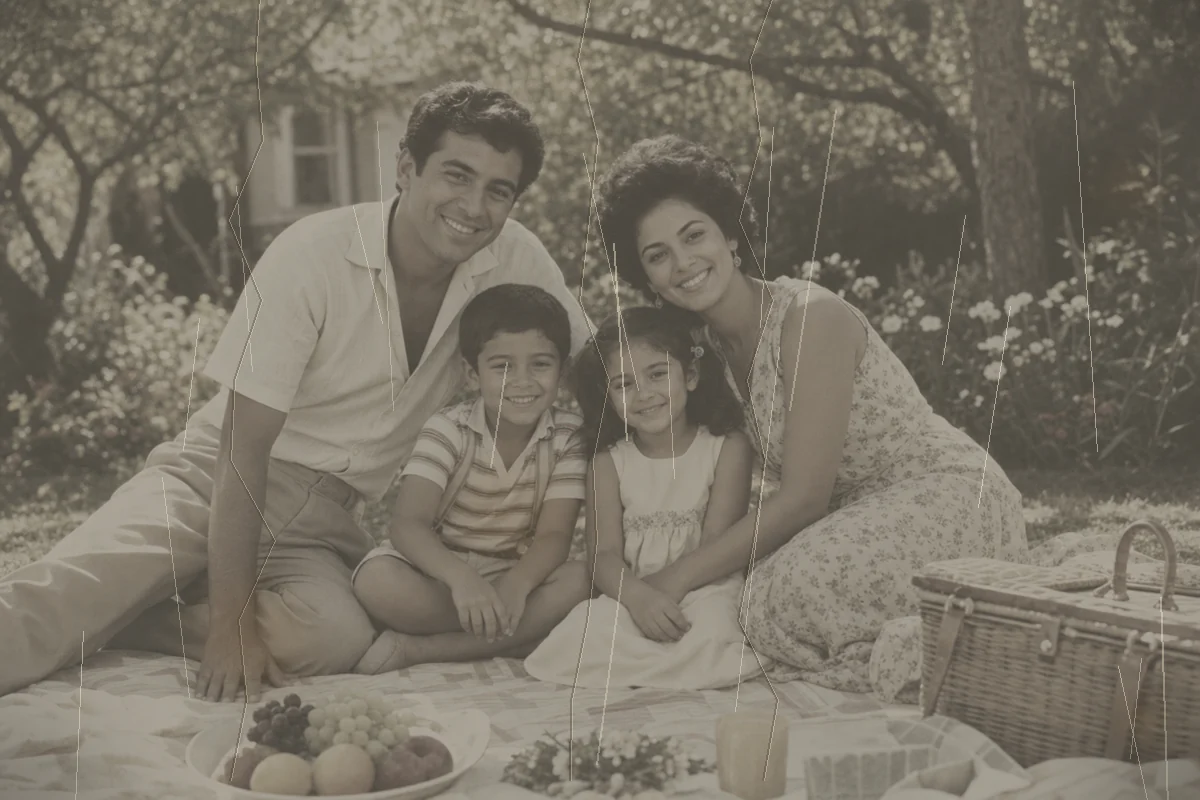
Restore Damaged Family Photos
Repair old family photos with tears, scratches, dust, and stains. Preserve important memories with AI photo restoration that keeps the people, expressions, and original character intact.
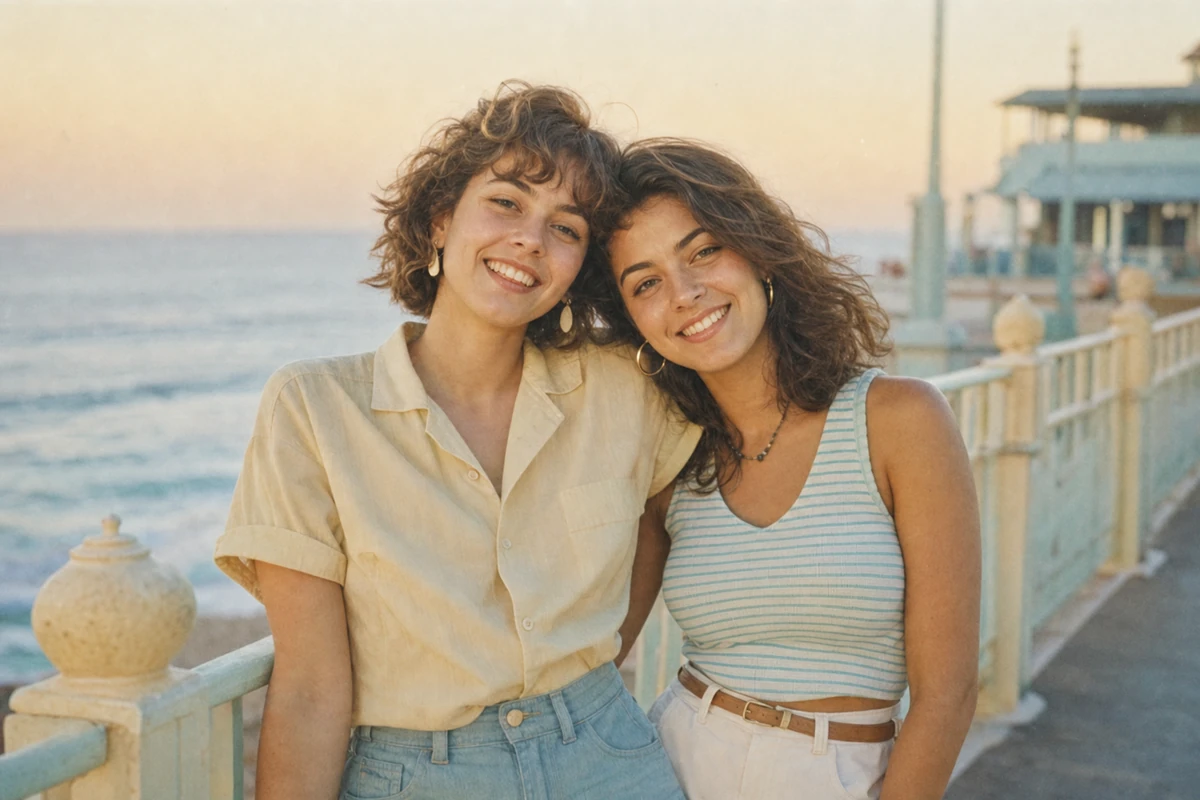
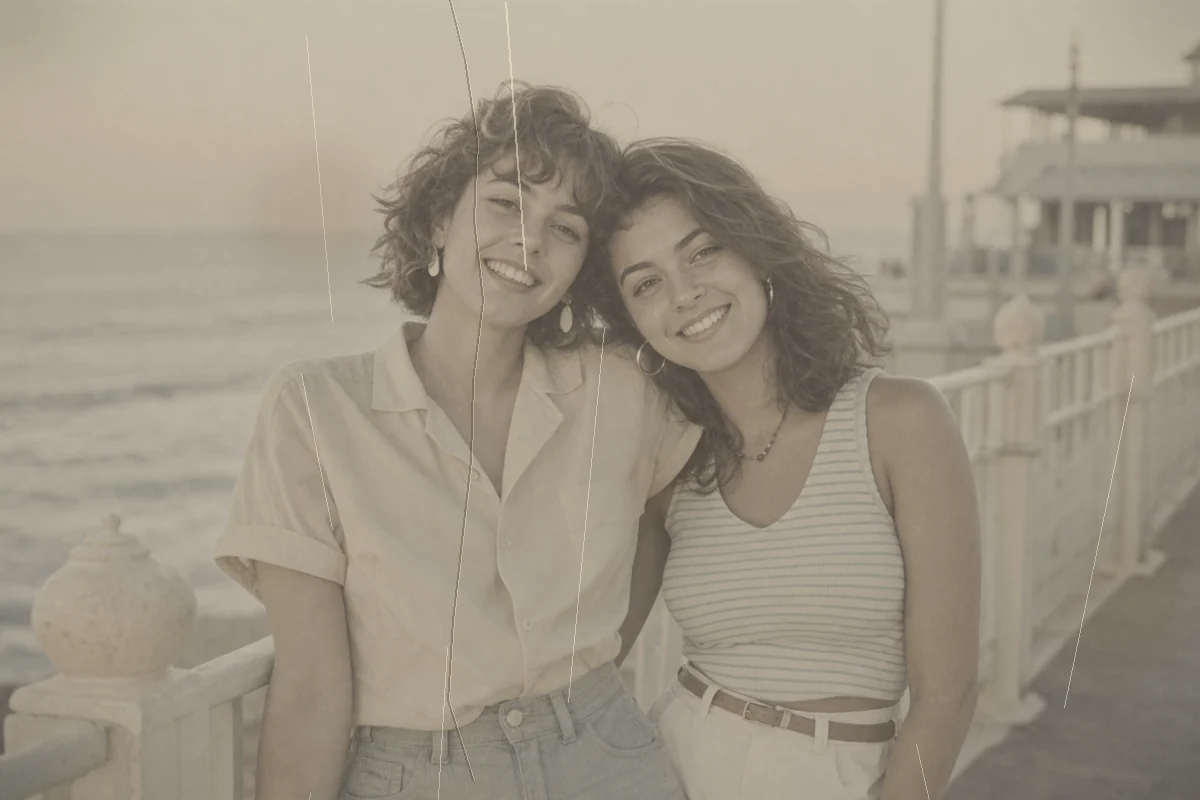
Restore Faded Old Photos
Bring faded old photos back to life by restoring contrast, brightness, and color balance. Perfect for vintage prints that have lost clarity or warmth over time.
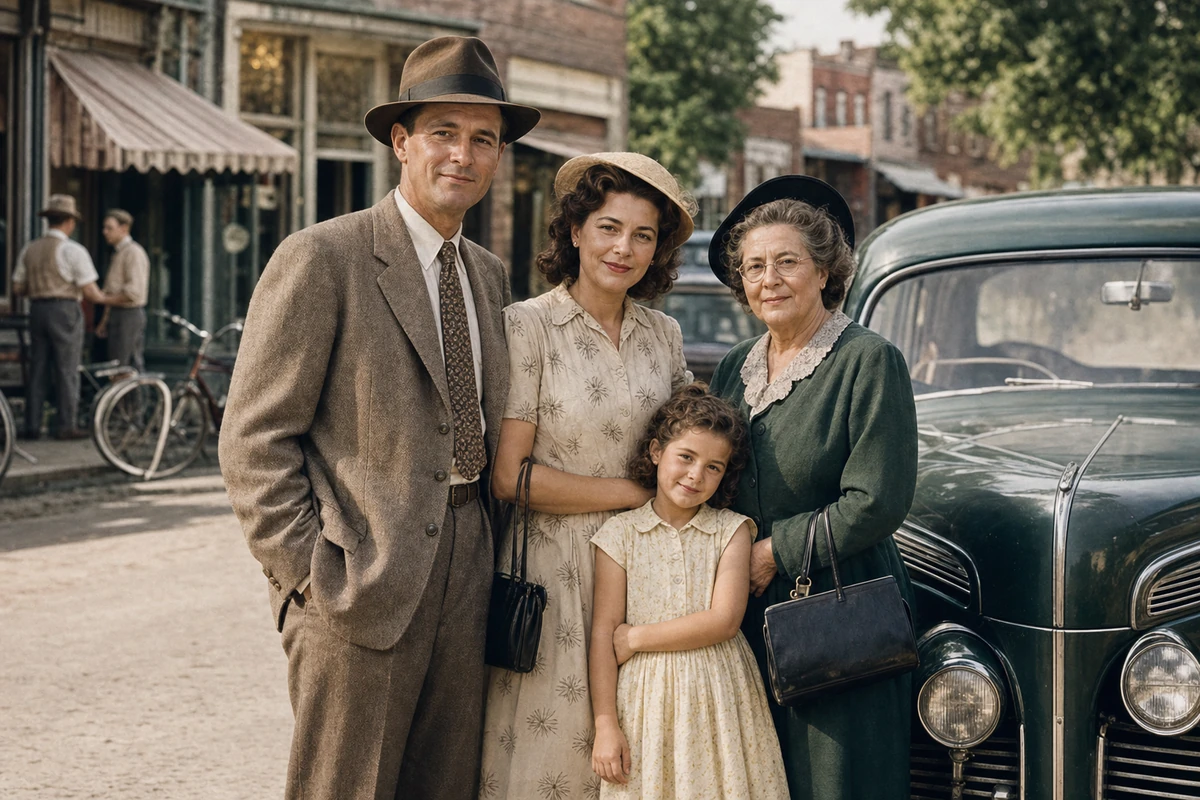
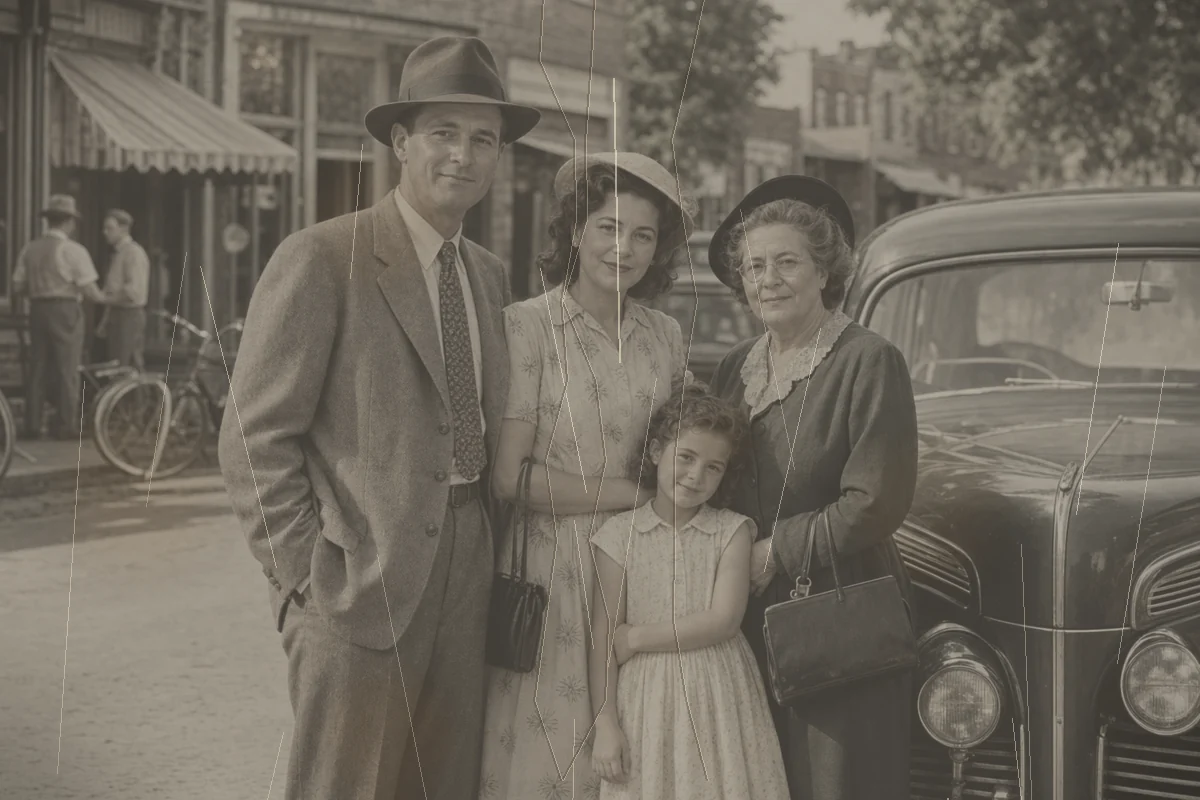
Preserve Historical Photos
Restore historical photos and archival scans for genealogy, family history, museum records, and cultural preservation. Clean damage while protecting the authentic look of the original.
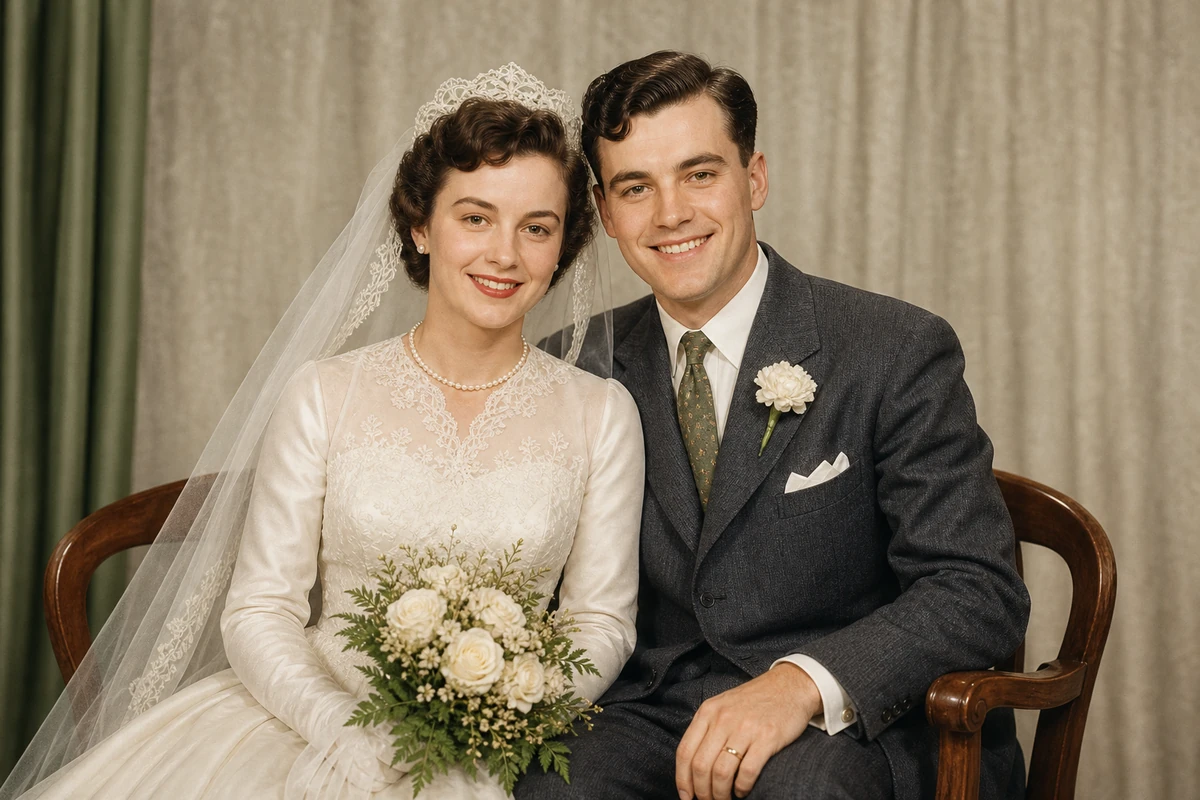
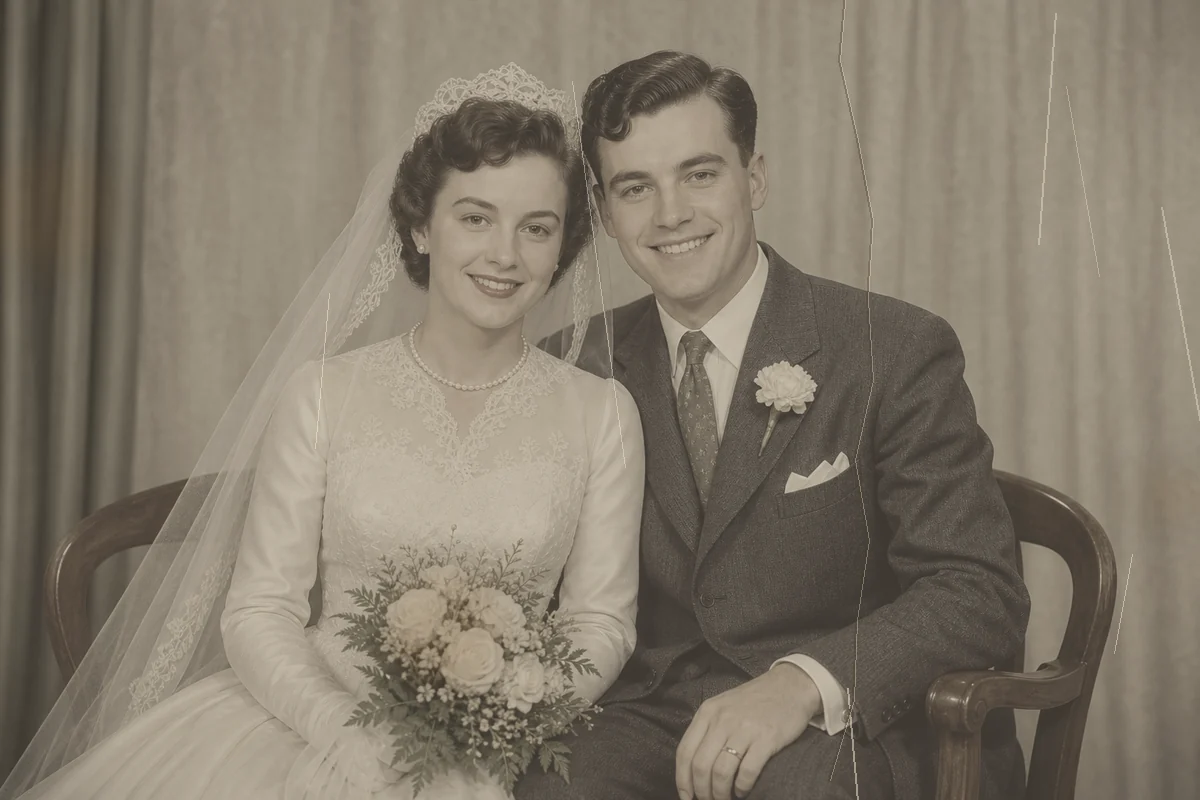
Restore for Printing
Restore old photos before printing, framing, or building a photo book. Clean the image first, then pair it with image upscaling when you need a larger, sharper output.
How to Restore Old Photos Online
step 1
Upload an old photo, damaged scan, faded portrait, or black and white image to the free photo restoration tool.
step 2
AI photo restoration detects scratches, tears, blur, stains, fading, and lost detail, then repairs the image automatically.
step 3
Download the restored photo for sharing, archiving, printing, or sending into other EnhancePhoto.ai image enhancement tools.
When Old Photo Restoration Works Best
Best for Wear with Visible Image Detail
Scratches, dust, stains, light fading, and moderate softness are easier to repair when the surrounding area still shows enough of the original photo.
Review Faces and Missing Areas Closely
Large missing sections, heavy damage across faces, or complex patterns leave less source detail for AI to reconstruct, so inspect these areas before final use.
Start with the Clearest Scan
A high-quality scan or photo copy gives AI more useful detail, helping you compare the repaired areas and keep a cleaner result for saving or printing.
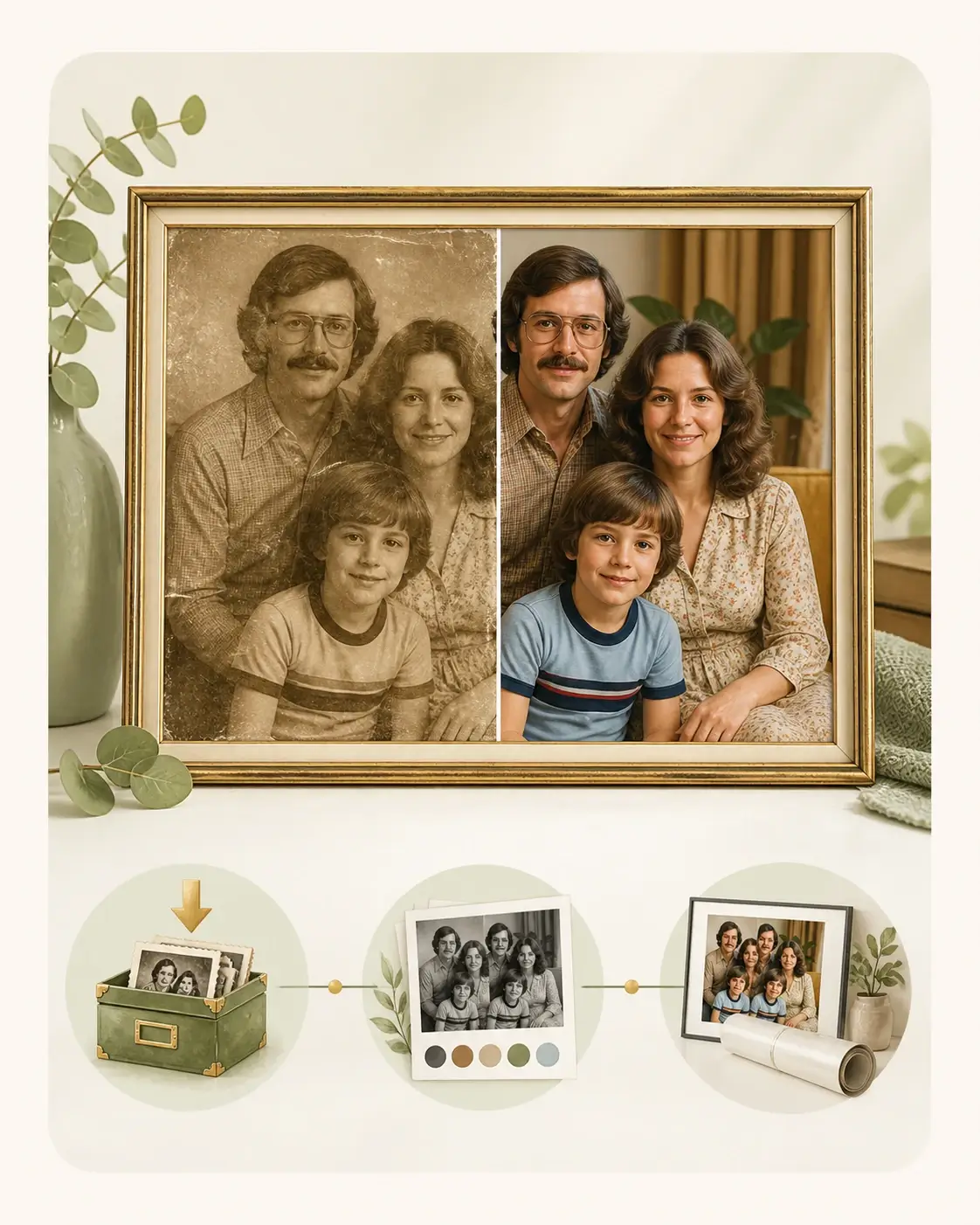
After Photo Restoration
Your restored photo may be ready to save. If it still needs work, choose the next step that matches the image and your intended use.
- 01
Ready to Save and Share
Compare the repaired areas, then download the restored photo for a family archive, genealogy record, digital collection, photo book, frame, or presentation.
- 02
Black-and-White Photo That Needs Color
If you would like to add color after repair, continue with our Photo Colorizer to create a color version from the restored image.
- 03
Need More Detail or a Larger Print
If the restored photo still looks soft, use our Image Enhancer for extra clarity. For a larger display or print, continue with Image Upscaler after restoration.
Advanced AI Photo Restoration Features
Smart Damage Detection
Our AI automatically identifies scratches, tears, stains, dust, blur, and fading in old photos, then applies targeted restoration techniques.
Intelligent Inpainting
Fill in missing or damaged areas with context-aware AI that preserves the original photo's character, faces, clothing, background, and fine details.
Color Restoration
Restore faded colors, improve contrast, correct yellowing, and colorize black and white photos with a natural look.
HD Quality Output
Create cleaner restored photos for digital sharing, family archives, printing, framing, or future image upscaling.
More AI Photo Tools
Photo restoration repairs age-related wear. Choose a focused follow-up only when the restored image still needs color, more visible detail, or a larger output for print and display.
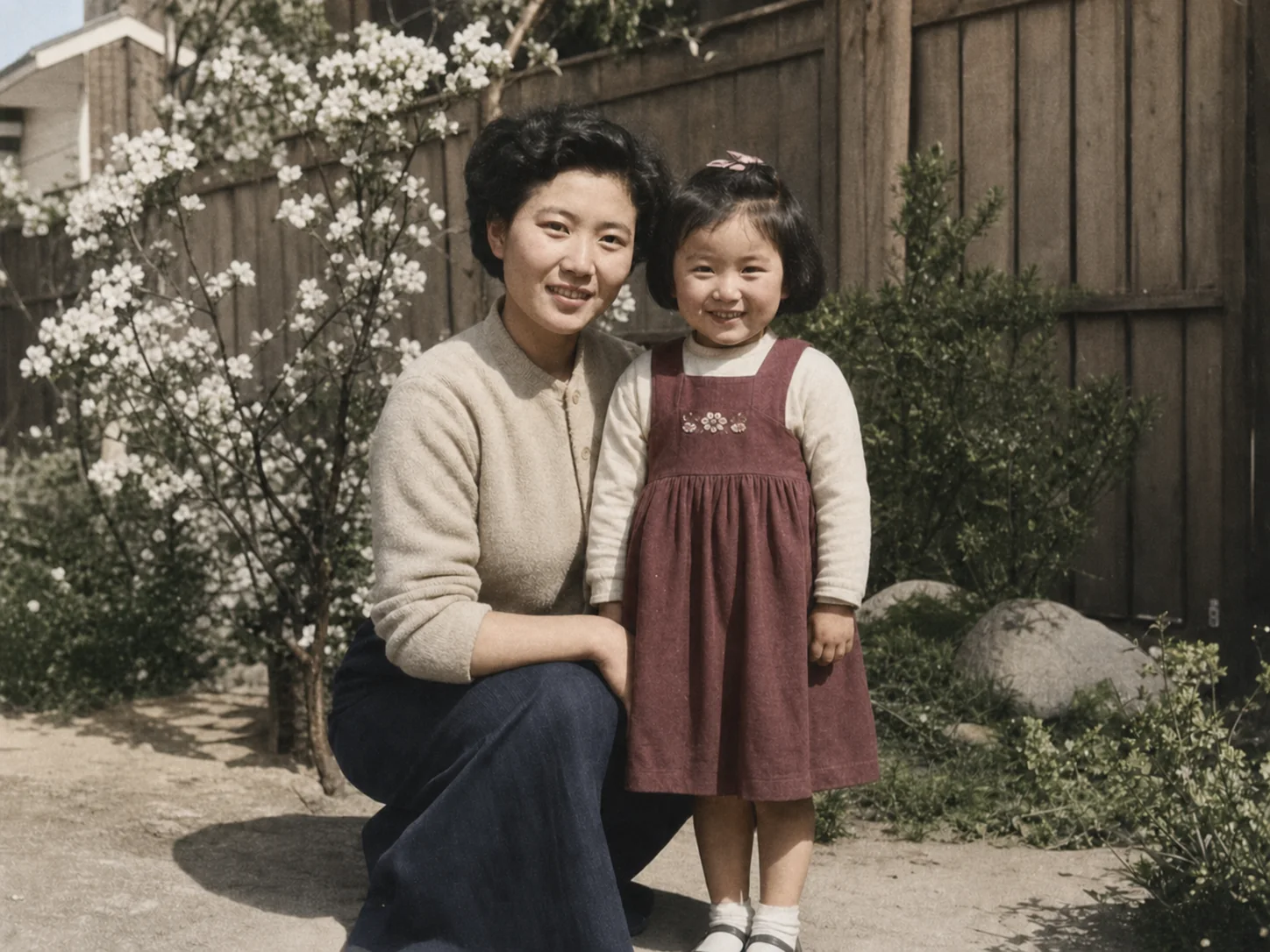
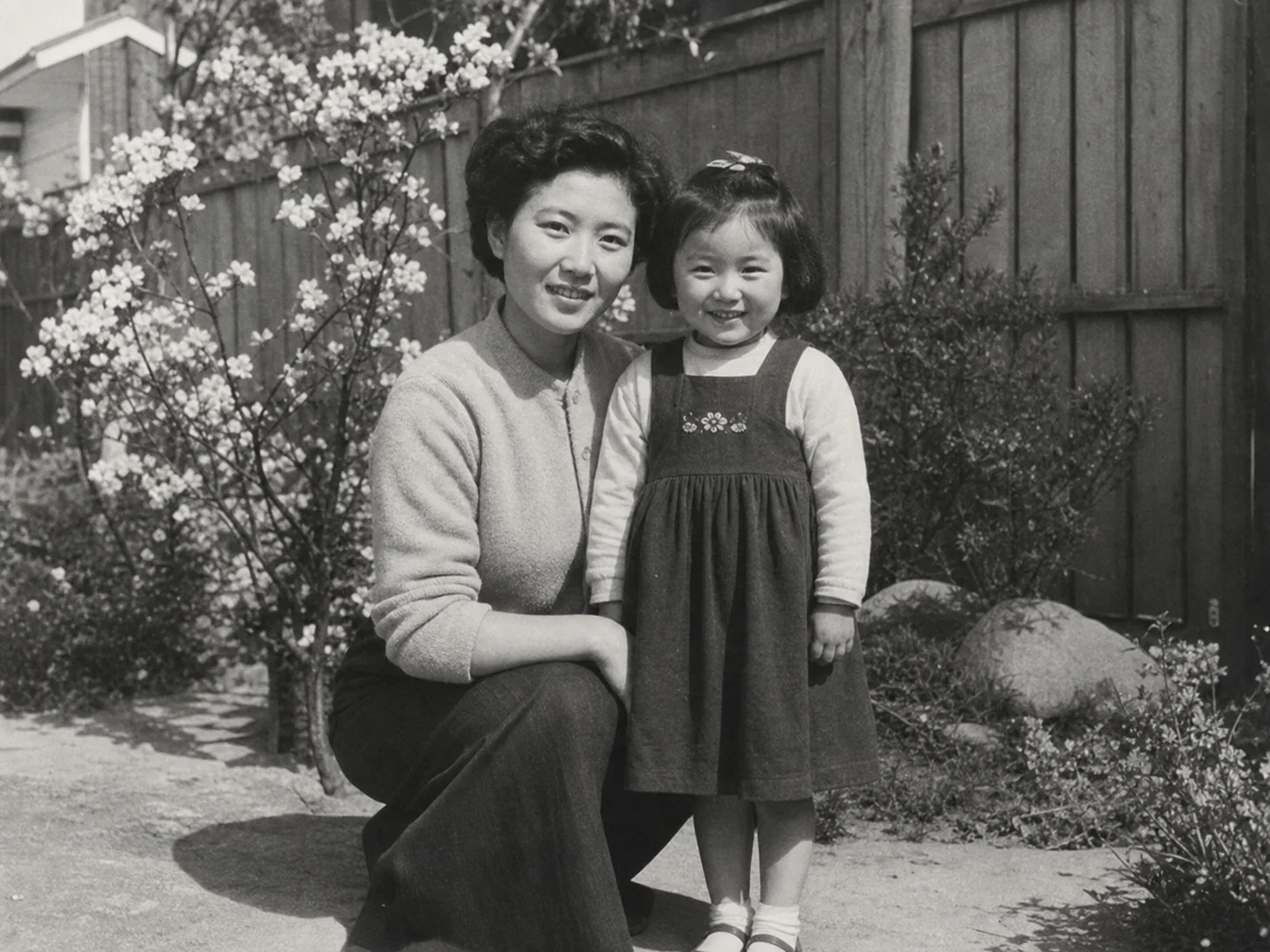
Photo Colorizer - Add Color After Restoration
After repairing a black-and-white photo, use AI Photo Colorizer to create a natural color version for sharing, family history projects, or display.
Colorize This Restored Photo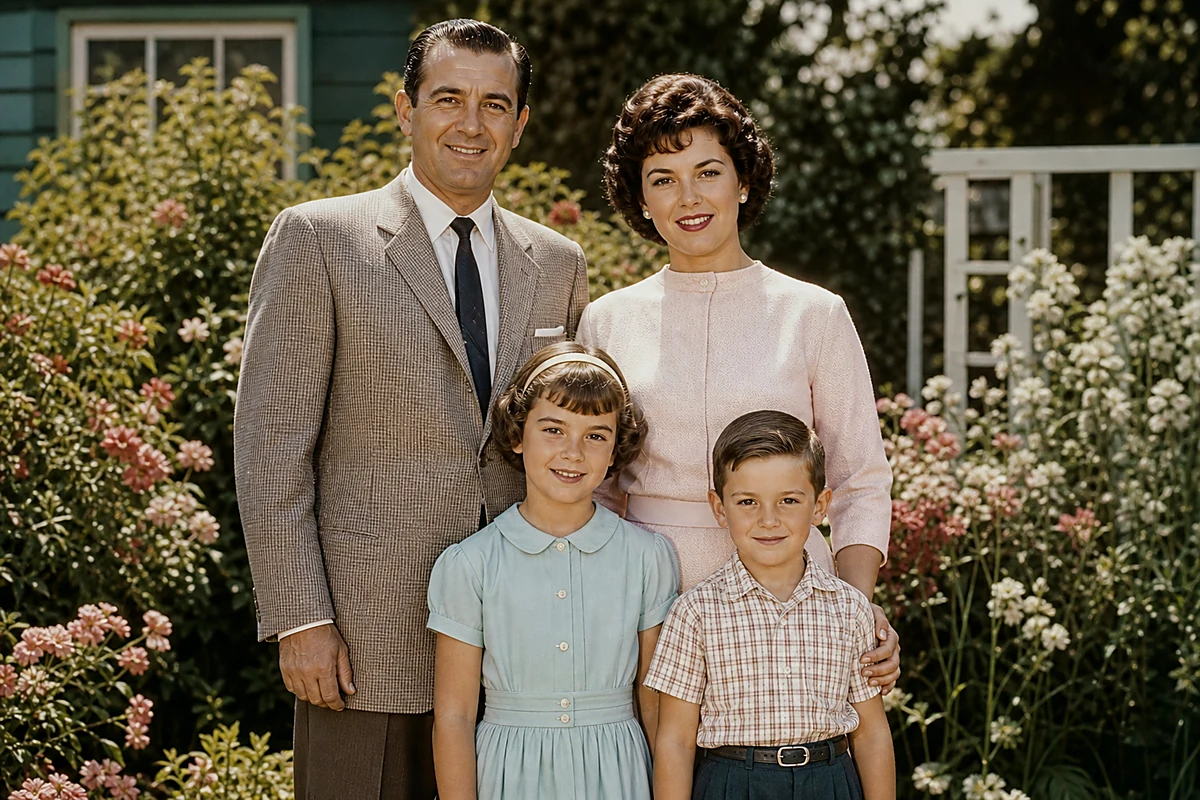
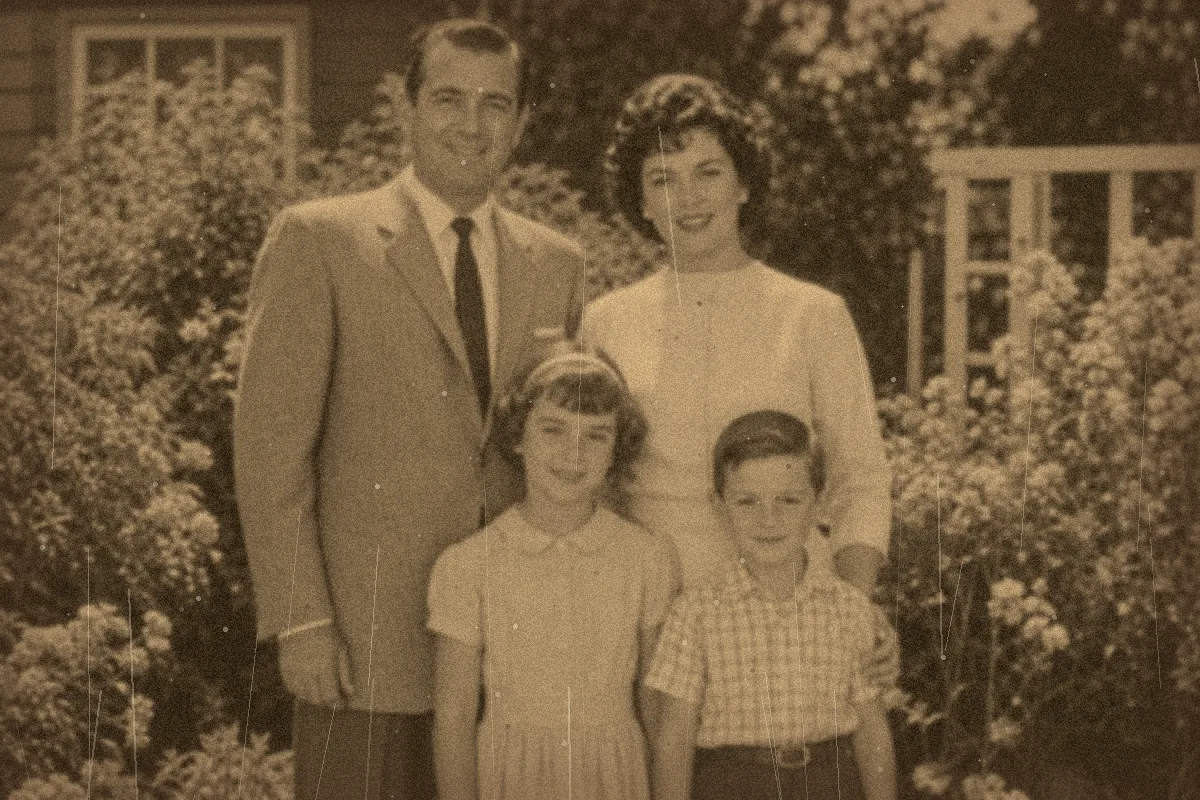
Image Enhancer - Refine Restored Details
If a restored photo still looks a little soft, use AI Image Enhancer to refine clarity, lighting, color, and fine detail before saving or sharing it.
Enhance the Restored Photo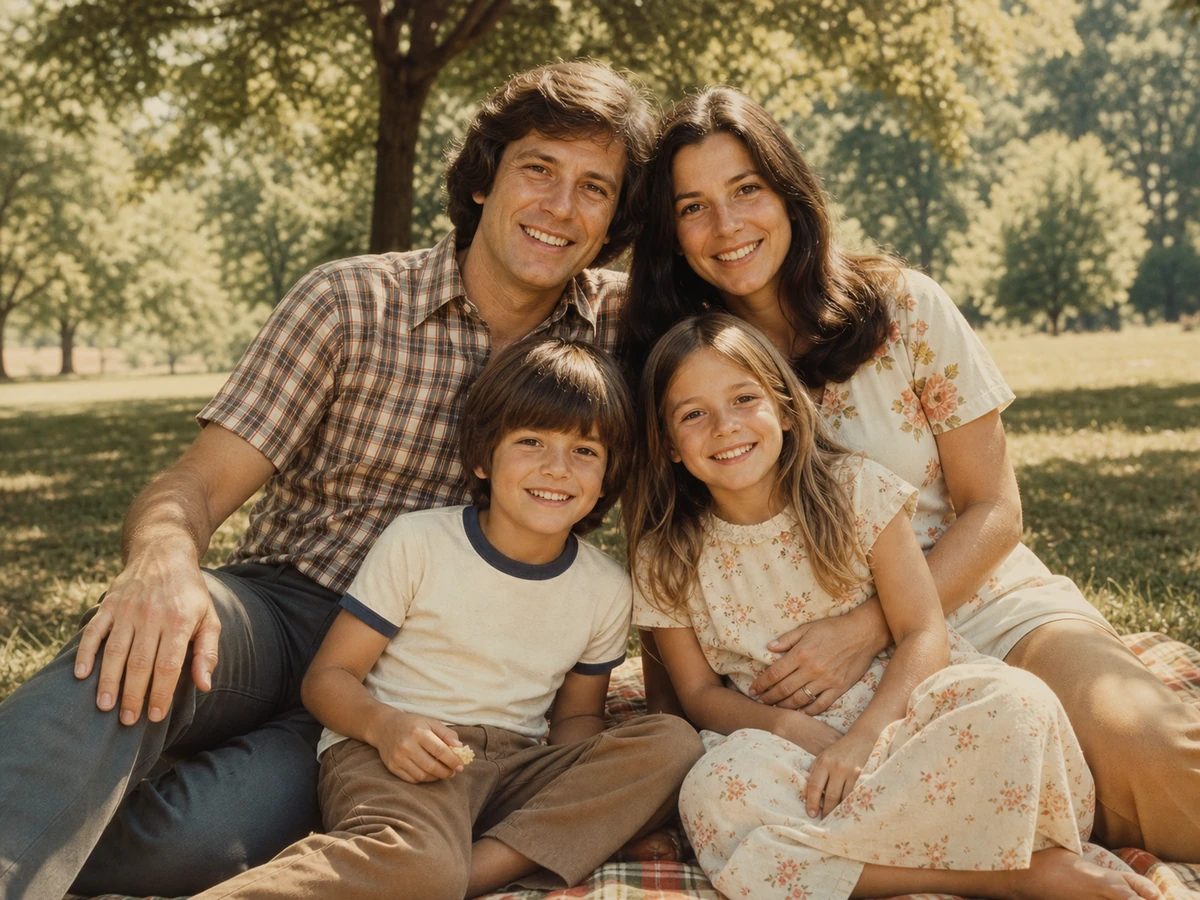
Image Upscaler - Enlarge for Print and Display
Use AI Image Upscaler after restoration when you need a larger photo for a framed print, photo book, presentation, or wall display.
Upscale for Print or Display