

Free Online Enhance Image Quality with AI
Enhance image quality online in one simple workflow. Upload a JPG, PNG, or WebP image and let AI sharpen blurry detail, balance light and color, reduce noise, and create a cleaner result for sharing, printing, product listings, or social posts. Enhance image free - daily credits - no login or payment
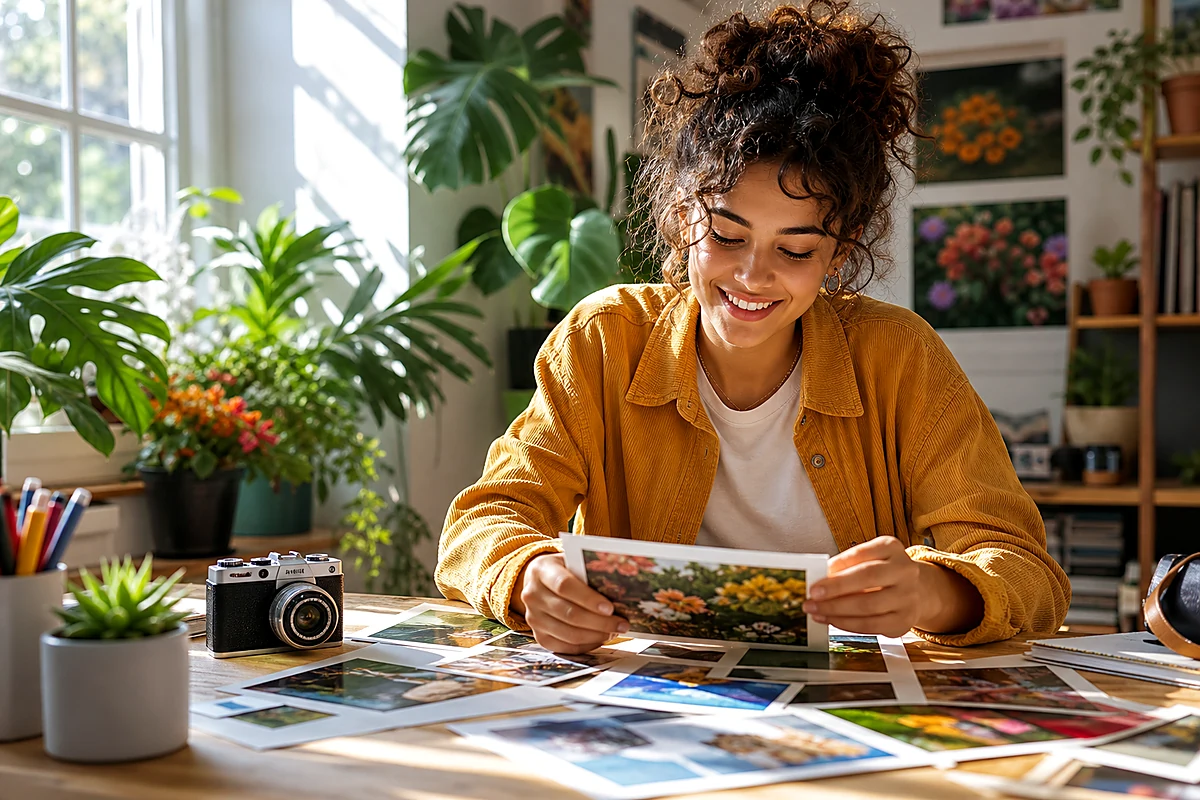 After
After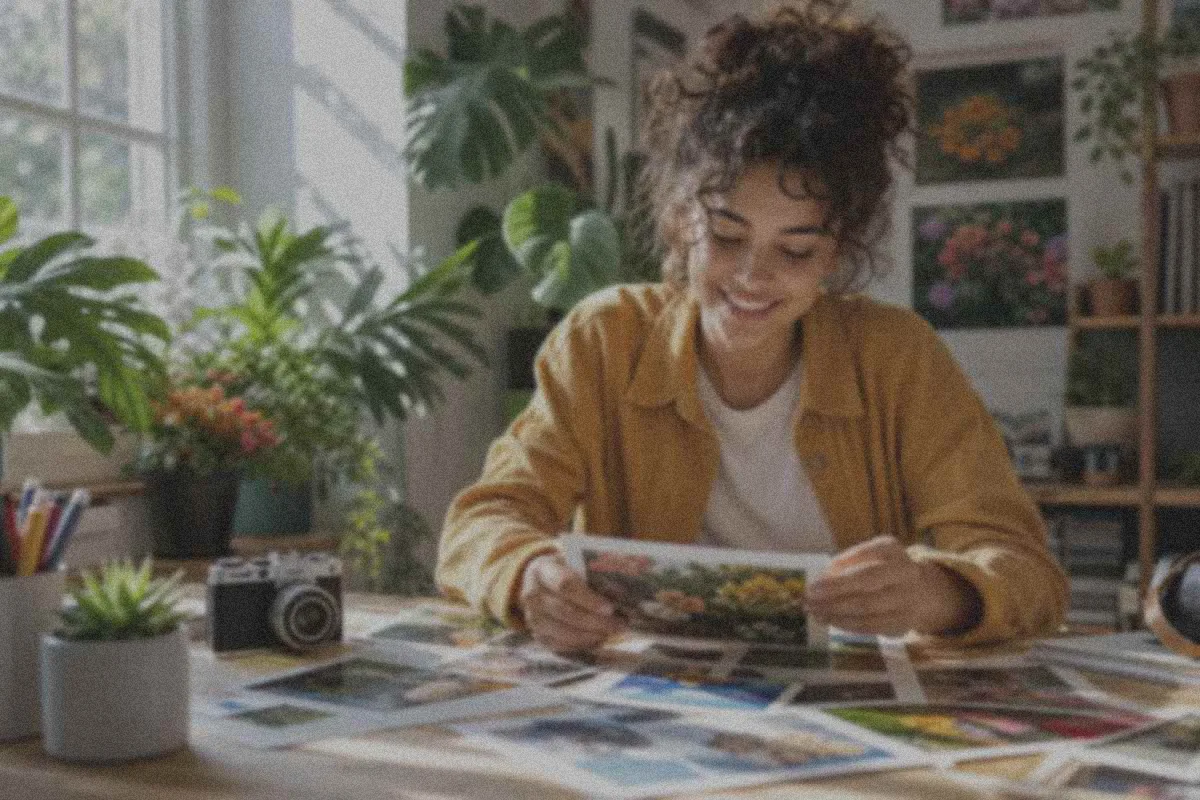 Before
Drag & drop or click to browse
Output Format
Output Format
Enhance Image Quality Online with EnhancePhoto.ai
All-in-One AI Image Enhancement Workflow
Use our AI image enhancer to improve clarity, contrast, lighting, color, texture, and visible detail. Instead of applying one harsh filter, AI analyzes the scene and improves image quality naturally.
Improve Image and Photo Detail
Improve image quality for dull portraits, soft product photos, compressed social media images, travel shots, and family memories. AI recovers cleaner edges and richer detail while keeping skin, fabric, scenery, and objects believable.
Enhance Image Quality Without Manual Editing
No Photoshop workflow, no complex sliders, and no guessing. Upload a JPG, PNG, or WebP image, choose a model, and let EnhancePhoto.ai enhance image quality automatically with scene-aware processing.
Free Image Enhancement Credits Every Day
Enhance image quality online with free daily credits. There is no account requirement, no paid plan on this site, and no payment step before you download the enhanced image.
Enhance Images for the Work You Share
Product Listings and Catalogs
Improve soft product edges, dull lighting, and compressed detail before using images on product pages, marketplaces, catalogs, or campaigns.
Social Posts and Creative Campaigns
Give photos a cleaner, more consistent look when a compressed or flat source needs to work harder in a feed, ad, portfolio, or presentation.
Travel, Landscape, and Everyday Photos
Bring back depth in skies, scenery, and visible texture while keeping the image natural enough to feel like the moment you captured.
Family Photos and Personal Archives
Improve clarity and light in soft family pictures or scanned memories before saving, sharing, printing, or moving on to deeper restoration.
Enhance Image
Before and After
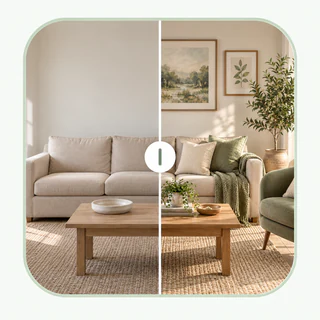
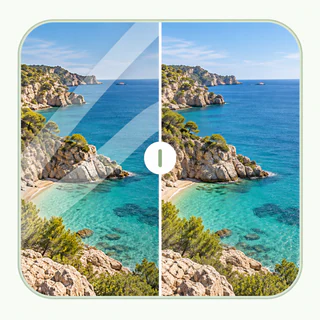
See how EnhancePhoto.ai turns flat, low-detail images into polished visuals. Each before and after example shows how AI can enhance image sharpness, improve image color, clean texture, and make everyday images look clearer.

Used by creators, shops, and teams to enhance image quality faster
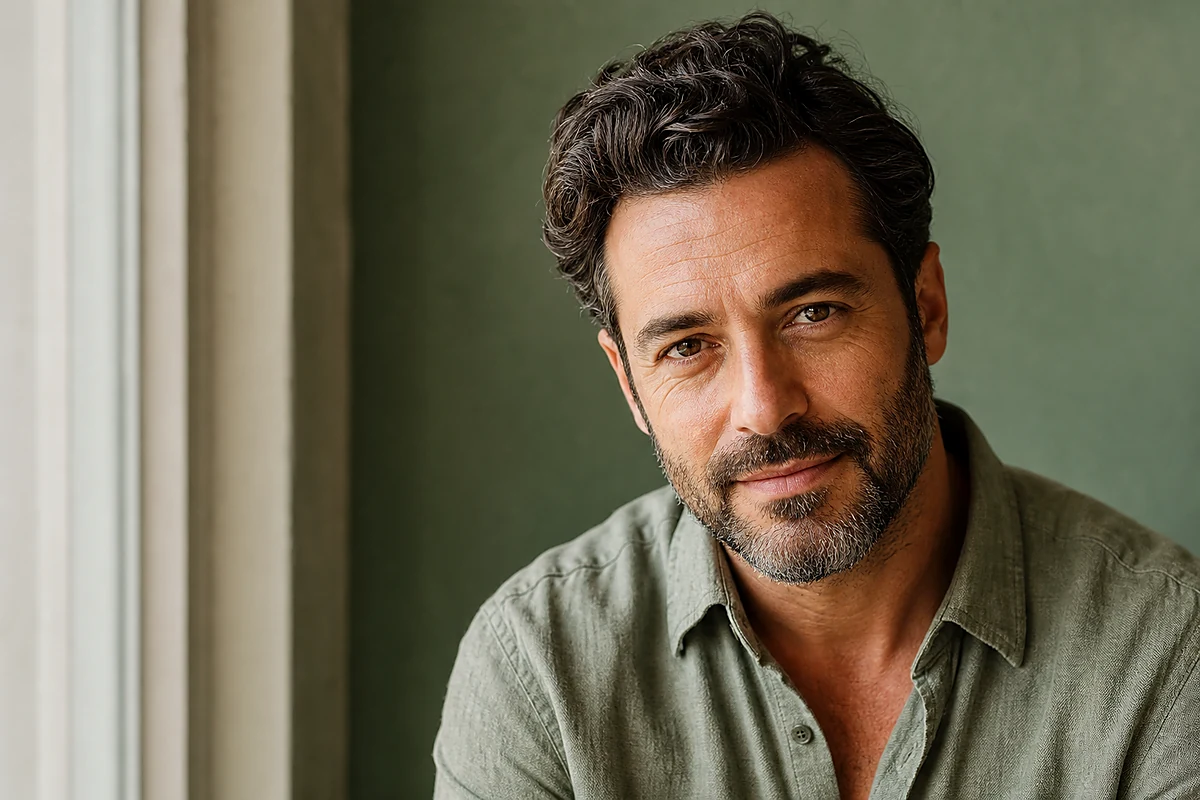
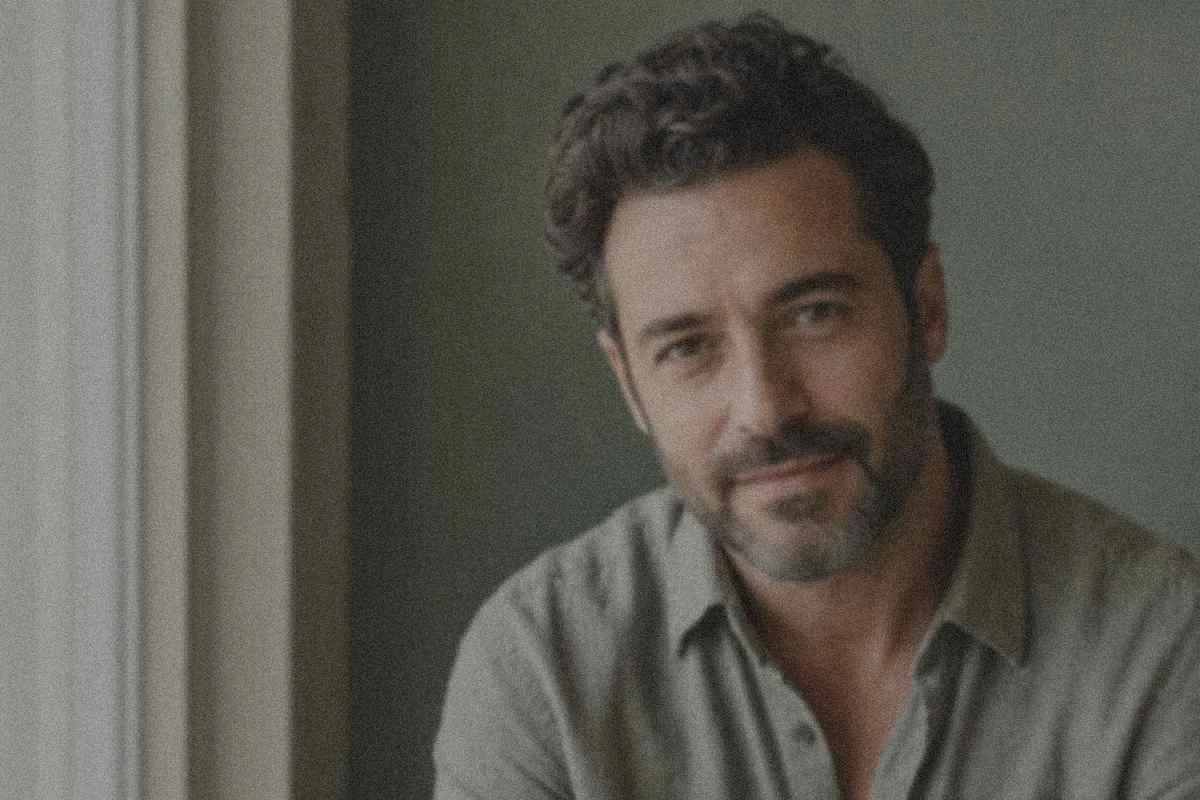
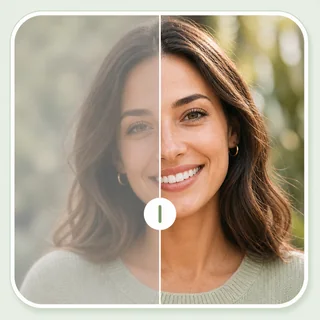
Portrait Image Enhancer - Clearer Faces and Richer Color
Improve portrait clarity while keeping skin tone natural. AI enhancement adds definition to hair, fabric, and background detail without making the result look over-edited.
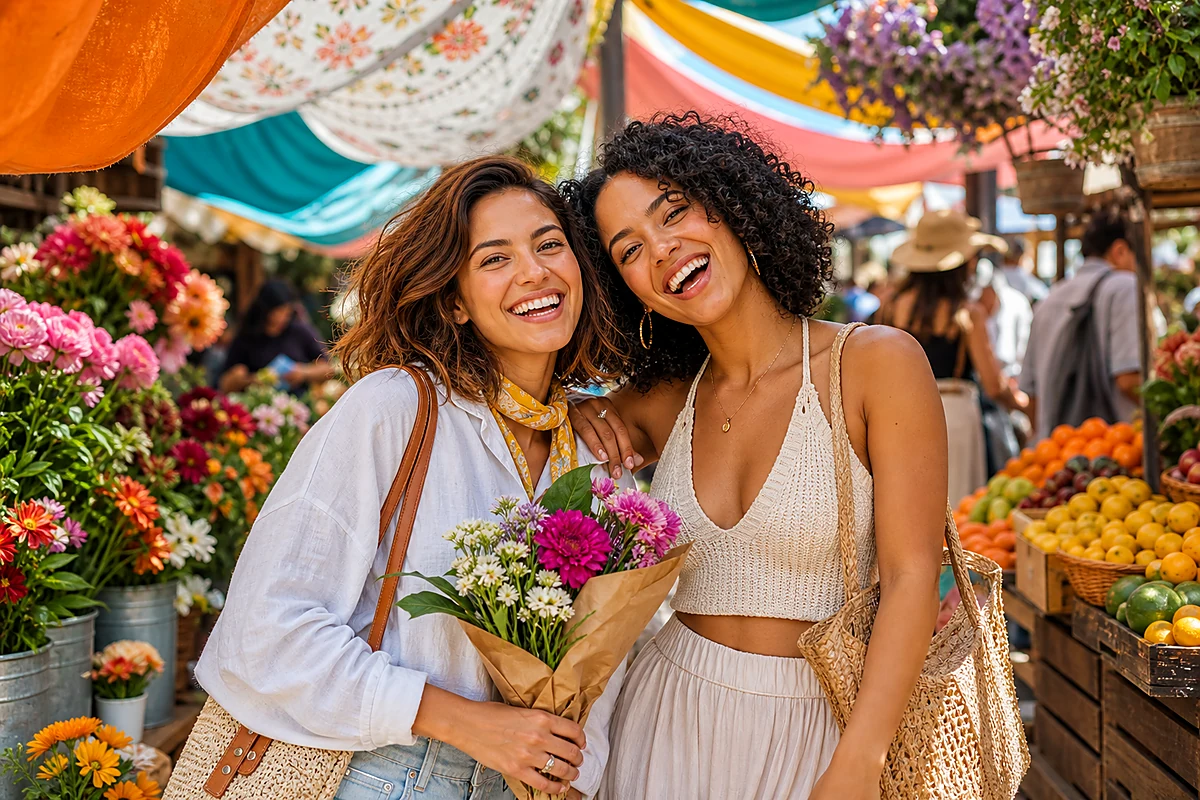

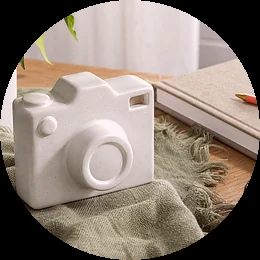
Social-Ready Image Enhancement
Turn a flat, compressed image into a more polished post. Improve contrast, color, and detail so photos look cleaner on feeds, portfolios, and creative campaigns.
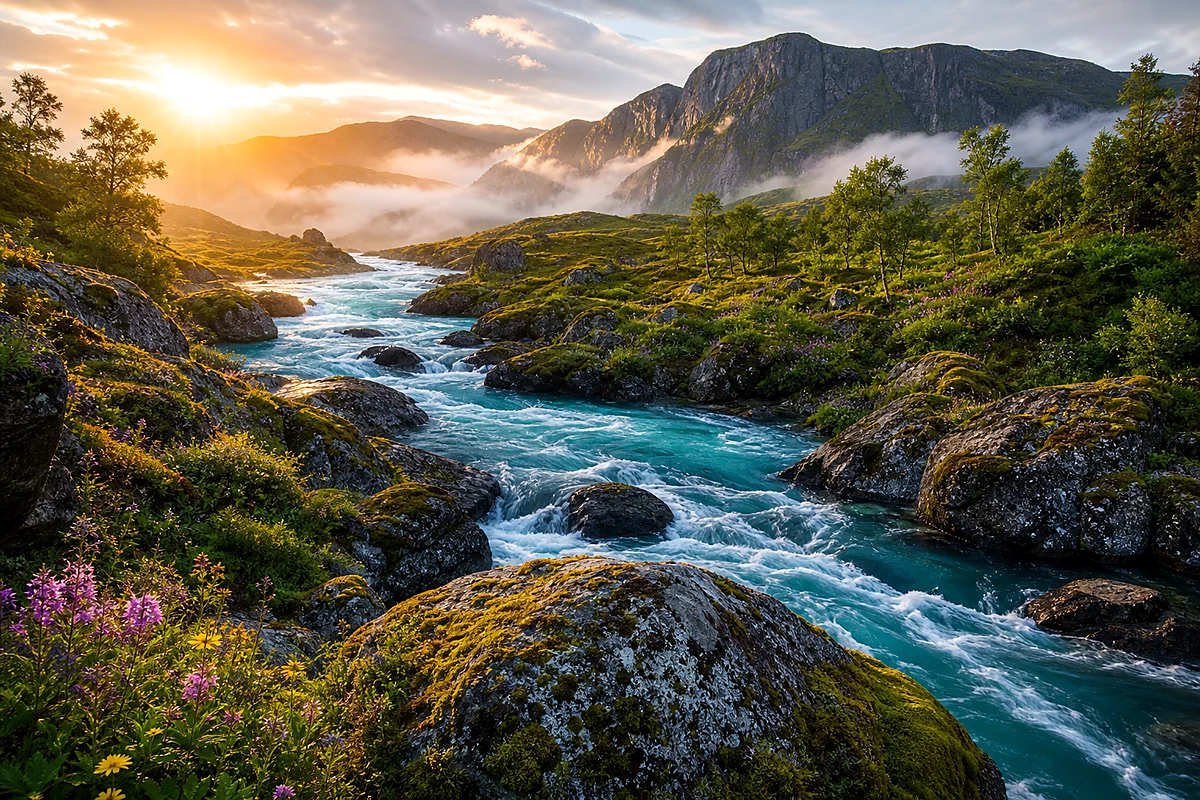
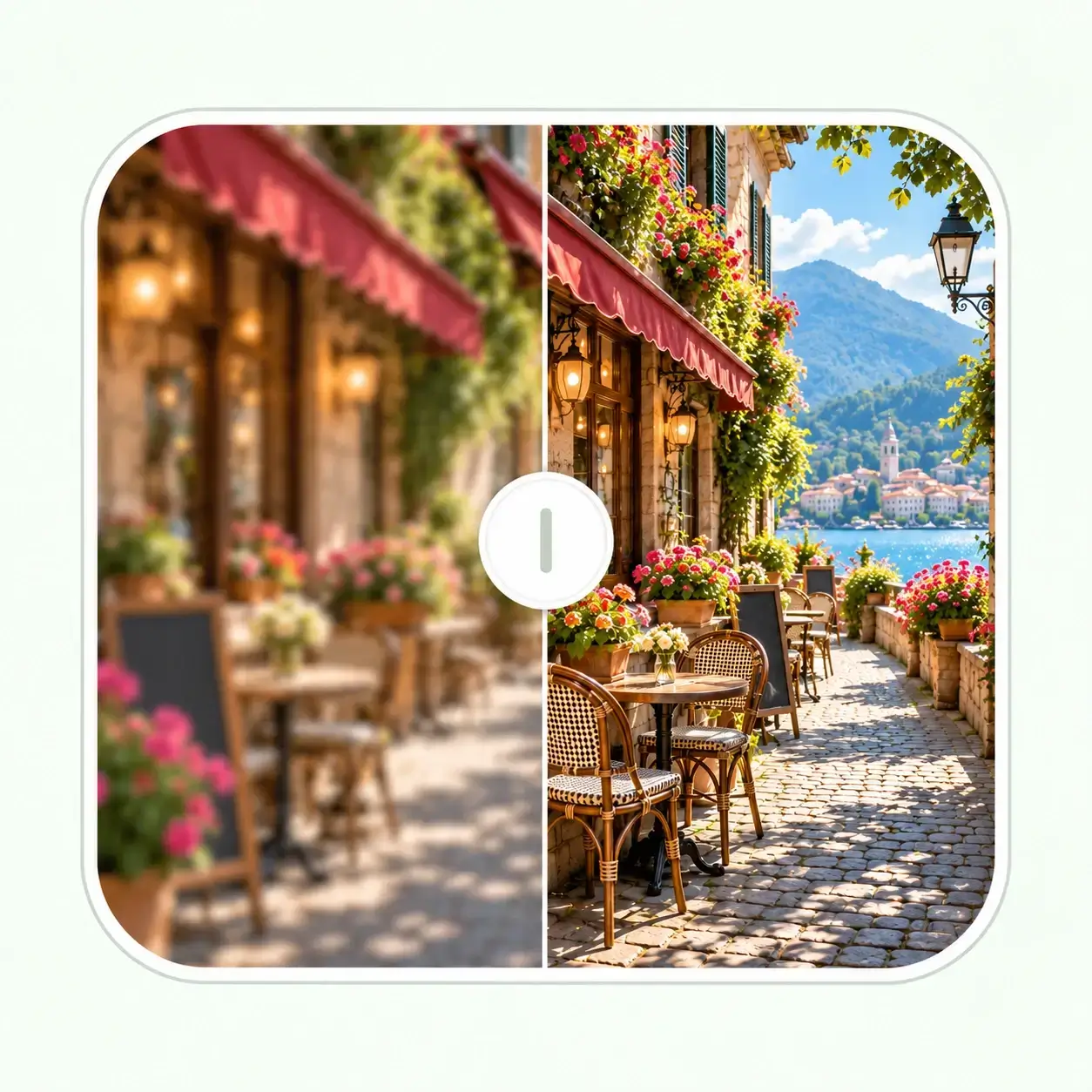
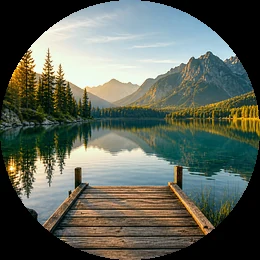
Landscape Image Enhancement - Recover Depth and Texture
Improve image depth with clearer foreground texture, better sky tone, sharper tree lines, and deeper reflections while preserving a natural photography look.
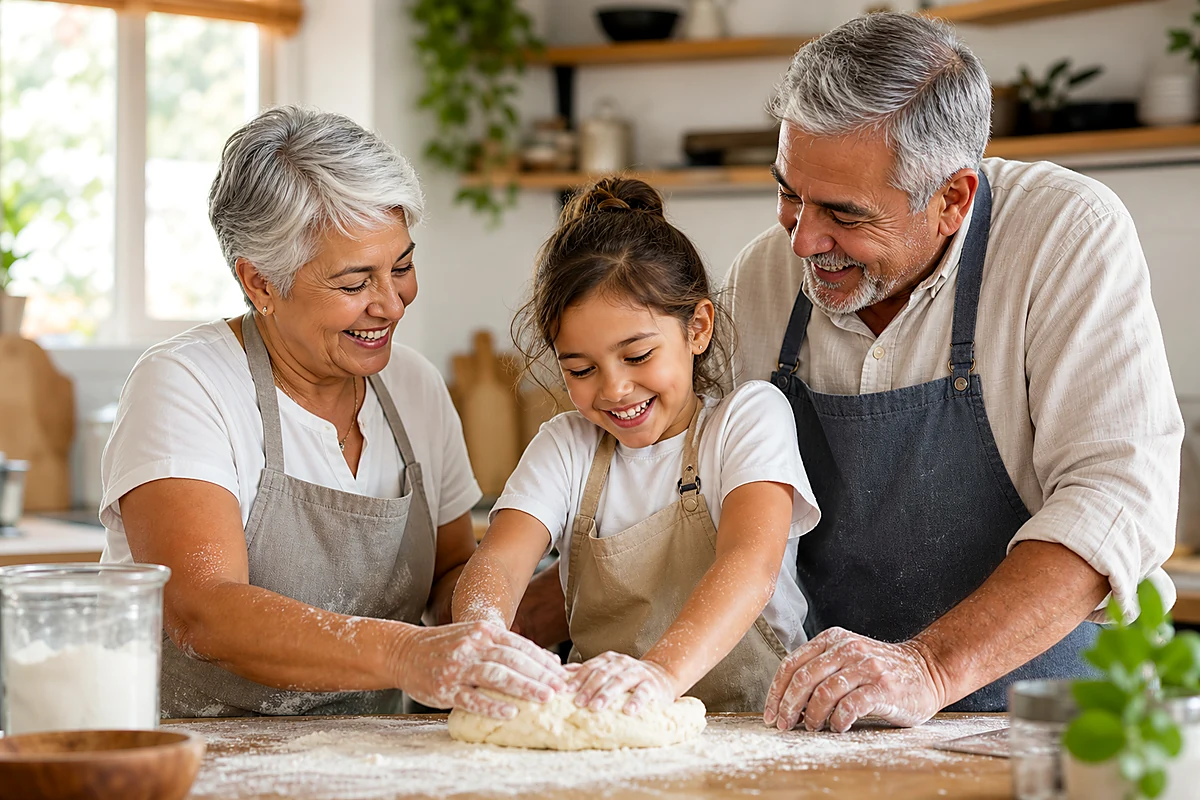
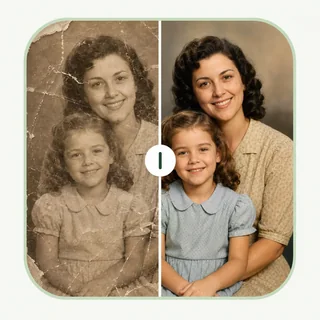
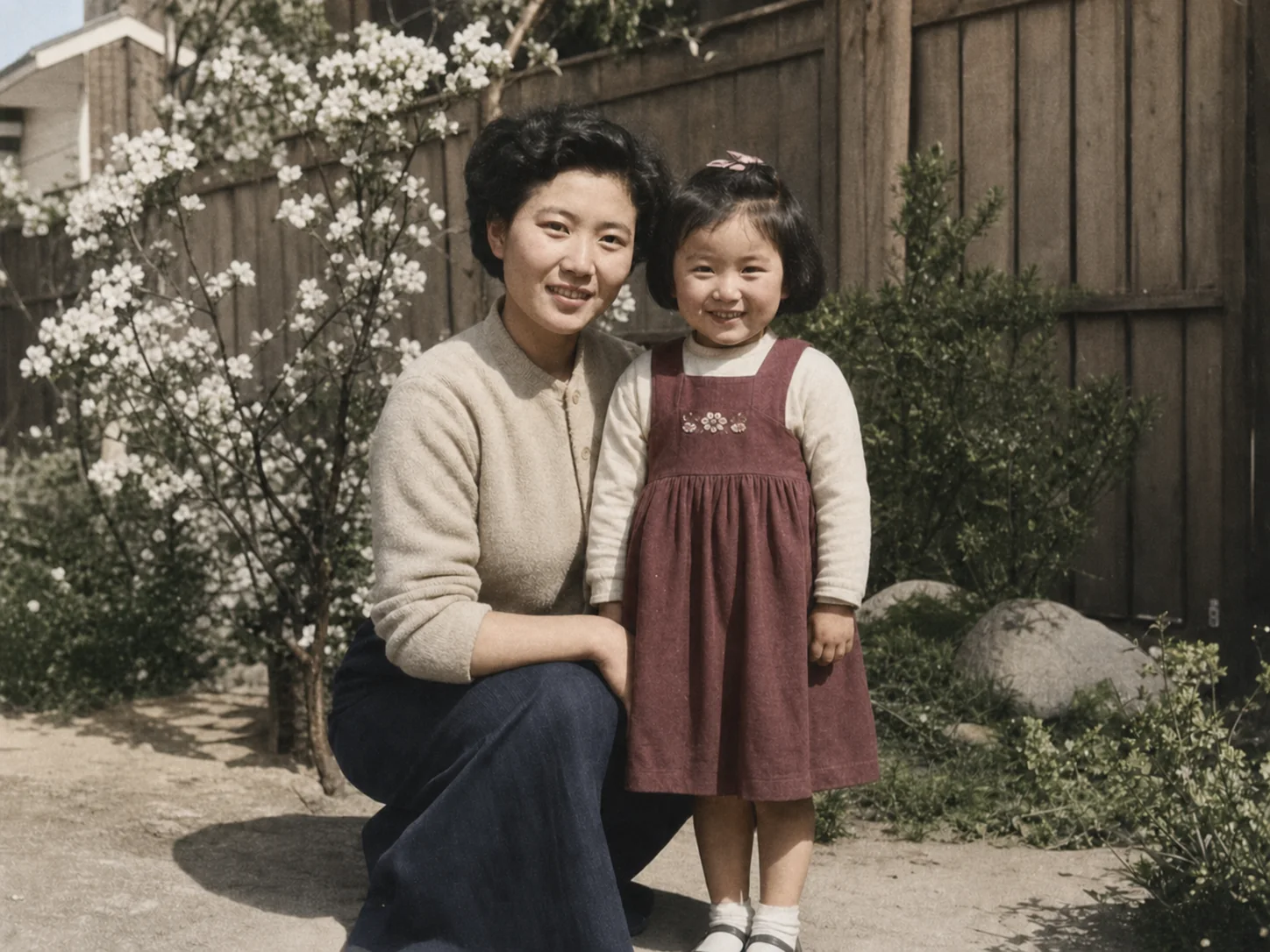
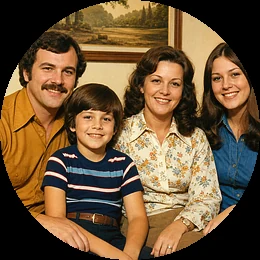
Family Photo Enhancement - Save Soft Memories
Improve image detail in low-contrast family pictures by lifting color, light balance, and clarity. Use the image enhancer to make personal memories cleaner for albums, printing, or sharing.
How to Enhance Image Online in 3 Simple Steps
Step 1: Upload
Upload the JPG, PNG, or WebP image you want to enhance. Choose the scene type and AI model that best matches your image.
Step 2: Enhance
EnhancePhoto.ai analyzes blur, noise, contrast, lighting, color, and texture, then enhances image quality automatically.
Step 3: Download
Download the enhanced image in your selected format. Use it for social media, e-commerce, printing, presentations, or image upscaler workflows.
When Image Enhancement Works Best
Best When the Source Still Has Detail
Enhancement works best when the original already contains useful shapes, texture, and edges for AI to clarify and balance.
Review Faces, Text, and Fine Patterns
Check important areas closely before publishing or printing, especially small text, facial features, product labels, and detailed textures.
Choose the Next Tool for the Real Limitation
Use Image Upscaler when you need more pixels, or Photo Restoration when old damage, tears, or heavy fading needs more than enhancement.
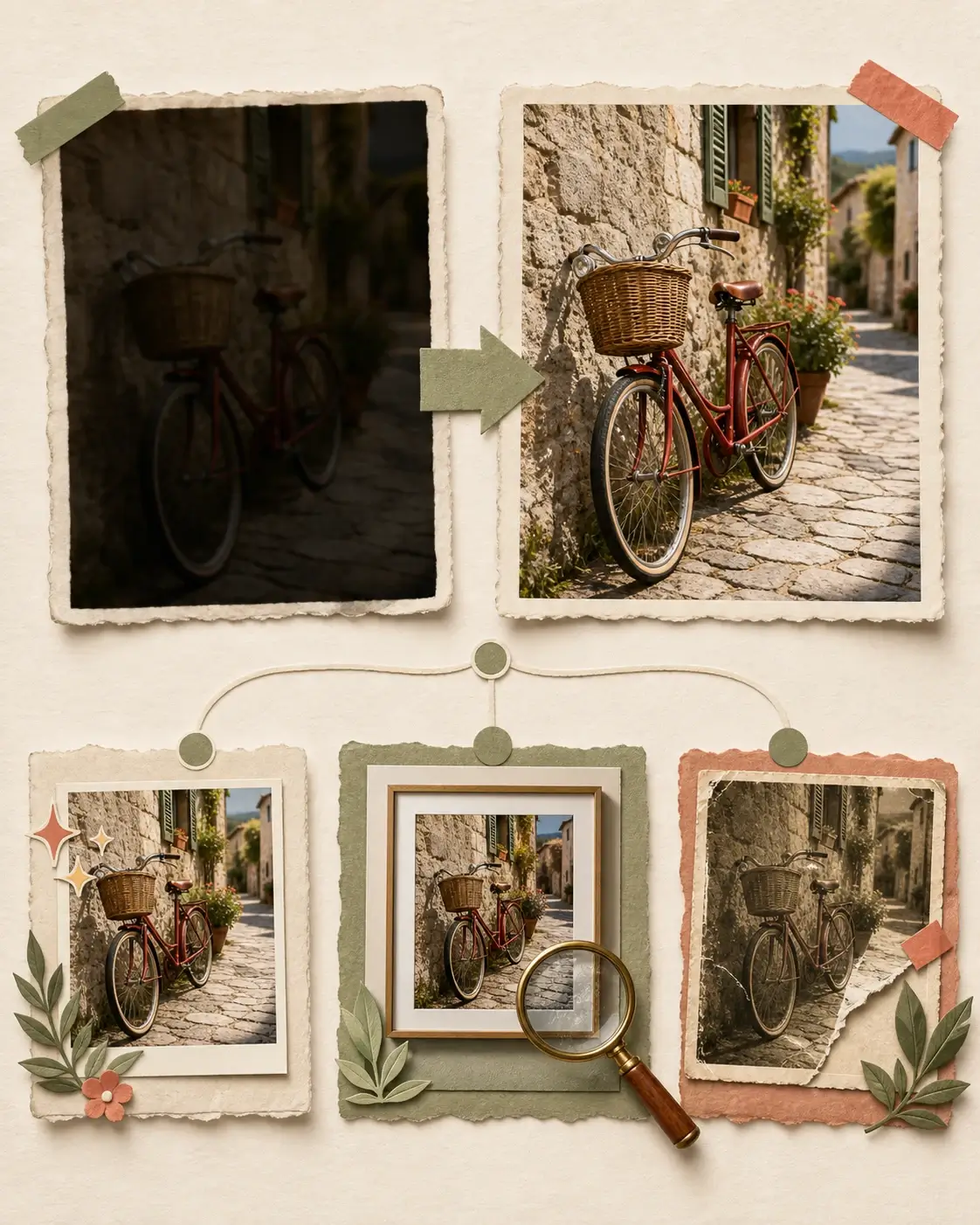
After Image Enhancement
Your image may be ready to use at its current size. If it still has a specific limitation, choose the next tool that addresses that limitation directly.
- 01
Ready to Share, Publish, or Print
Compare the detail, light, and color, then download the enhanced image for your listing, social post, campaign, presentation, or print layout.
- 02
Need a Larger Output
If the enhanced image looks good but is still too small for a print, display, or high-resolution layout, continue with Image Upscaler to create a larger version with more usable pixels.
- 03
Need to Repair an Older Original
If scratches, tears, severe fading, or age-related damage remain, use Photo Restoration to repair the original, then enhance the repaired image when it needs a final clarity pass.
Enhance Image Quality: What AI Improves
Sharper Details and Texture
Recover cleaner edges, more visible textures, and better subject definition when you enhance image detail without harsh manual sharpening.
Smarter Light and Color Balance
Lift dark images, reduce flatness, and improve color richness while keeping the final result natural and believable.
Scene-Aware Enhancement Models
Choose enhancement categories for portraits, scenery, objects, pets, text, and general images to guide the AI toward the right image enhancement style.
Better Prep for Upscaling
Improve image quality before resizing so your image upscaler results have cleaner texture, better edges, and stronger detail.
More Free Tools After Image Enhancement
Your image is now clearer and better balanced. Continue only when the result needs a photo-focused finishing pass, a larger output, or repair for damage that image enhancement cannot reconstruct.
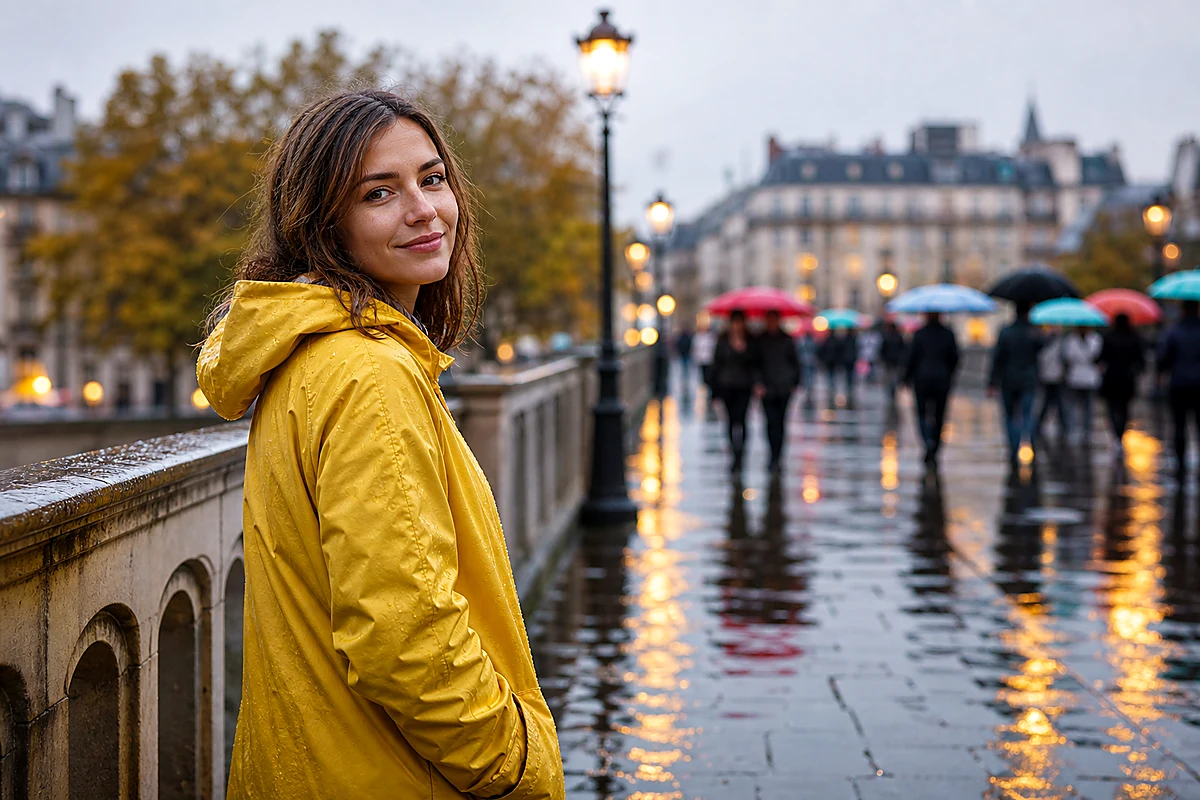
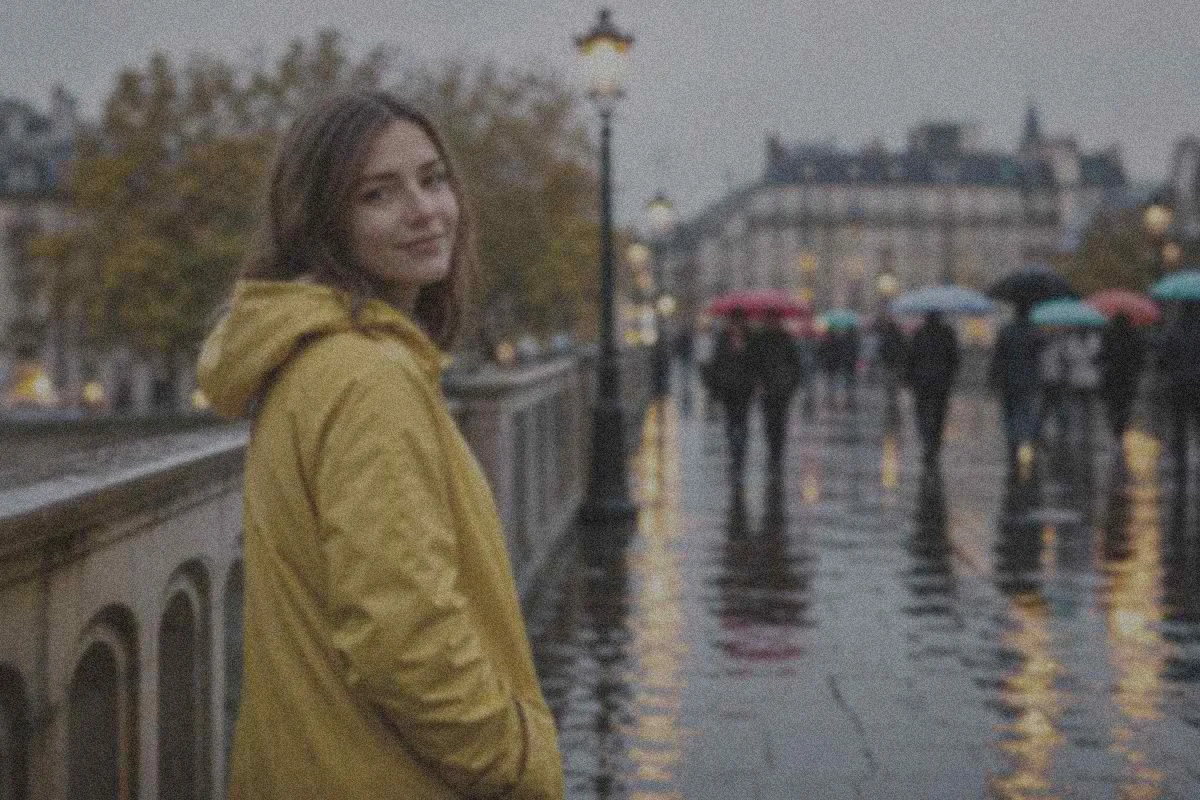
Photo Enhancer - Improve Photos Online
Use Photo Enhancer when the image you just enhanced is a portrait, product shot, social post, or design layout that needs a more photo-focused finishing pass.
Enhance Photo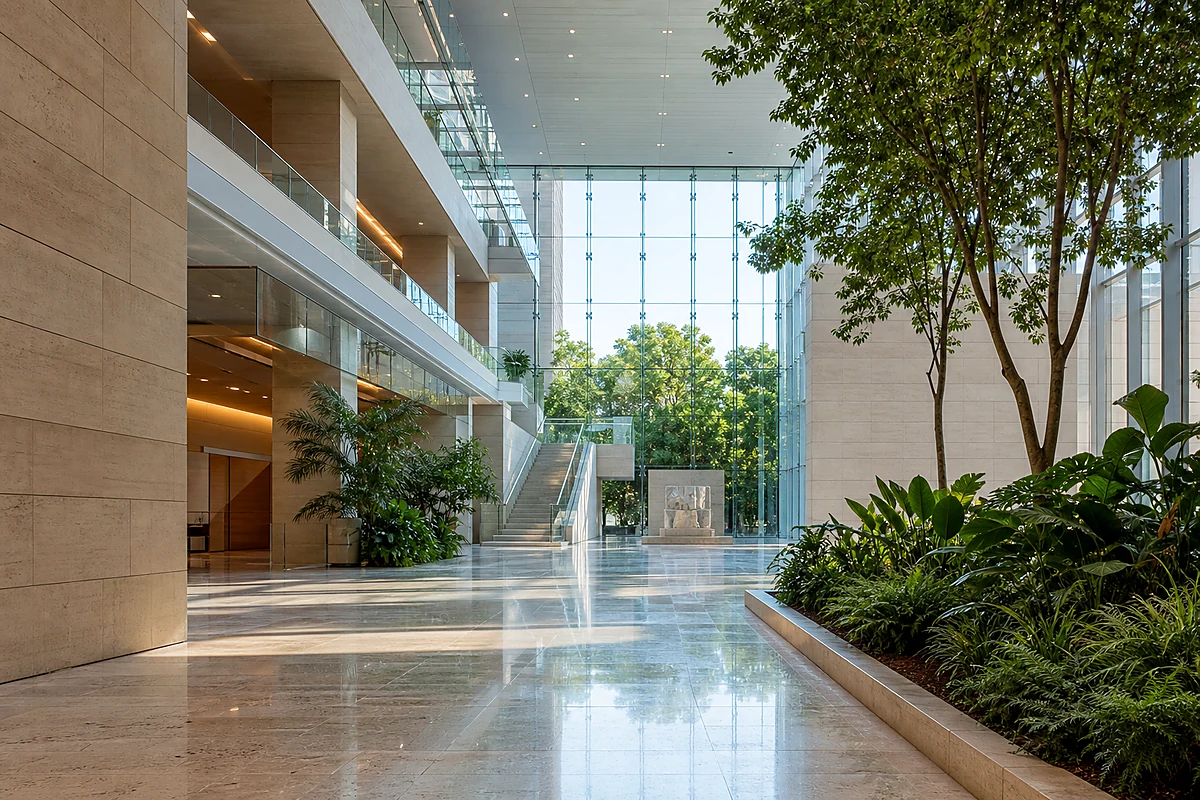
Image Upscaler - Enlarge Photos with More Detail
After image enhancement improves the visible detail, use Image Upscaler when the same result needs more pixels for a print, product page, presentation, or high-resolution creative work.
Upscale Image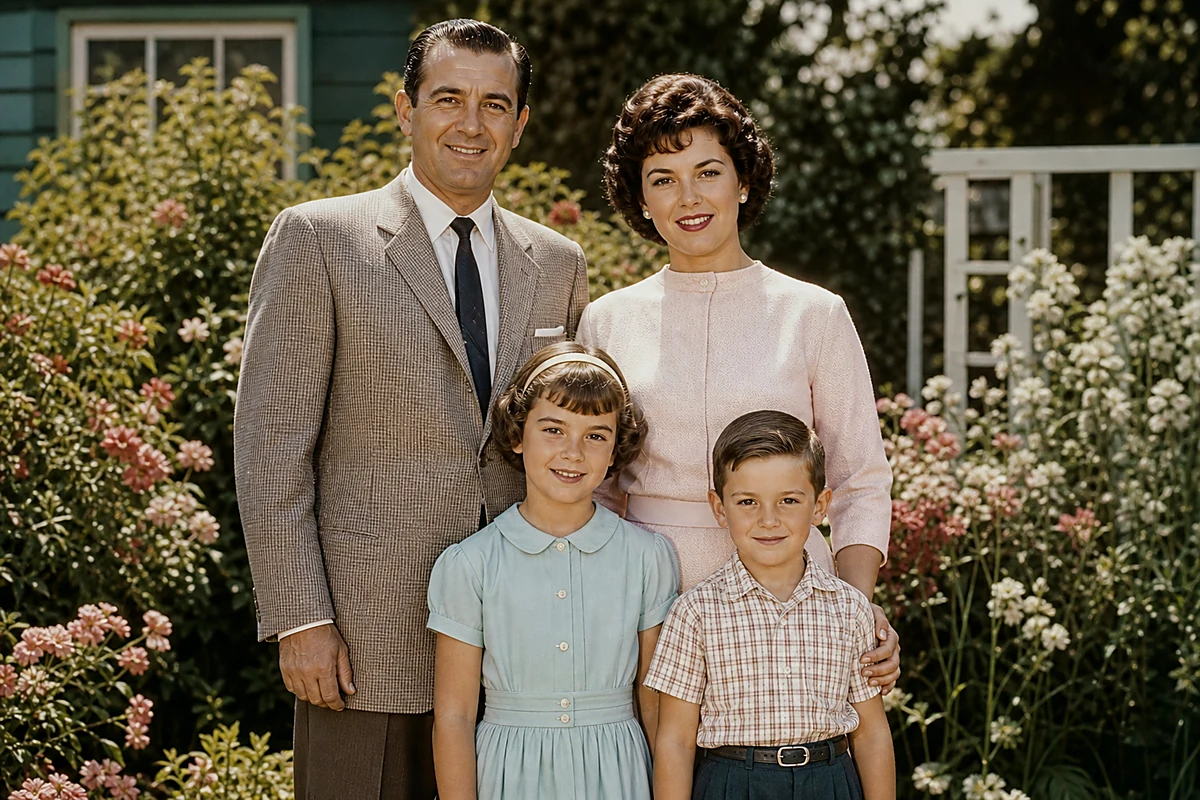
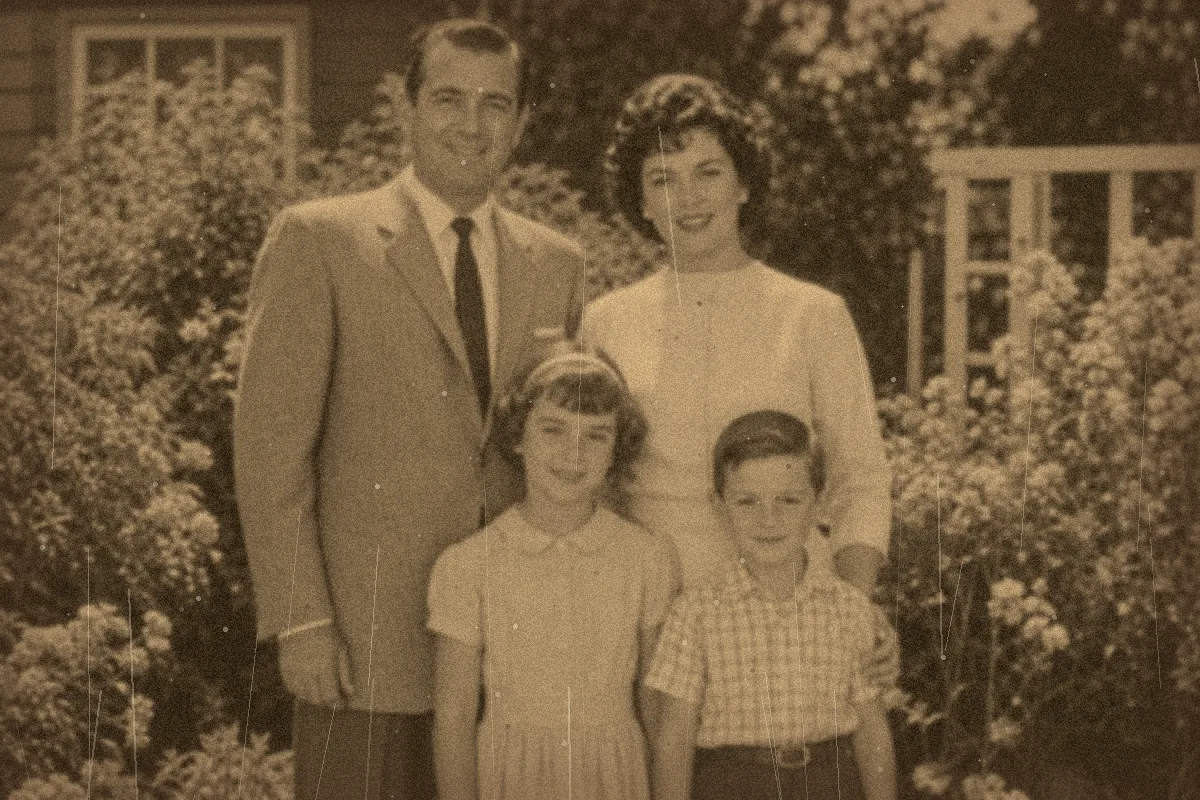
Photo Restoration - Repair Old and Damaged Photos
If scratches, tears, severe fading, or damaged areas remain after enhancement, use Photo Restoration to repair those age-related issues before giving the image a final enhancement pass.
Restore Photos