

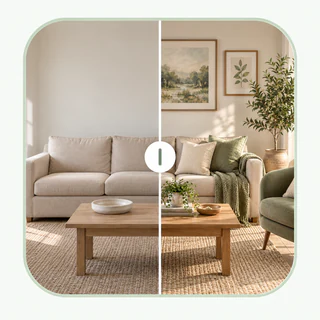
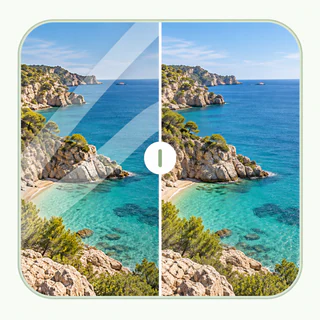
Upscale Image to 4K, 8K or 16K with Free AI
Use EnhancePhoto.ai as a free AI image upscaler to upscale images online, increase image resolution, and enlarge photos for prints, wallpapers, products, portraits, archives, and social content. free daily credits - no login - no payment
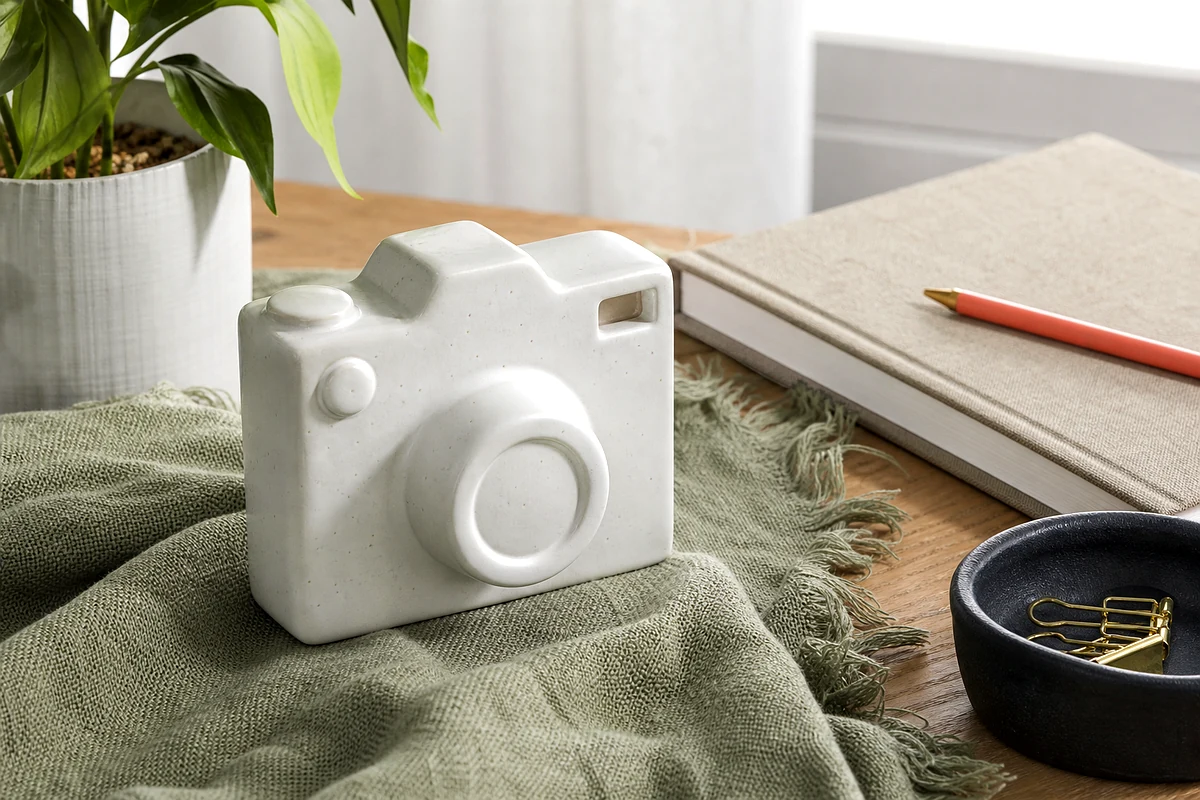
Original image expands to 4K resolution
Drag & drop or click to browse
Output Format
Output Format
Why Use EnhancePhoto.ai to Upscale Images Online?
AI Image Upscaler for 2x, 4x, 4K, 8K and 16K
Upscale image files with flexible 2x or 4x enlargement, or choose target resolutions such as 2K, 4K, 8K and 16K. EnhancePhoto.ai helps increase image resolution while keeping important edges, textures and colors clearer than basic resizing.
Increase Image Resolution Without Pixelated Results
A normal image enlarger stretches pixels. Our AI image upscaler analyzes the photo and rebuilds detail so enlarged images look sharper, cleaner and more natural. Use it for low-resolution photos, compressed images, product pictures, portraits and downloaded graphics.
Free Online Photo Upscaler with No Login
This image upscaler is built for traffic-first, friction-free use. You get free daily credits on EnhancePhoto.ai, with no account creation, no checkout, no subscription and no payment flow on this site.
Upscale Photos for Print, Screens and Sharing
Create larger images for desktop wallpaper, poster printing, e-commerce, presentations, thumbnails, portfolios and family archives. Upscale photos online in JPG, PNG or WebP output formats and download the result when processing is finished.
Upscale Images for the Places You Need to Use Them
Product Images and Catalogs
Enlarge product photos and catalog images for listings, storefronts, campaign assets, and product pages when the original file is too small for the space you need to fill.
Prints, Posters, and Large Displays
Prepare a larger image for a framed print, photo book, poster, presentation, or wall display while keeping the output clearer than ordinary resizing.
Content, Social, and Portfolio Work
Create sharper versions of thumbnails, social graphics, portfolio images, and presentation visuals when a higher-resolution file makes the final placement look more polished.
Old Photos and Digital Archives
Enlarge family photos, historical scans, and archive images for easier viewing, digital collections, or future print use. Remove a visible watermark first so it is not magnified in the larger file.
AI Image Upscaler
Results
See how EnhancePhoto.ai can upscale images from low resolution to clearer 4K, 8K or 16K-ready outputs. These examples cover wallpaper images, print-ready photos, archival detail and old photo enlargement, all focused on natural image quality instead of heavy artificial sharpening.

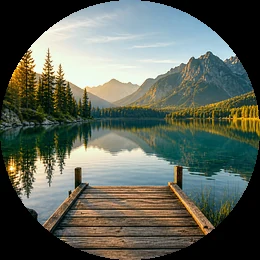
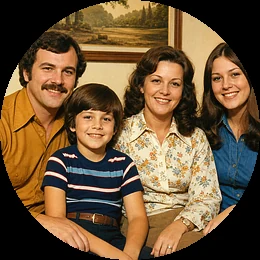
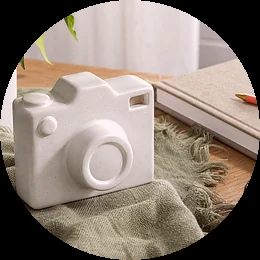
Free daily image upscaling for creators, sellers and everyday photos
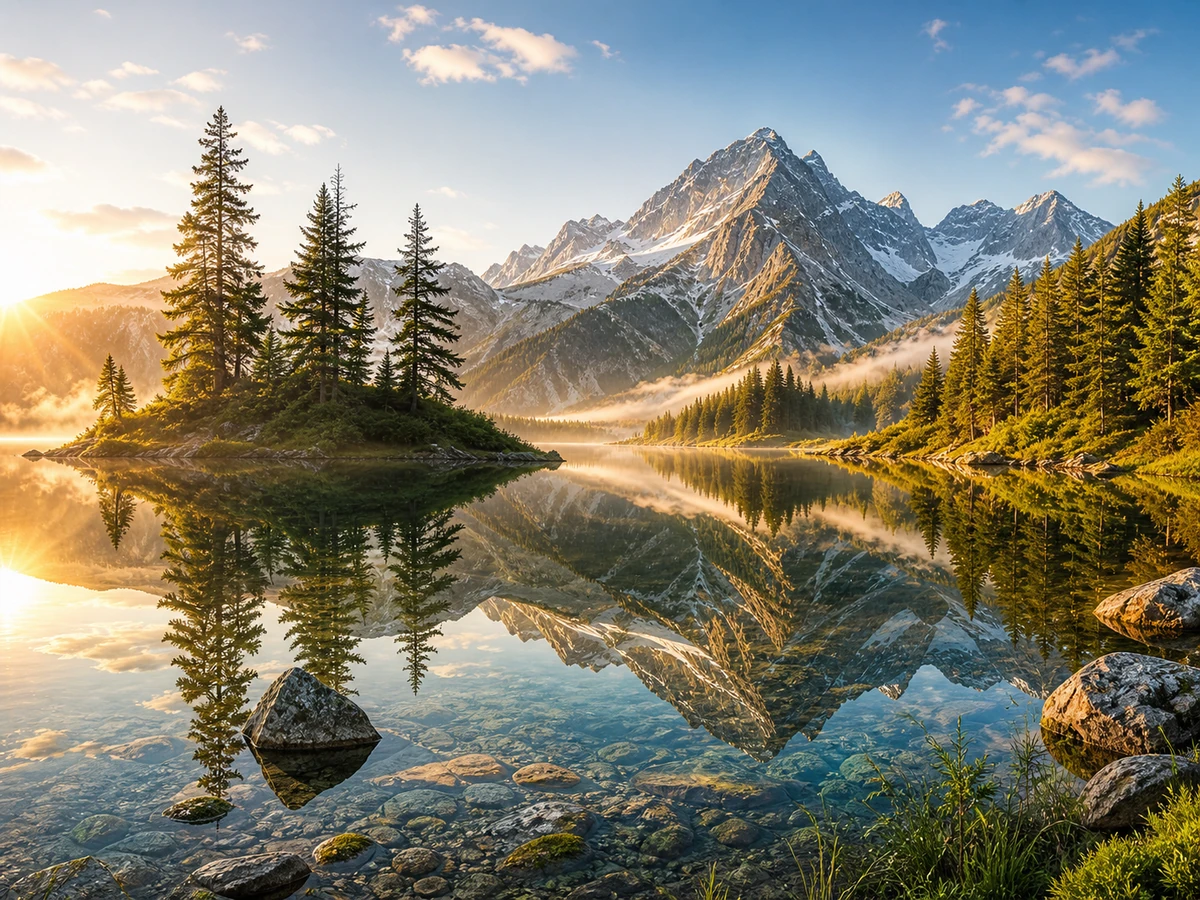
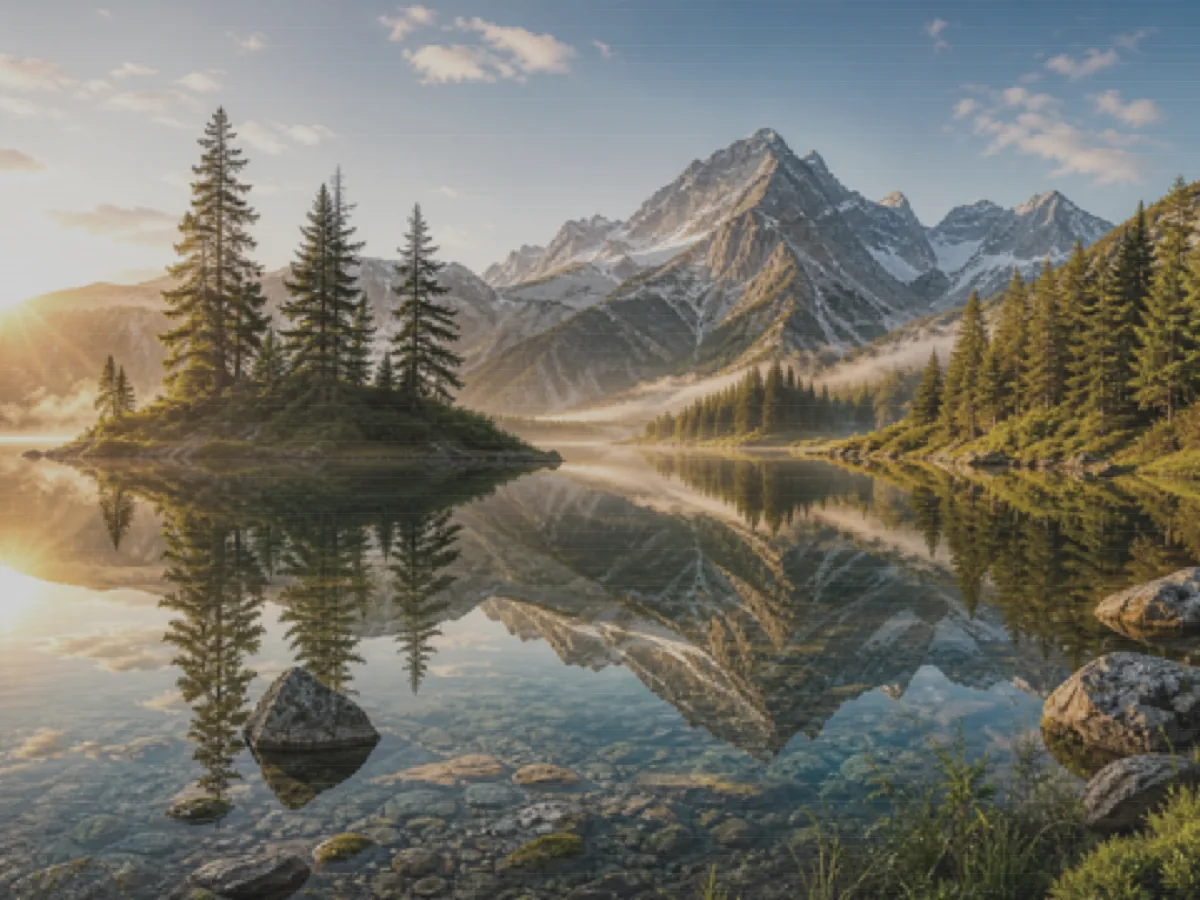
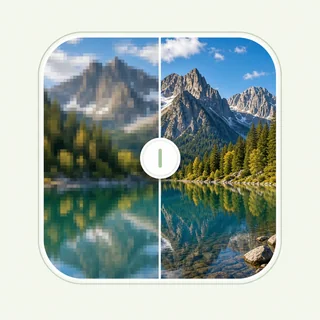
Upscale 1080p to 4K for Sharper Wallpapers
Turn a standard-resolution landscape into a larger 4K-style wallpaper. The AI image upscaler improves perceived detail in trees, water, sky and mountain textures so the final image feels cleaner on larger screens.
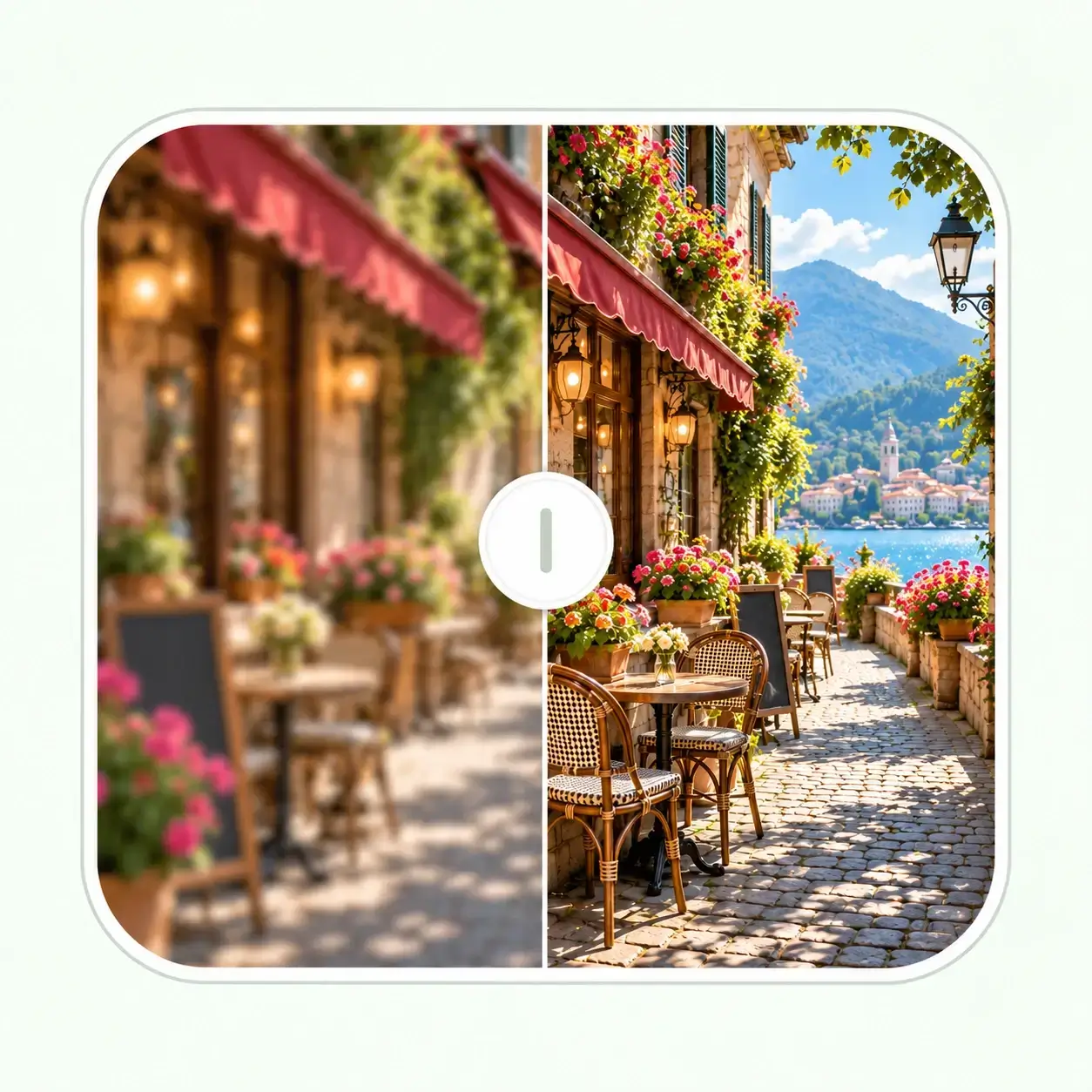
Upscale Photos for Large Prints
Enlarge a small product image for a print layout, product page, or large display. AI upscaling helps preserve visible texture and edge clarity for a cleaner high-resolution result.
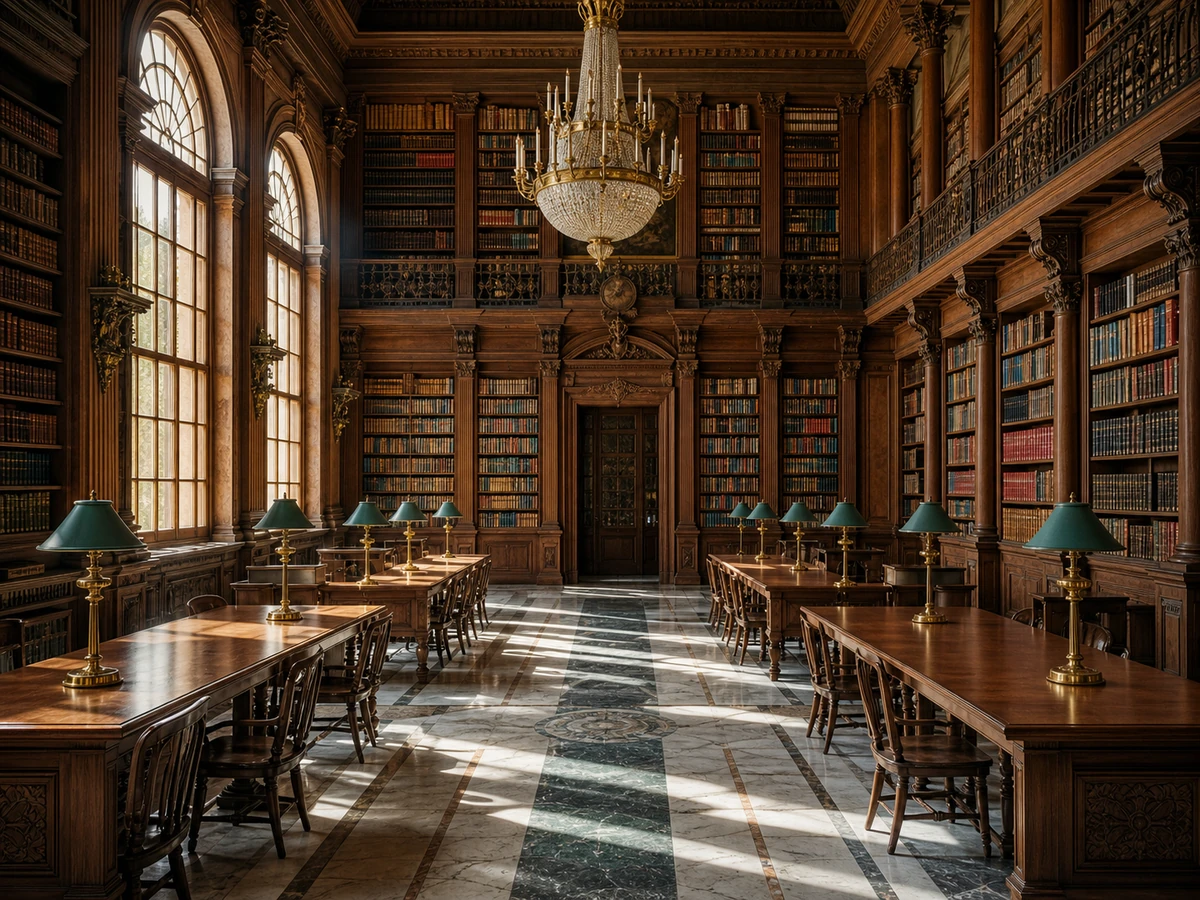
Create Ultra-High Resolution Archive Images
Upscale images to higher target resolutions when you need more visible detail for archiving, presentations or future reuse. The 16K upscaling workflow is useful for detailed scenes, architecture and high-resolution visual collections.
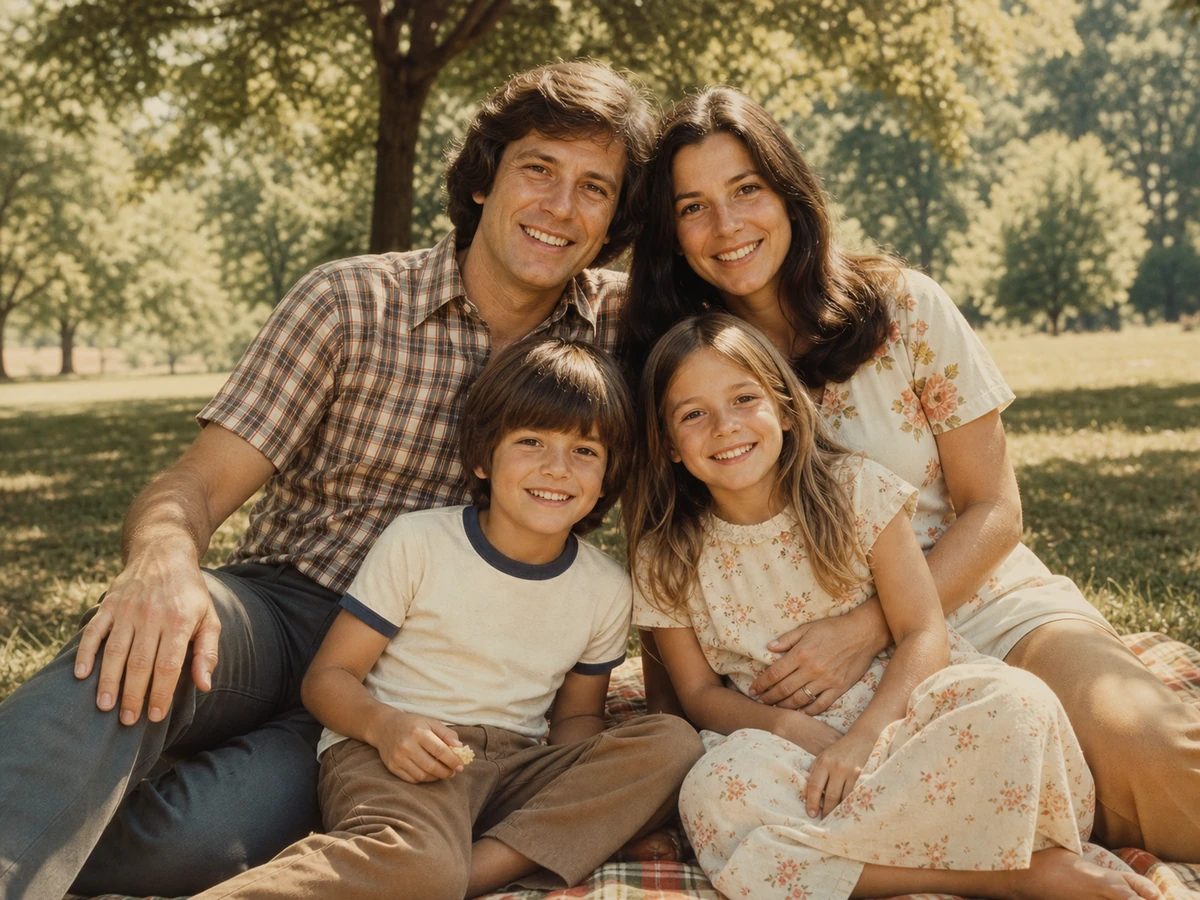
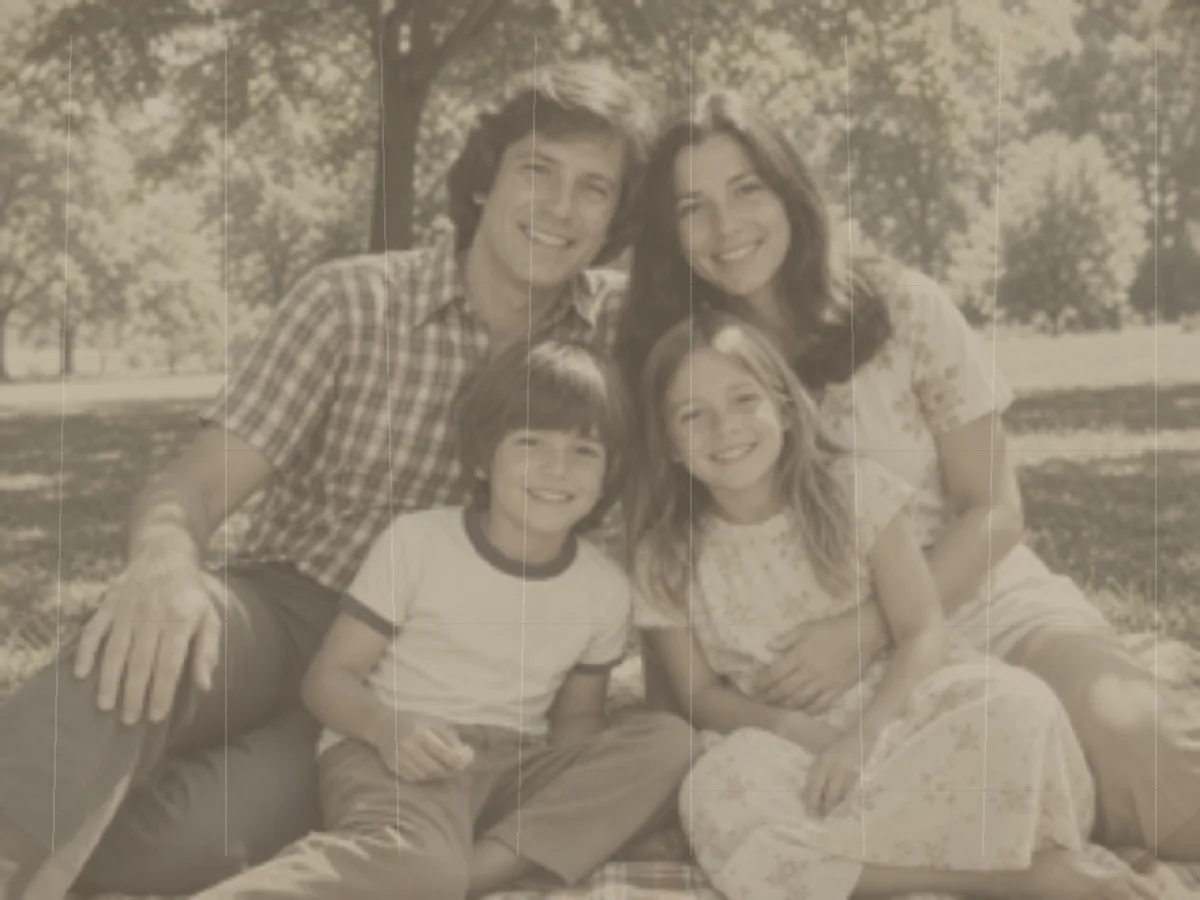
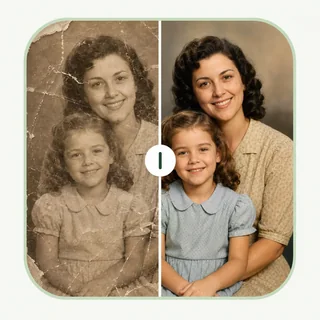
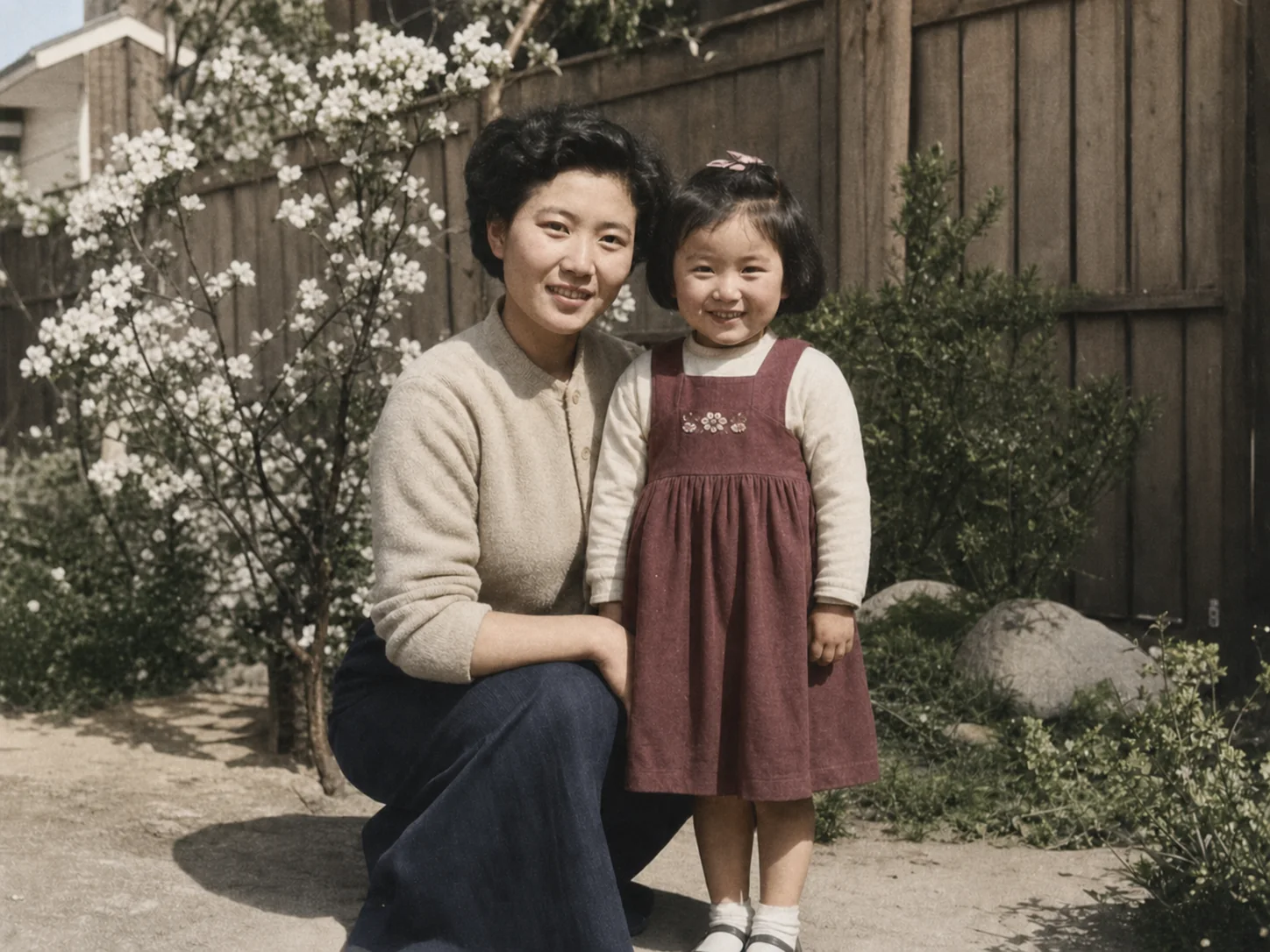
Upscale Old Photos for Modern Screens
Enlarge old family photos and faded scans so they look clearer on phones, tablets, frames and printed albums. For damaged photos, restore first, then use the image upscaler for a larger final download.
How to Upscale Image Resolution in 3 Steps
Step 1: Upload
Upload one JPG, PNG or WebP image up to 18MB. You can use a low-resolution photo, product image, portrait, screenshot or old scan that needs a larger, clearer result.
Step 2: Choose Size
Choose 2x or 4x upscale, or select a target resolution such as 2K, 4K, 8K or 16K. The AI image upscaler will process the image and rebuild detail for a sharper enlargement.
Step 3: Download
Download the upscaled image in JPG, PNG or WebP. Use the result for printing, wallpapers, social media, product listings, presentations, archives or any workflow that needs higher image resolution.
When AI Image Upscaling Works Best
Best for Clear Sources That Need More Size
Images with recognizable edges, texture, and subject detail usually produce cleaner enlargements than very soft, heavily compressed, or severely pixelated originals.
Check Faces, Text, and Fine Patterns Closely
Small text, faces, repeated patterns, and detailed edges need close review at the final output size because AI has limited source detail to rebuild.
Start with the Best Available File
Use the clearest original image or scan you have. A stronger source gives AI more real detail to work with and helps create a cleaner enlarged result.

After Image Upscaling
Start by creating the larger version you need. Review the result at its final size, enhance it if it needs extra polish, then download the finished file for its destination.
- 01
Upscale to the Size You Need
Use this Image Upscaler to create the 2x, 4x, or target-resolution file you need for a product page, display, print, presentation, or other larger format.
- 02
Refine the Enlarged Result
If the enlarged image needs final clarity, color, lighting, or texture refinement, use Image Enhancer . If the enlarged image reveals a visible mark you are allowed to remove, use Watermark Remover before saving the final file.
- 03
Download and Use the Final File
Compare the finished image at its intended size, then download it for a listing, print layout, presentation, portfolio, wallpaper, archive, or large display.
AI Image Upscaler Features for Higher Resolution
Flexible 2x, 4x and Target Resolution Upscaling
Use scale-based enlargement for quick 2x or 4x results, or choose fixed targets such as 2K, 4K, 8K and 16K. This makes the image upscaler useful for both everyday photos and higher-resolution creative work.
Detail Reconstruction for Natural-Looking Results
AI upscaling improves edges, texture and fine detail instead of only stretching pixels. It is designed to increase image resolution while keeping portraits, products, landscapes and old photos more believable.
Cleaner Enlargements with Fewer Artifacts
The upscaler is tuned to reduce common enlargement problems such as soft blur, jagged edges, blocky compression and unnatural halos. Source quality still matters, but the result is much cleaner than simple resizing.
Free Daily Use for Single-Image Workflows
EnhancePhoto.ai gives every visitor free daily credits. Upload one image at a time, choose your upscaling mode, and download without login, payment, premium plan prompts or subscription checkout.
More Free AI Photo Enhancement Tools
After using Image Upscaler to create the larger resolution you need, continue with a related tool when the result needs watermark cleanup, visual refinement, or photo repair before you save or share it.
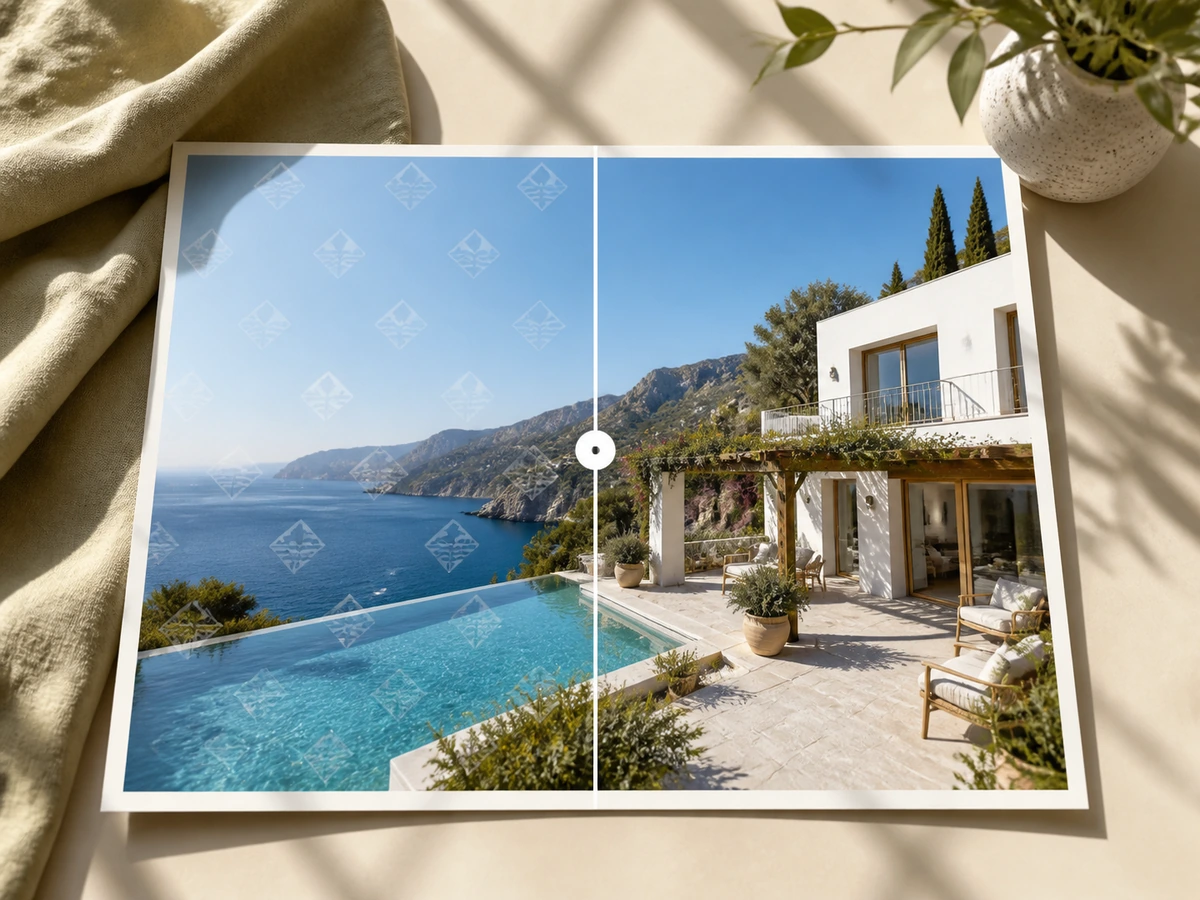
Watermark Remover - Clean an Enlarged Image
After upscaling, use Watermark Remover to clear visible text, logos, stamps, or overlays from images you are allowed to edit, then keep a clean larger result for your final use.
Remove Watermark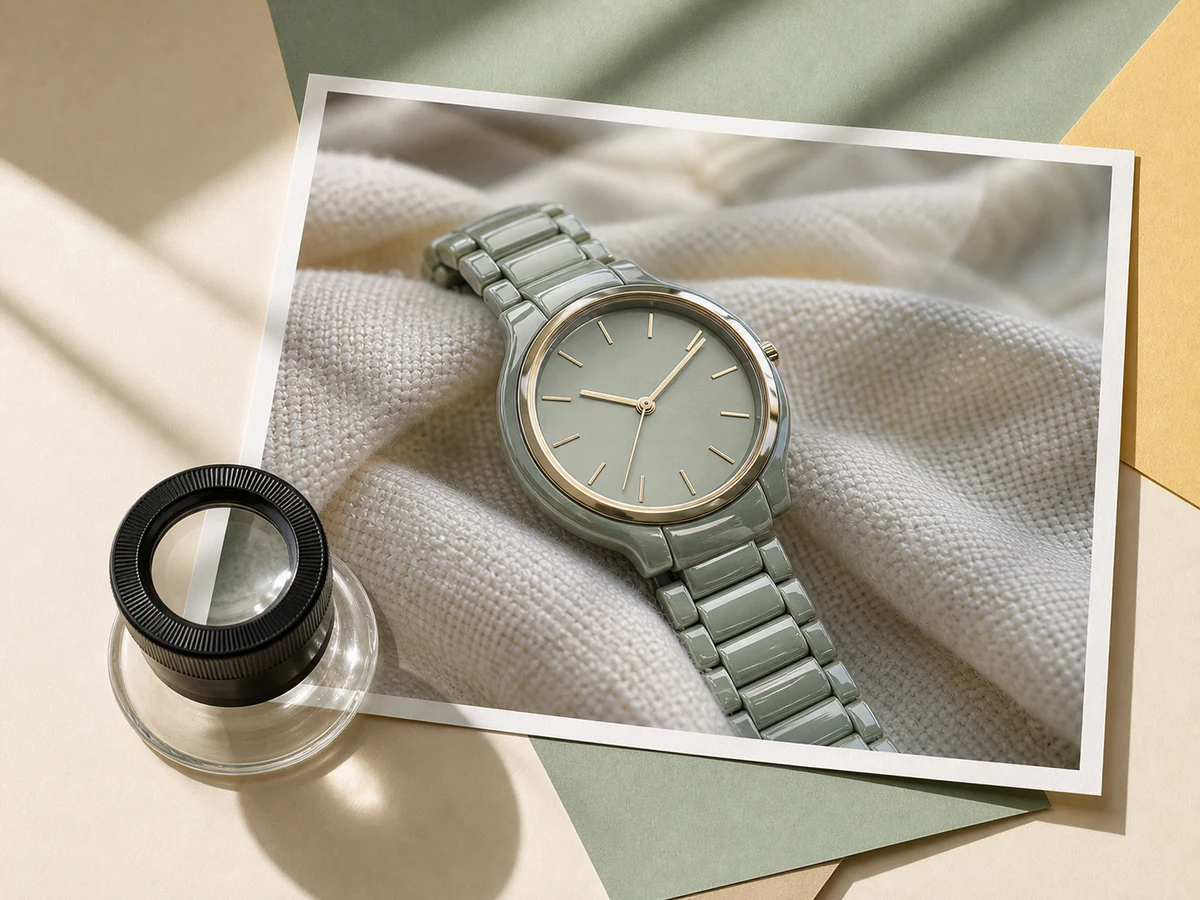
Image Enhancer - Refine the Enlarged Image
After using Image Upscaler, refine the enlarged image's sharpness, contrast, color, and texture when you need a more polished final result.
Enhance Image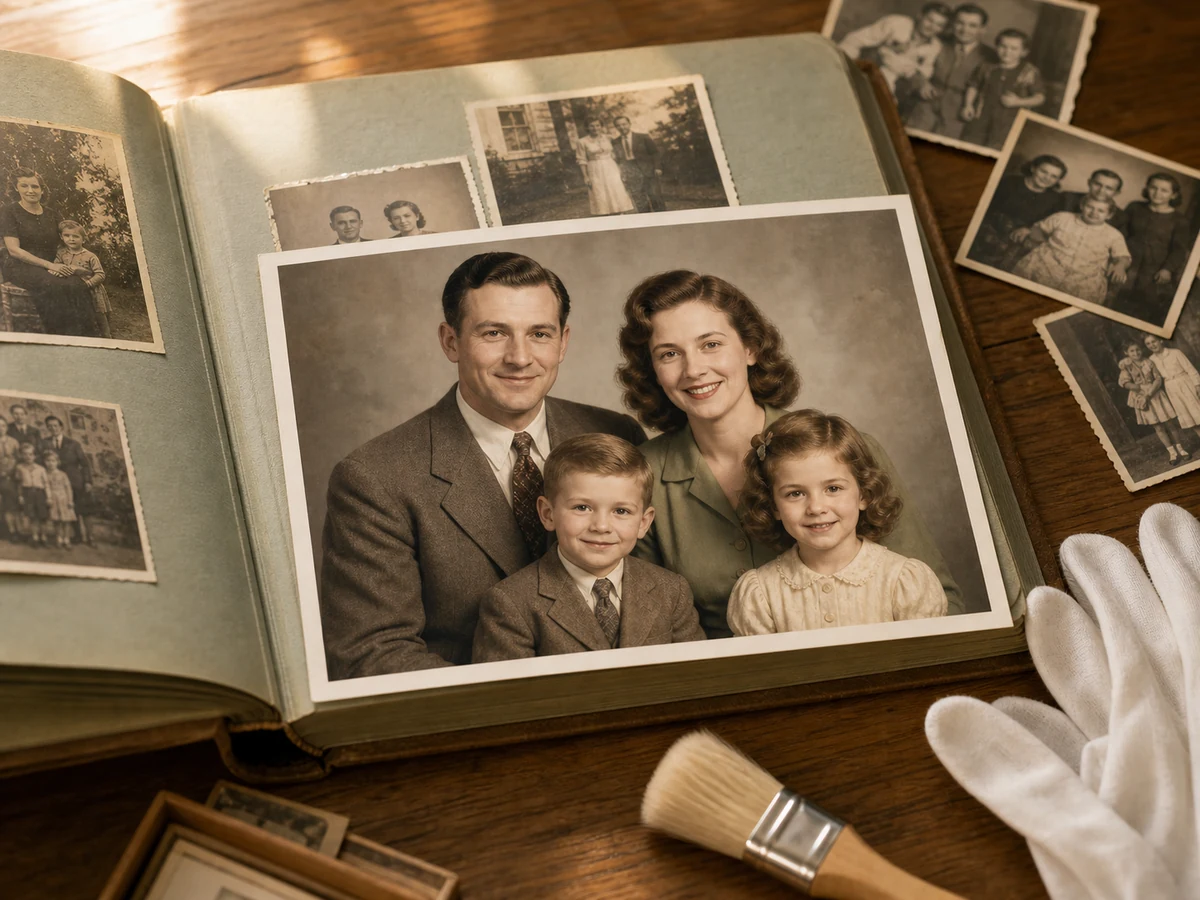
Photo Restoration - Repair Visible Damage After Upscaling
If the enlarged image makes fading, scratches, or other age-related damage more noticeable, use Photo Restoration to improve it before saving, printing, archiving, or sharing.
Restore Photos