


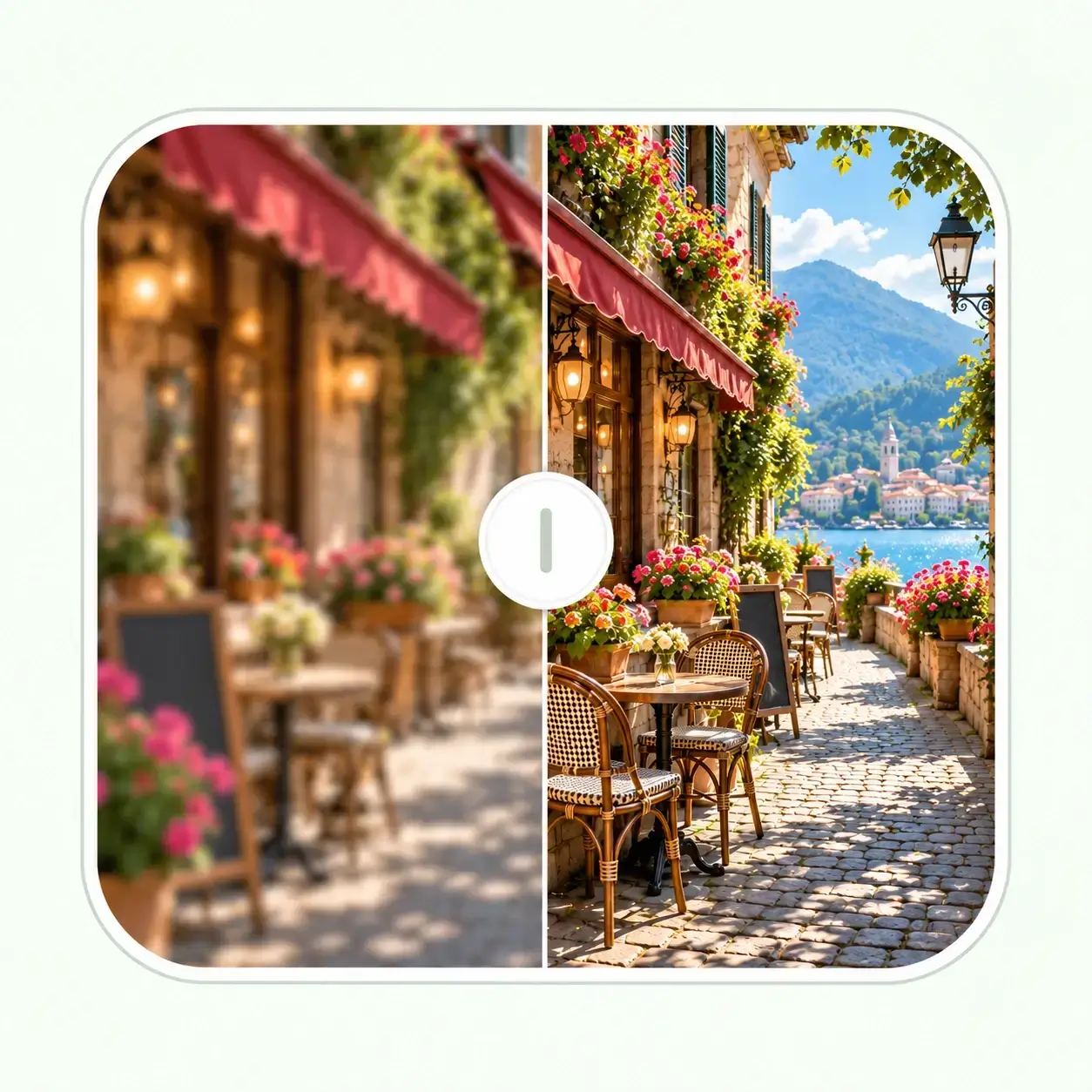








Free Online Video Enhancer
Improve video clarity online with AI. 1080p or 2K · Preview and download online
Upload Video
Drag & drop or click to browse
Supported Formats
- MP4
- MOV
- M4V
- AVI
Why Use an AI Video Enhancer?
Enhance Video Quality Frame by Frame
Use this AI video quality enhancer to improve the appearance of edges and textures in low-resolution clips. Process your footage frame by frame, then check the result in motion.
Video Resolution Enhancer for 1080p or 2K
Use the AI video upscaler to increase video resolution from low-resolution footage. Near-1080p sources automatically use 2K; 2K is the maximum supported output.
Improve Low Quality Video
Sharpen video online by improving the appearance of soft edges in your footage. Use the original recording when possible; heavy compression, missed focus and motion blur limit what can be recovered.
Enhance Videos Online
Use this online video enhancement tool to upload a clip, choose your settings and download the result in your browser. No desktop video enhancement software is required.
Video Enhancement for Everyday Footage
Travel and Family Videos
Make scenery, faces and everyday moments easier to watch when revisiting low-resolution travel clips or family recordings.
YouTube Videos and Social Media Clips
Use the video enhancer for YouTube clips, Instagram Reels and other social videos before publishing. Upload your source file, then check faces, captions and fine details in the result.
Product and Creator Videos
Prepare clearer product demonstrations, tutorials and portfolio clips. Choose 1080p or 2K to suit your publishing workflow.
Lessons, Presentations and Training
Improve recorded lessons, screen demonstrations and training clips before sharing them with students or colleagues. Review small labels and on-screen text at the final size; enhancement cannot reliably rebuild unreadable text.
AI Video Enhancer
Clearer Video
Explore video enhancement for travel clips, people, products and family recordings. Choose 1080p or 2K to suit your footage, then check motion and fine details in the processed preview.
Bring Out Scene Detail
Use video enhancement to improve the appearance of edges and textures in low-resolution clips. Preview the actual result to judge clarity and naturalness.
Make People Easier to See in Short Clips
Use a video quality enhancer for soft travel vlogs, interviews and social clips. Review facial features, hair and moving edges in the processed preview before sharing.
Prepare Clearer Product Demonstrations
Use this video quality booster to prepare low-resolution product clips for listings, tutorials and presentations. Check outlines, surface textures and small labels; keep the original file for comparison.
Revisit Older Family Recordings
Enhance old home videos from digitized recordings and older phones. Start with the best available copy, then check faces and movement instead of judging only a paused frame.
How to Enhance Video Quality Online
Upload Your Video
Choose an MP4, MOV, M4V or AVI video. The tool reads its duration and dimensions before processing.
Upscale Video to 1080p or 2K
Upscale video to 2K for a larger output, or choose 1080p for a 480p or 720p source. Check the estimated credits and choose Preview or Full video.
Preview and Download
Play the enhanced video, check its clarity and download the result when you are satisfied.
How to Make a Video More Clear
Start with the Best Available Source
To make videos clearer, start with the original recording rather than a repeatedly compressed copy. Severe blur can limit the detail that AI can recover.
Match the Output to Your Footage
Clips near 1080p use 2K. Videos already at or above 2K on the short edge cannot be submitted for further enhancement.
Review Motion and Fine Details
Watch moving subjects, faces and text before publishing. A higher resolution alone does not guarantee every detail will be restored.
More Control over Your Video Workflow
Preview before a Longer Run
Process a short preview to judge the effect on your footage. Preview mode uses credits and processes up to 15 seconds at 1080p or 10 seconds at 2K.
Know What Will Be Processed
1080p processes up to 90 seconds; 2K processes up to 60 seconds per task. Longer videos use their opening segment; the remaining footage is excluded.
Review Estimated Credits before Starting
See the estimated cost for your selected resolution and processing length before enhancing. 1080p uses 1 credit per second; 2K uses 2.
Play and Download the Enhanced Video
Play the processed video to review clarity and motion, then download the result.
More AI Photo Tools for Your Project
Working on a video project with still images? Prepare thumbnails, cover photos and archive pictures with these related tools, then return to the video enhancer for your clips.

Watermark Remover for Thumbnails
Clean up visible text, logos or overlays on thumbnail and cover images you are allowed to edit. This photo tool works on still images, separate from video enhancement.
Remove Watermark
Image Enhancer for Cover Photos
Refine the sharpness, contrast, color and texture of a cover photo or video thumbnail before publishing it alongside your enhanced clip.
Enhance Image
Photo Restoration for Archive Pictures
Repair fading and visible damage in old still photos for a family slideshow or archive project. Use video enhancement separately for your recorded footage.
Restore Photos