
Replace a Complete Outfit
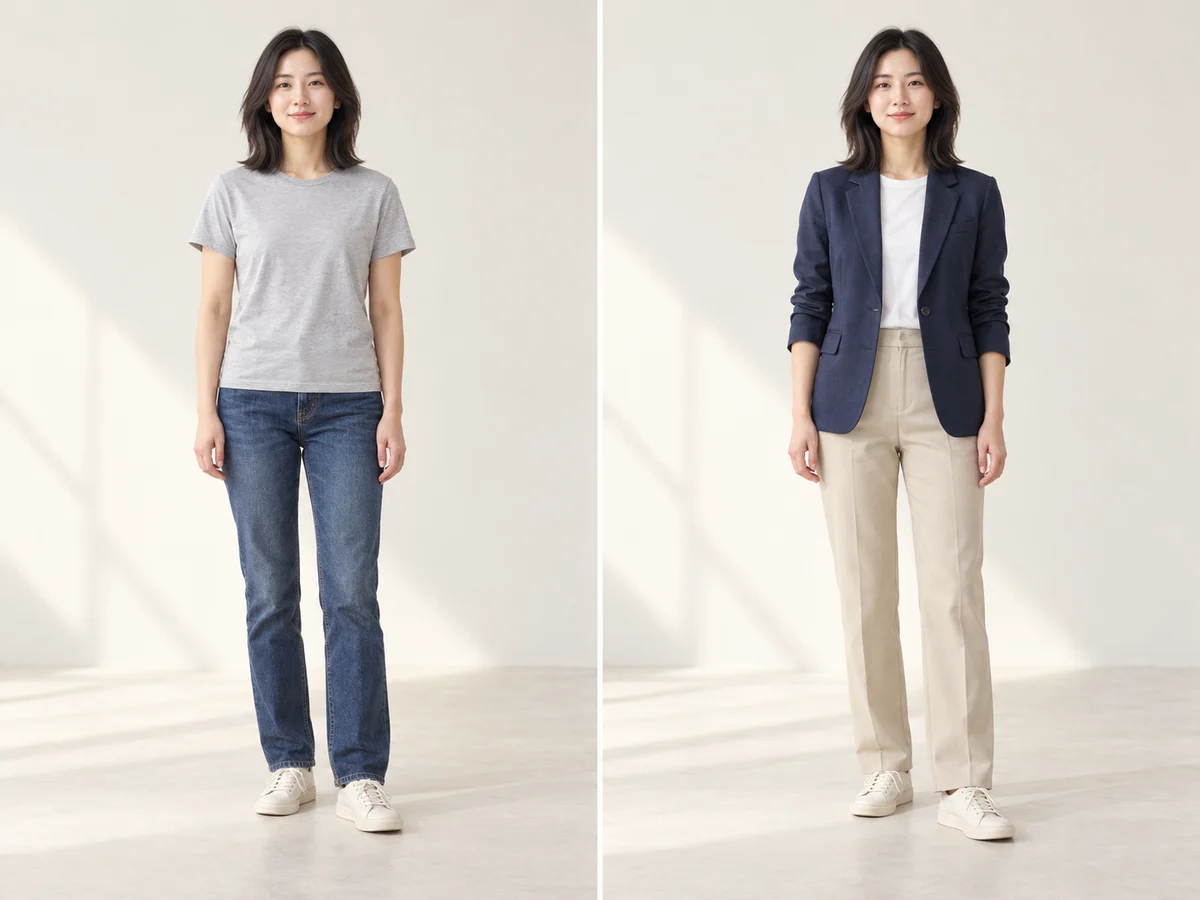
Swap a T-shirt and jeans for a blazer, inner layer and trousers. Specify each garment’s color and cut in one description.

Improve video quality with AI, up to 2K
Coming Soon
Create videos from text and images with AI
Upload your photo, then add clothing images or describe your new look.
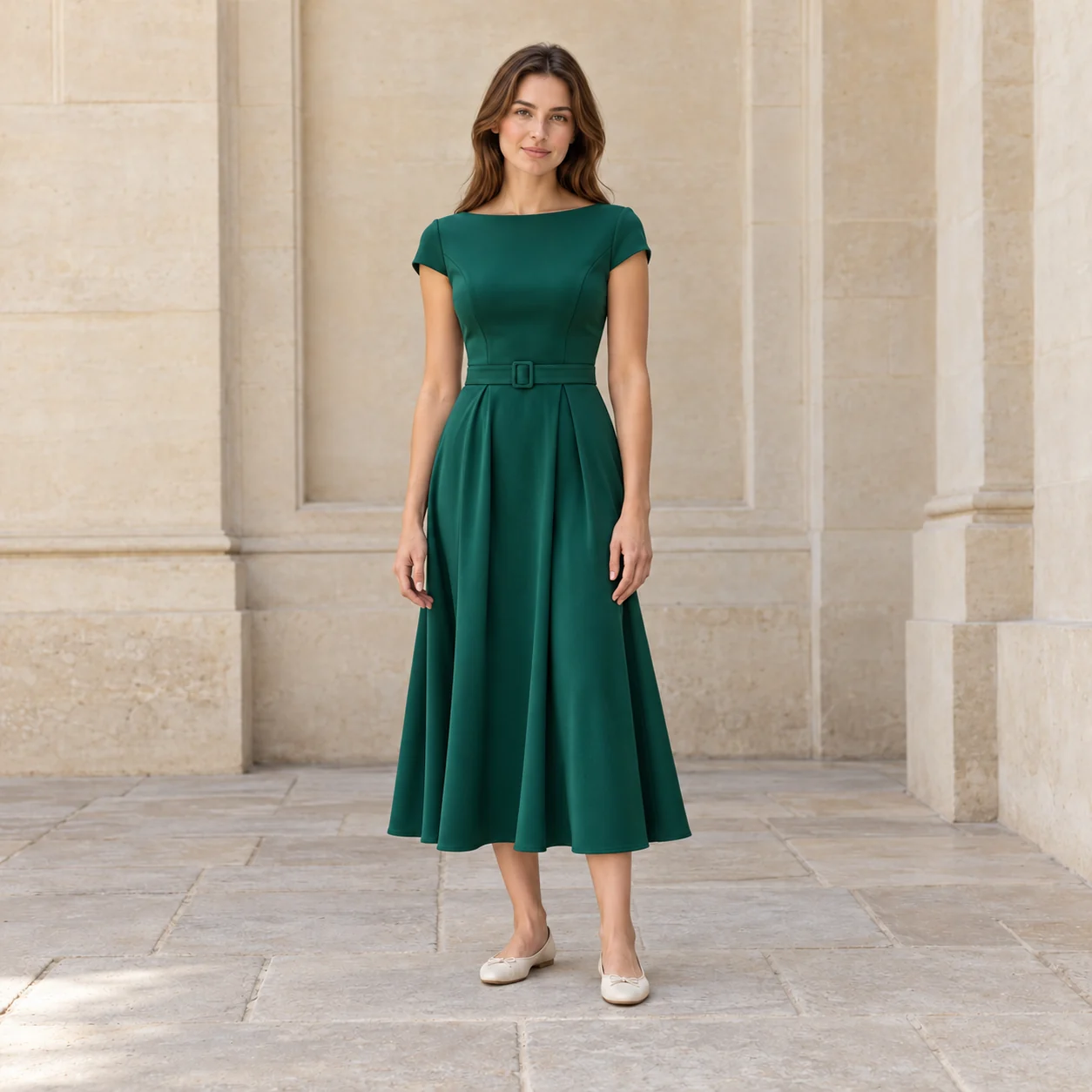
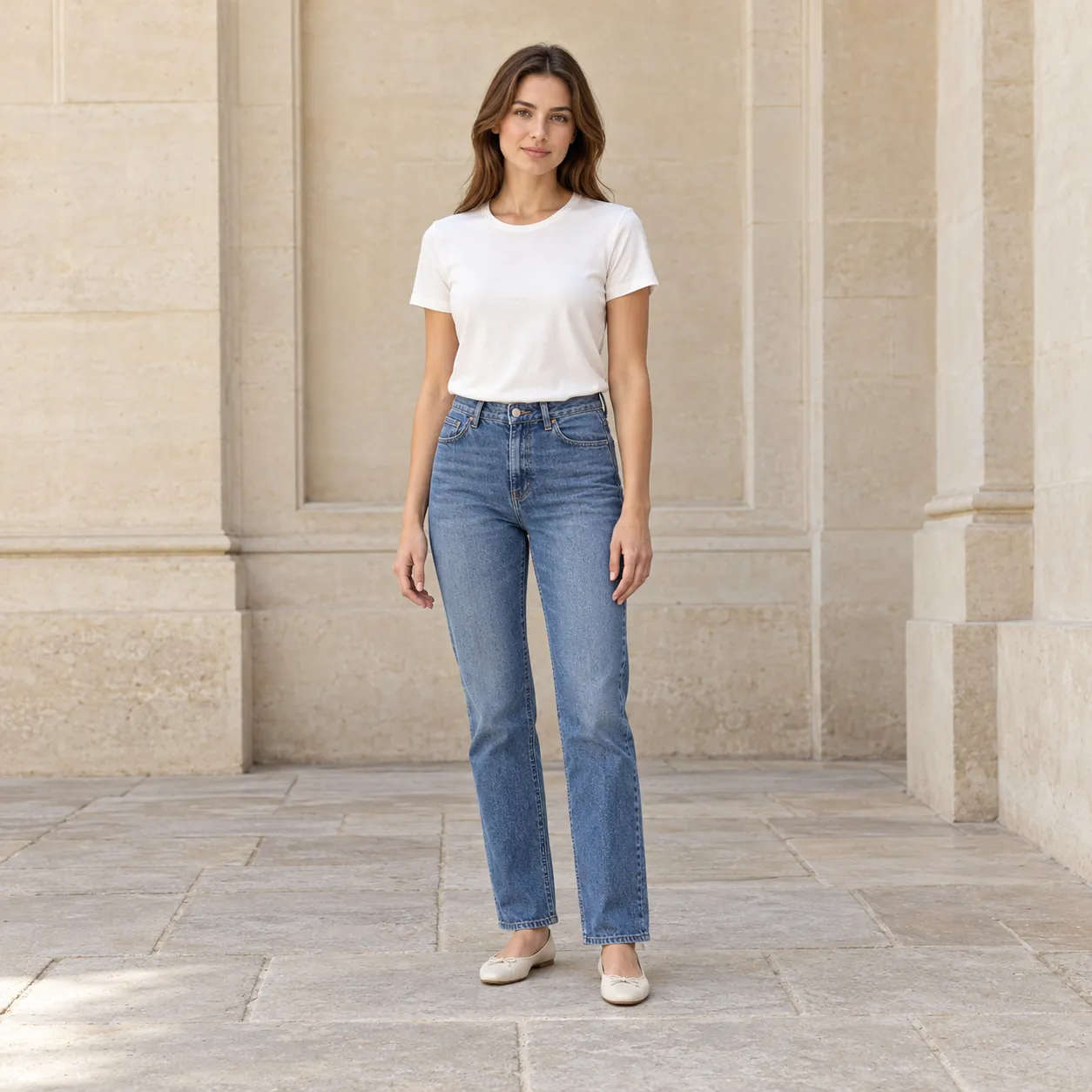
Explore virtual-try-on with a ready-to-edit outfit prompt, then add your photo. Choose the colors, fabrics and details that make the look yours.
Swap a T-shirt and jeans for a blazer, inner layer and trousers. Specify each garment’s color and cut in one description.
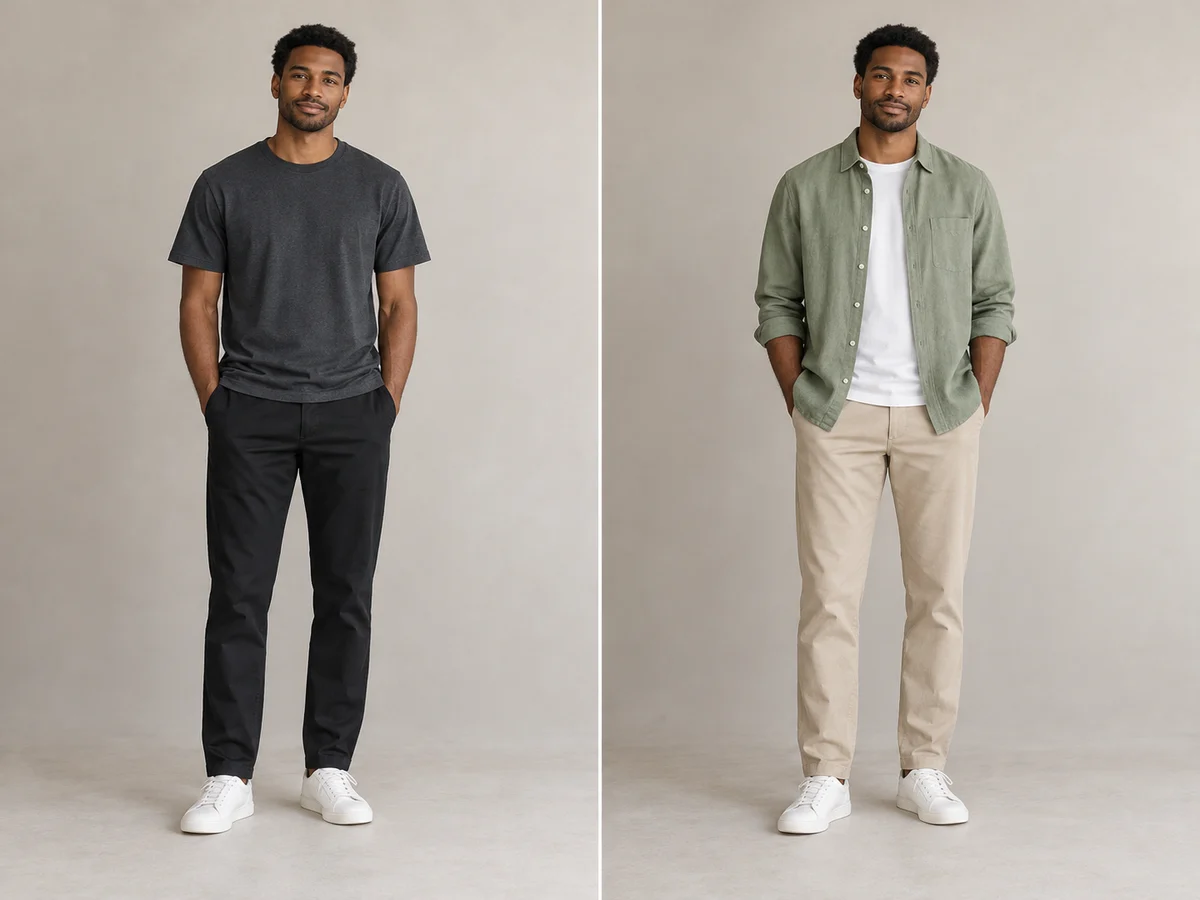
Add a linen overshirt over a simple tee and pair it with light trousers to explore coordinated colors and layering.
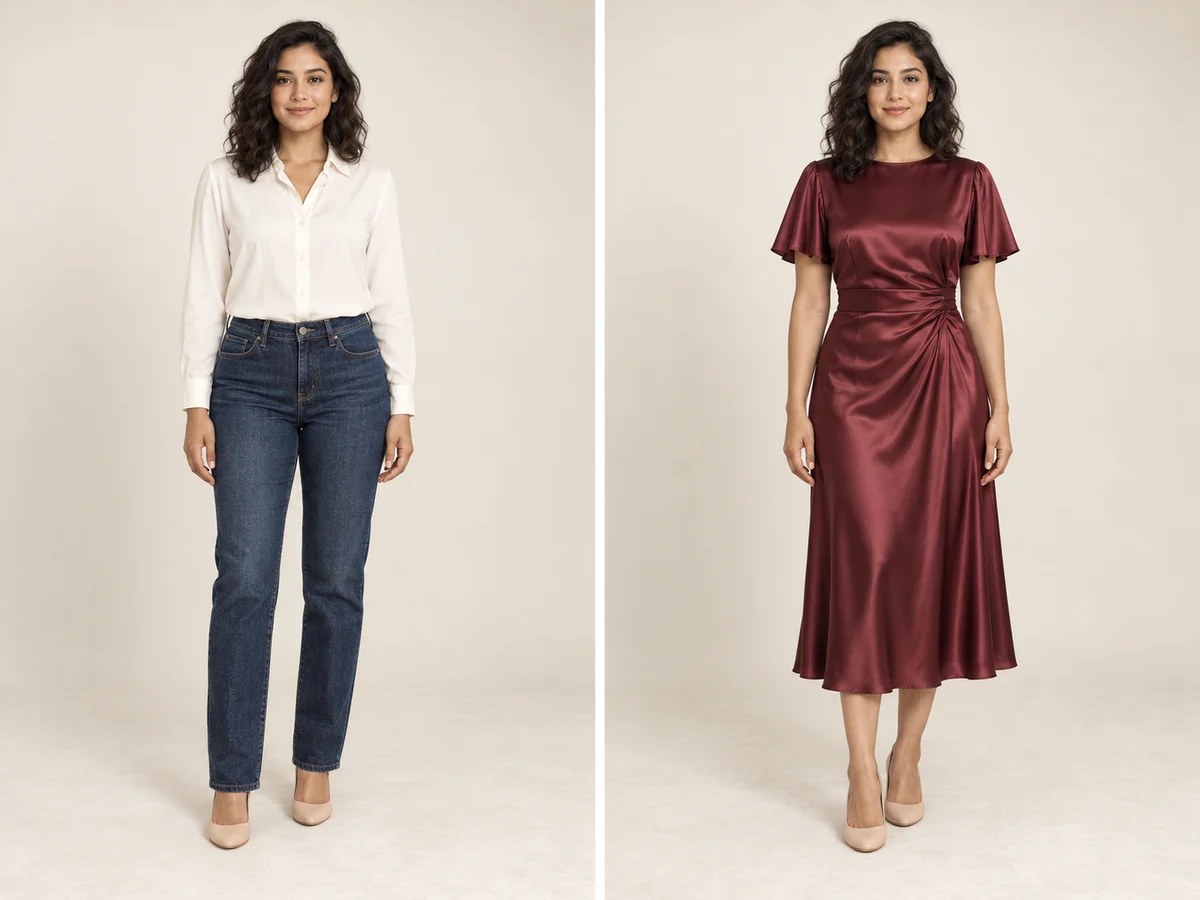
Turn a shirt-and-jeans outfit into a satin dress, specifying the hem length, sleeves, waist drape and fabric sheen.
Use AI Cloth Swap to change the outfit in your photo with clothing references. Switch to a written description when you want to invent a new look.
Describe the garment, color, fabric and cut. A specific request such as an ivory knit sweater gives the AI clothing editor a clearer direction.
Ask for the face, pose and background to stay the same while the outfit changes. Review the result for any unintended changes.
Choose another clothing reference or revise your description, then generate a new version.
See how a change of clothing can reshape a profile photo, a creator portrait or an occasion look. Drag each comparison to explore the outfit, then try a specific description on your own photo.
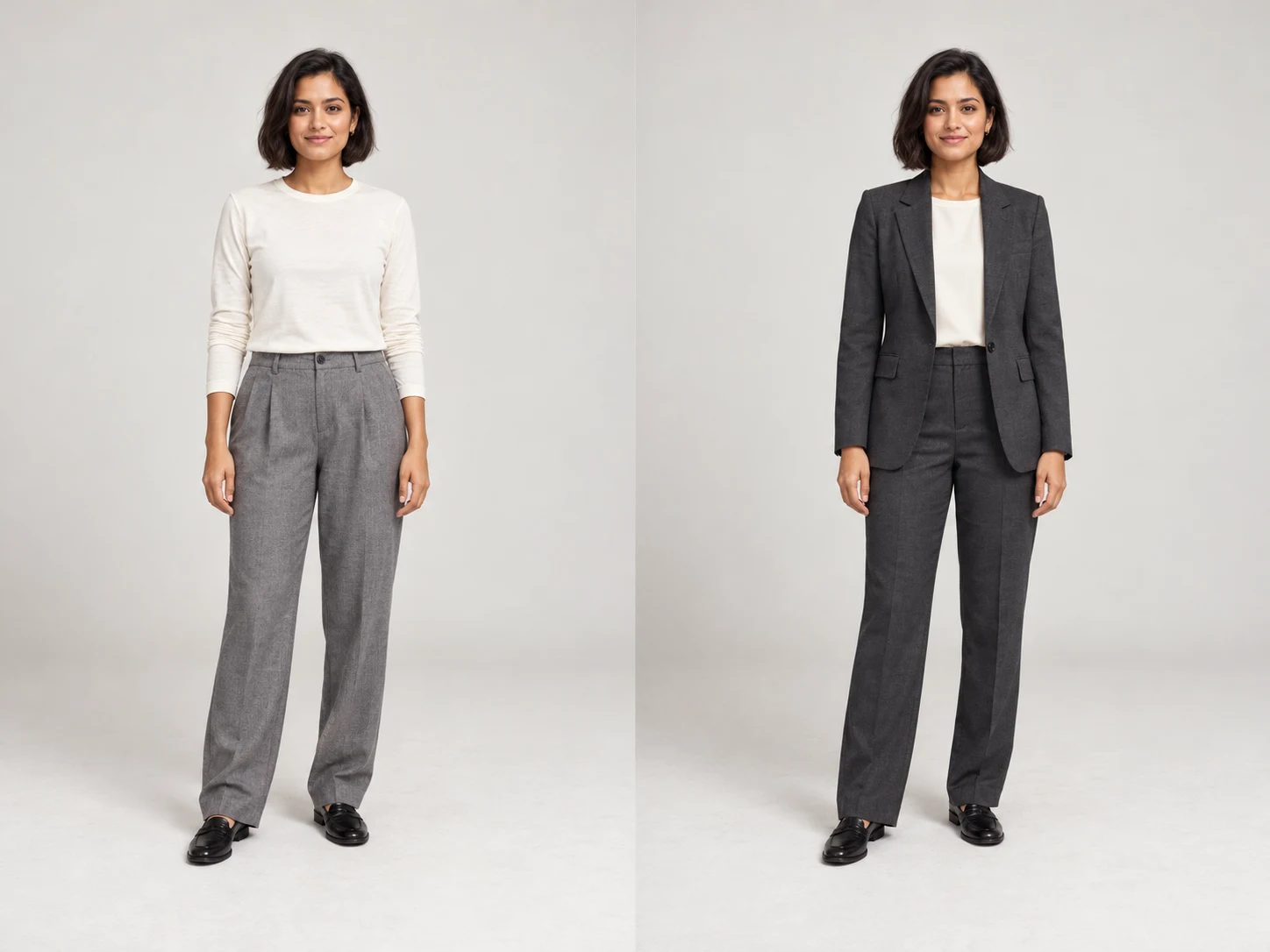
Turn an ivory top and gray trousers into a coordinated charcoal suit for a portfolio, team bio or professional profile. Use the AI clothes changer to specify a tailored jacket and matching trousers, while asking to keep the face, pose and background. Compare the lapels, sleeves and waist before saving.
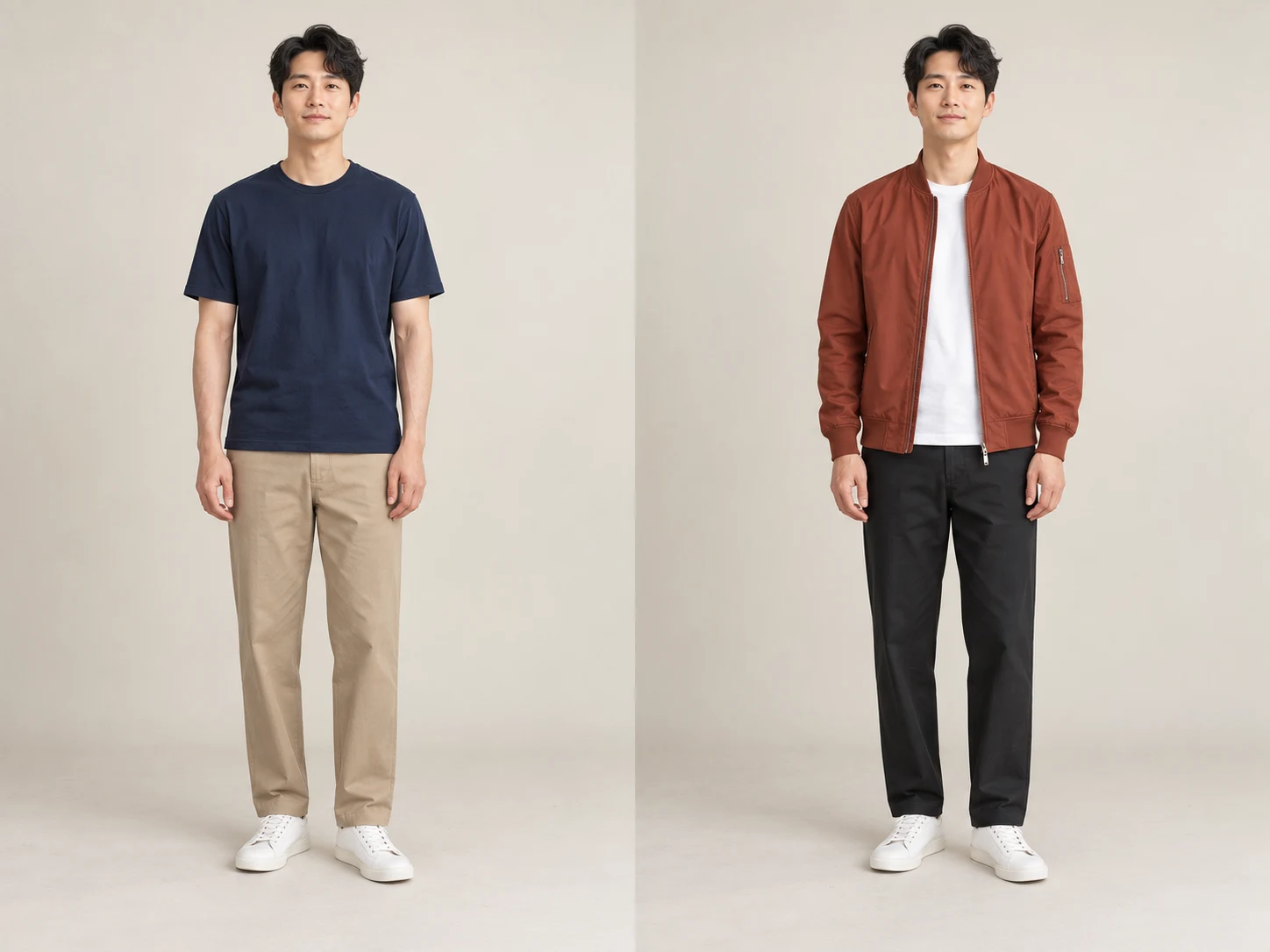
Refresh a simple navy T-shirt portrait with a rust bomber jacket, white tee and black trousers. An AI outfit changer lets you explore a new color palette for a social post or style board from the same source photo. Check the jacket edges and layered fabrics against the original.
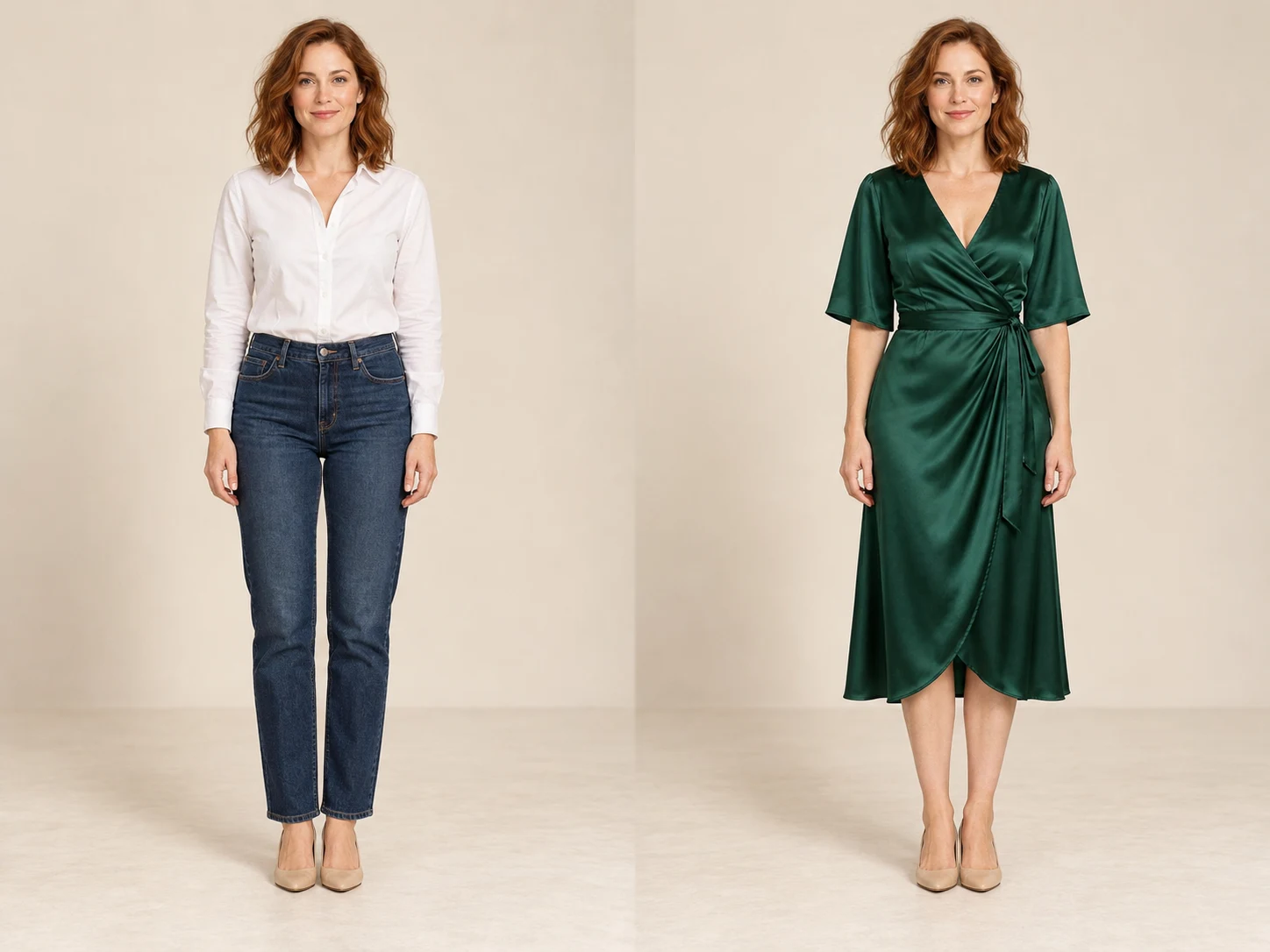
Picture an emerald satin midi dress in place of a white shirt and jeans. This virtual dress try-on makes it easier to compare the neckline, drape and overall silhouette before choosing a style direction. Treat it as visual inspiration and inspect the hands, hem and fabric highlights.
Upload a well-lit photo with visible clothing; use a full-body image for trousers or dresses. JPG, PNG and WebP are supported.
Add garment references with clear edges and uncluttered backgrounds, or describe the color, fabric and cut. Choose a model and output settings.
Select Change clothes, inspect the face, hands, seams and garment edges, then download the version you want to keep.
Explore a coordinated outfit for a portfolio, team page or personal introduction.
Build different looks from one photo and compare the colors that fit your content.
Preview a dress or suit for an event and save visual ideas before choosing what to wear.
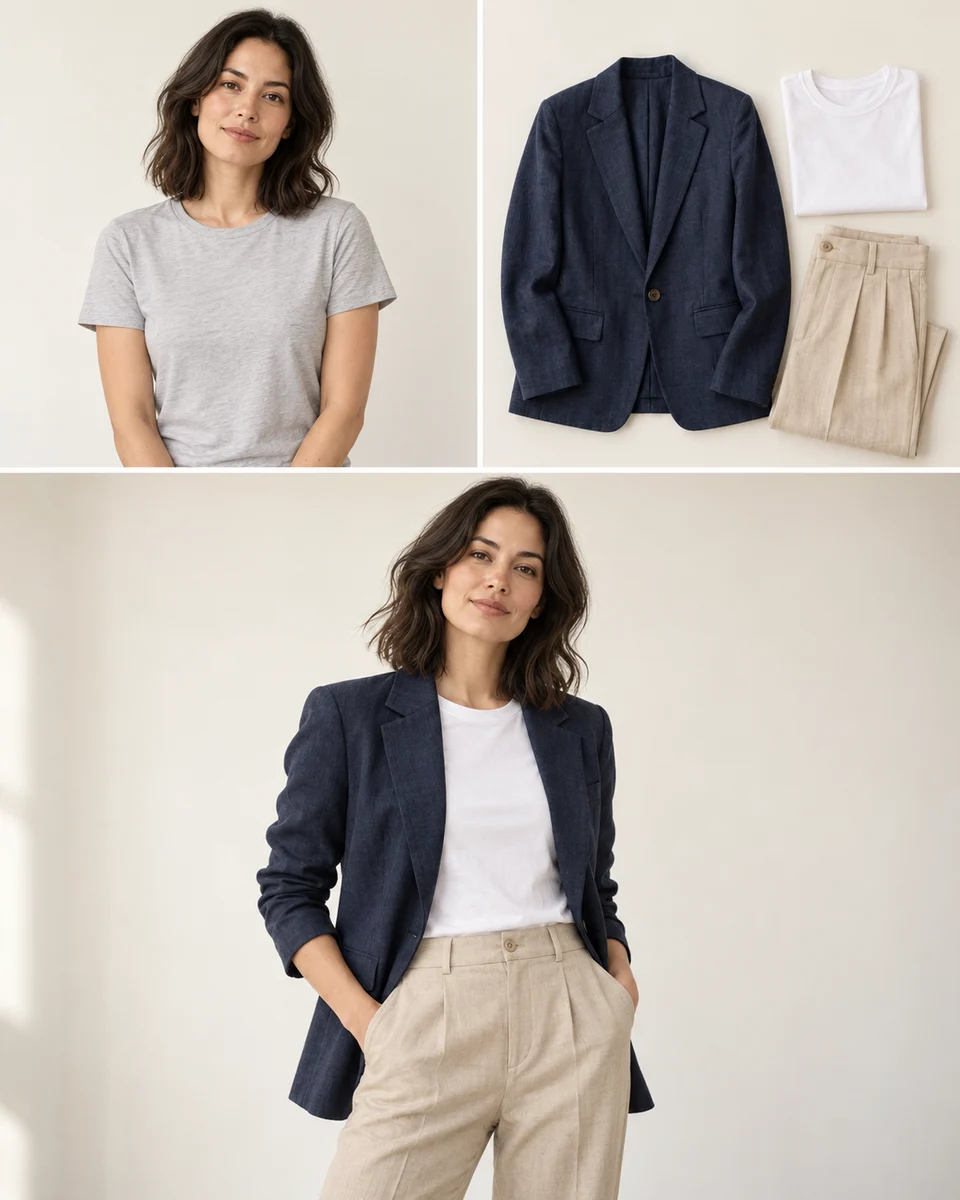
Take a coordinated outfit into a suitable setting, then prepare the image size for publication.
Use the example’s navy blazer, white inner layer and beige trousers to coordinate color and silhouette, then settle on the outfit result.
For a professional or lifestyle setting, take the result into the photo editor to change the background while preserving the chosen clothes.
Choose the size for a profile, social post or layout, upscale if needed, then inspect and save the finished image.
Start by uploading a photo, without installing a separate outfit-editing app. Common image formats work directly.
The selected model and output settings show their credit cost before generation, helping you plan each style experiment.
Use the model’s available aspect ratio, quality or resolution options to prepare images for social posts or layouts.
This browser keeps up to 12 recent results for 24 hours, making it easier to revisit and download the versions you need.
Change clothing with references or a description, then adjust the background or image size when needed.
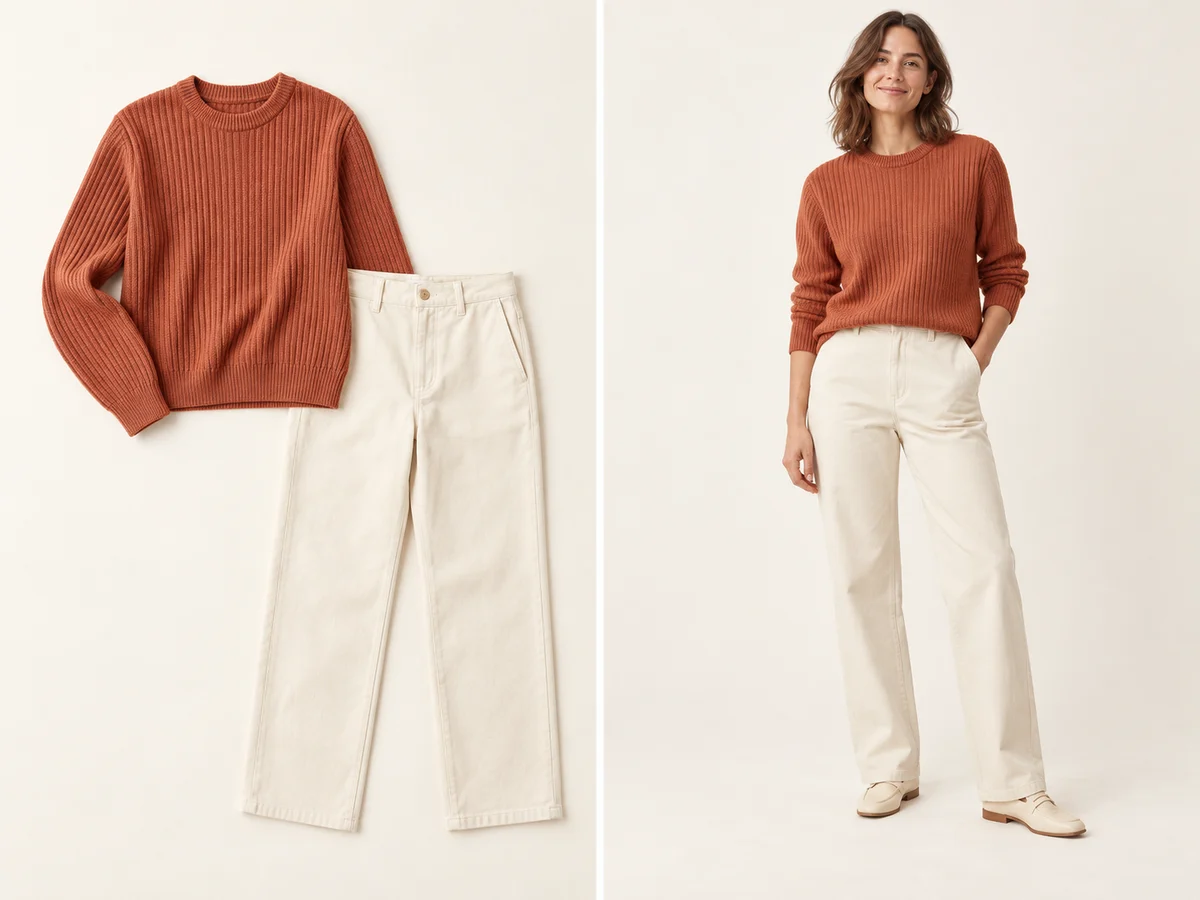
Bring a sweater, shirt, dress or coordinated outfit into your photo. Use clear garment images so the AI can interpret their color, shape and fabric. For multiple pieces, check the selected model’s reference limit.
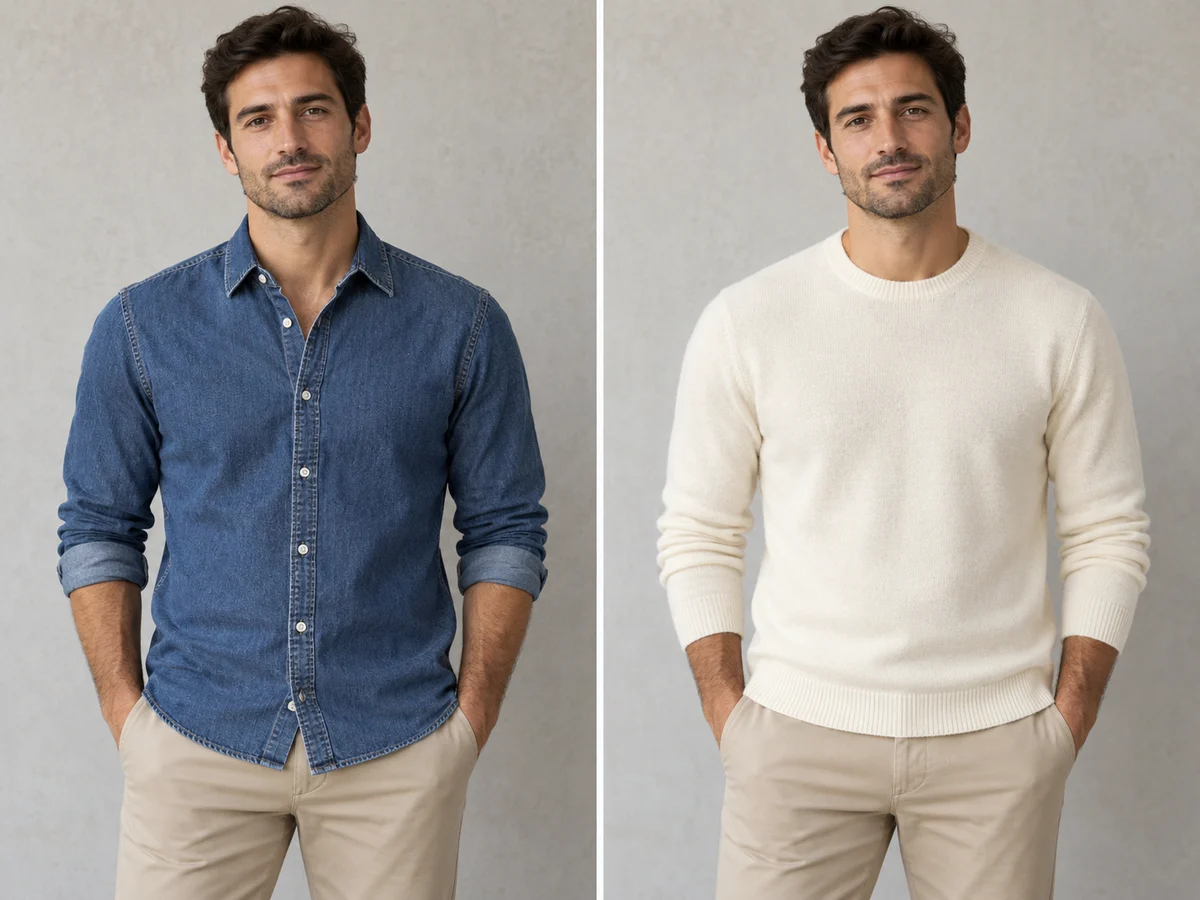
Describe what you want to wear, from a blue denim shirt to an ivory knit sweater. Name the parts to change and the parts to keep. This text-based outfit editor is useful when you do not have a clothing reference.
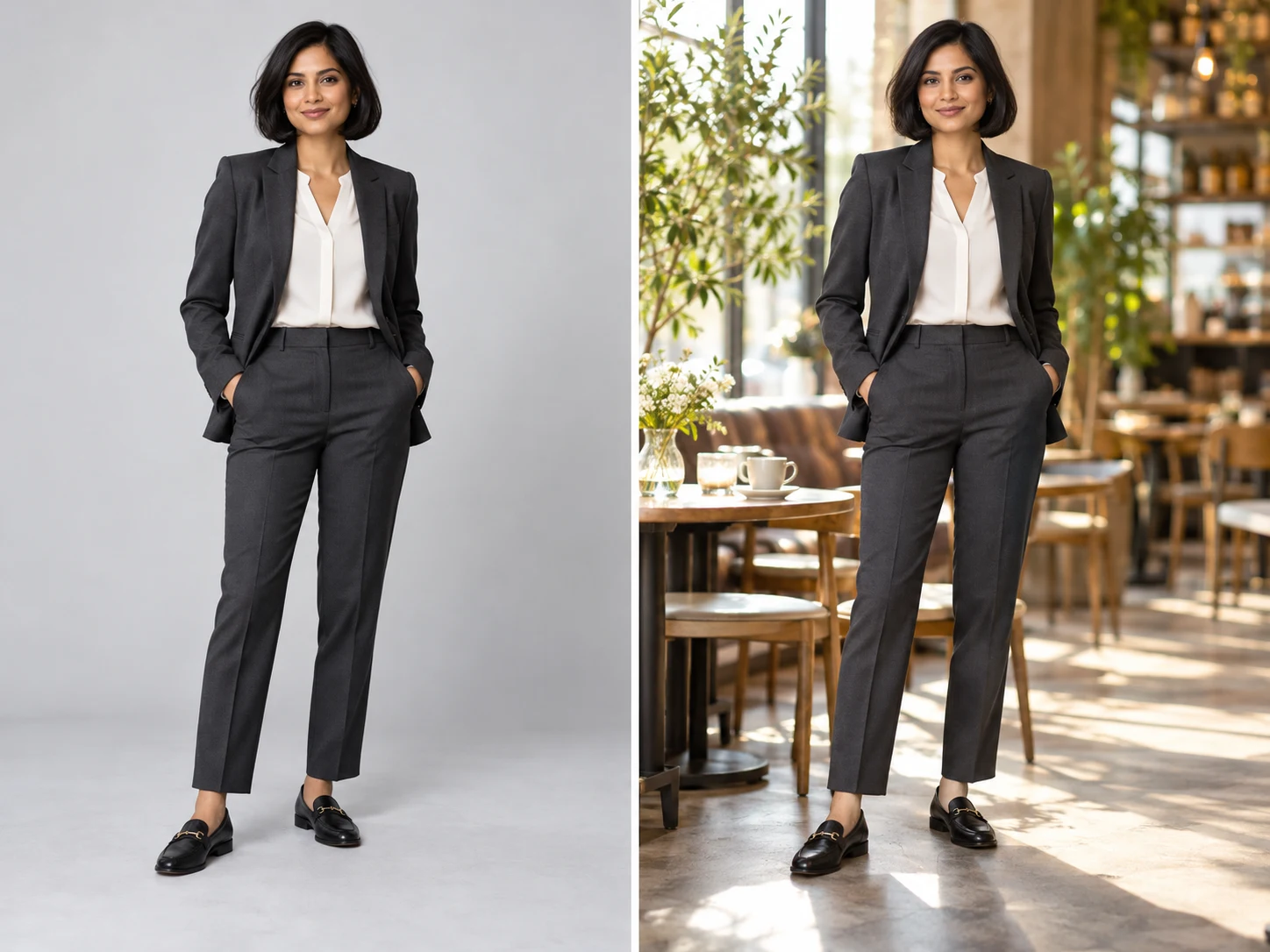
Give the finished outfit a setting that suits your portrait. Describe a studio, cafe or another background and ask to preserve the new clothes and recognizable face. Review the result before sharing.
Edit my outfit photo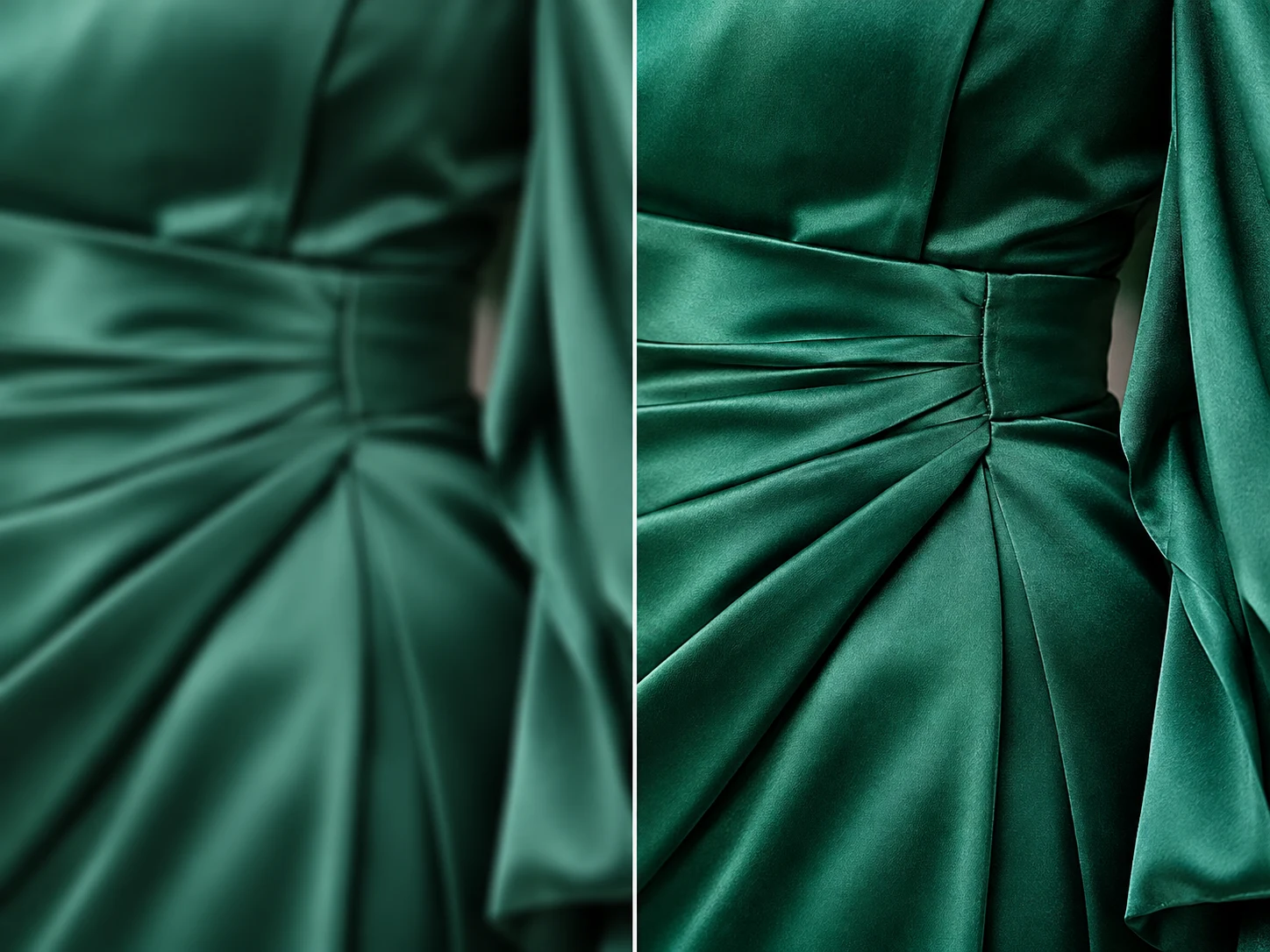
When your outfit image is too small for a layout or style board, open Image Upscaler for a larger version. Inspect seams and fabric details at the final size; enlarging an image cannot verify garment accuracy.
Upscale my outfit photo