
Create Your AI Pet Portrait Online for Free
Give a favorite pet photo a new look, from playful to painterly. Keep the face, markings, and expression you love in view as you explore. Choose a style or describe your own idea, then compare the result with the original.
Upload Image
Drag & drop or click to browse
Upload 1–20 images.Batch processing requires .
From Everyday Snapshots to Portraits Worth Keeping
A portrait for every pet you love
Have several pets, or a camera roll full of one? A shared look can make separate AI pet portraits feel like a collection while each photo keeps its own story.
Give your AI pet portrait a new setting
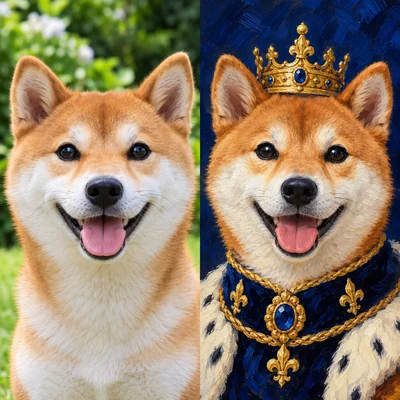
The best expression often happens in a cluttered room. Turn that casual pet photo into a digital pet portrait with a birthday scene, a royal backdrop, or a setting you describe yourself.
Help the new style stay true to your pet
Use a sharp, well-lit photo that shows your pet’s face and distinctive markings. In Custom mode, name details to keep—such as a white chest patch, folded ear, or familiar expression—alongside the style you want. Compare the result with the original and try a clearer photo or more specific prompt if those details shift.
See the style before you decide
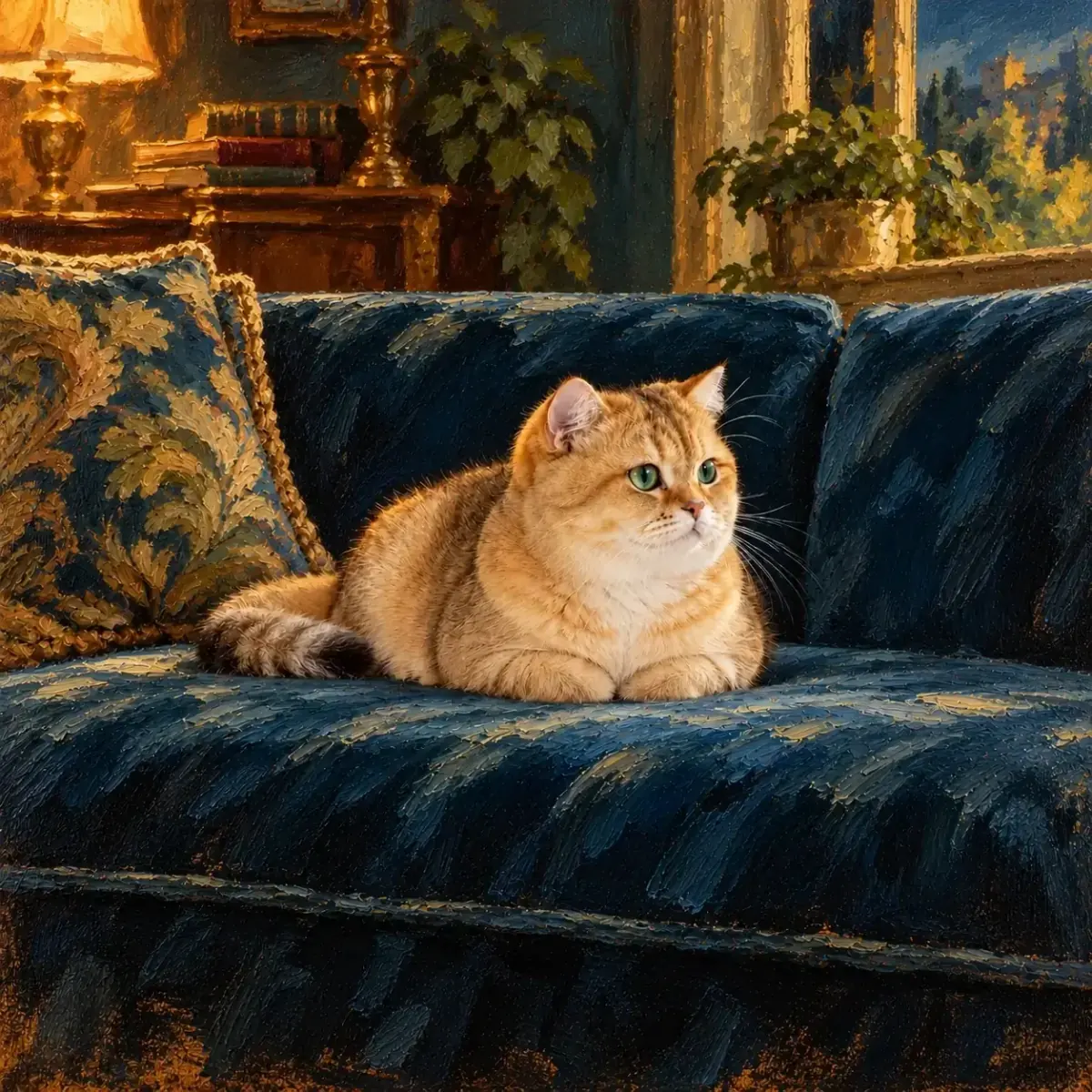
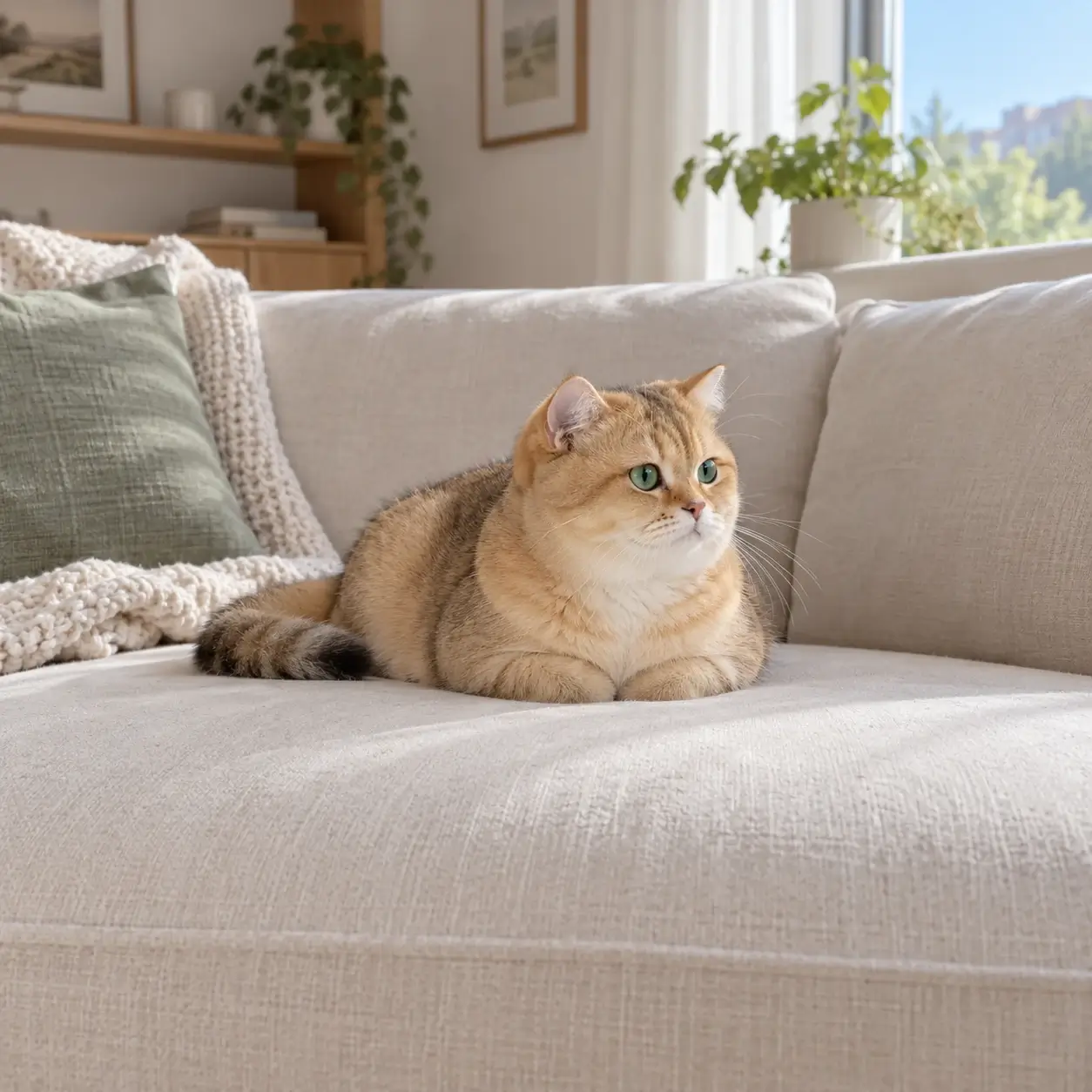
The style previews use the same kitten, so you can see how color, setting, and texture change the mood. Choose the look that suits your own AI pet portrait, from playful to painterly.
How to Use the AI Pet Portrait Generator
1. Upload your favorite photo
Choose a clear photo that shows your pet’s face, coat, and distinctive details. A candid shot works well when the features you love are easy to see.
2. Shape your portrait
Choose a look that fits your pet’s personality or describe your own in Custom. Set the frame for the card, profile, or keepsake you have in mind.
3. Compare, then save
Compare your AI pet portrait with the original photo. If the face and markings still feel familiar, save it; if something shifted, adjust the photo or your prompt and try another version.
Choose the Look That Tells Their Story
Find the look for this moment
The preset looks can make AI pet portraits playful, painterly, or closer to a photograph. Pick the mood that suits the moment, from a birthday surprise to a quiet afternoon.
Describe a personal idea
Describe a favorite place, outfit, or mood in Custom. The AI pet portrait generator uses those details to shape the scene around your pet.
Start with their real features
Your uploaded photo anchors the face, coat, and expression. The resulting AI pet photo can show a new mood while drawing on those familiar details.
Frame it for where it will live
Make your AI pet portrait fit its destination: choose Auto or a square, wide, or vertical frame for a card, profile photo, or display.
Their little moments,
made unforgettable
A porch rest, a window nap, a meadow pause, a tiny snack: each ordinary moment can become an AI pet portrait with a purpose. Compare these before-and-after ideas for your own digital pet portrait.
 OriginalBirthday Party
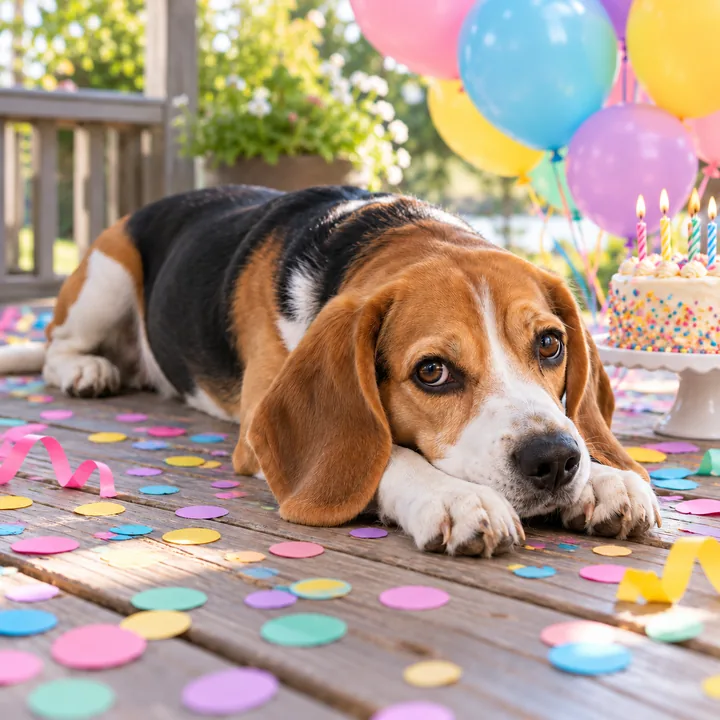
A Birthday Card for Your Dog
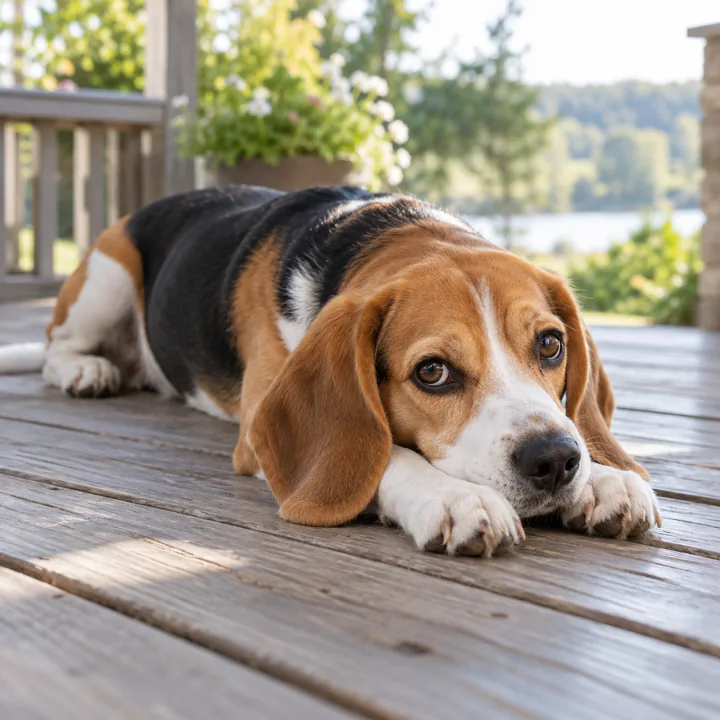
Balloons and confetti turn this beagle’s porch-side look into a birthday card. Its familiar expression is what makes AI dog portraits feel personal.
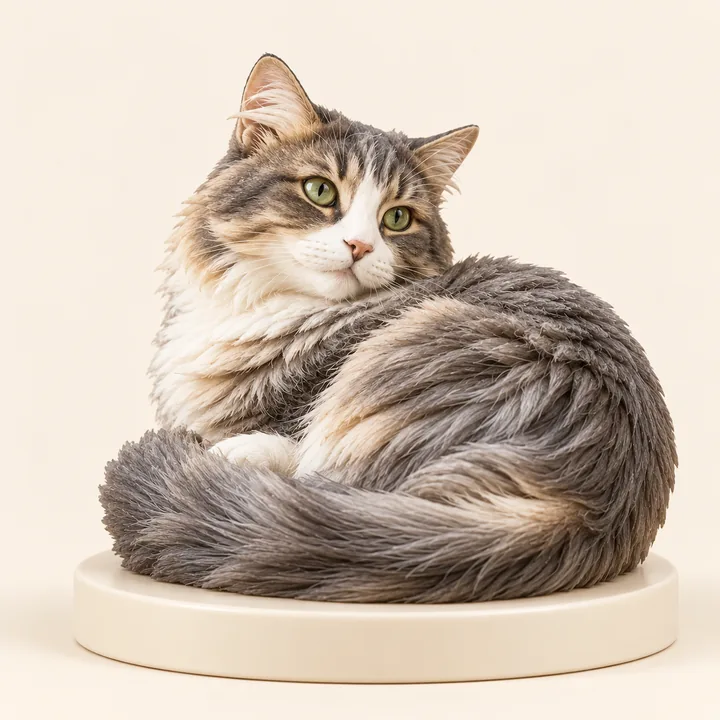 Collectible Figurine
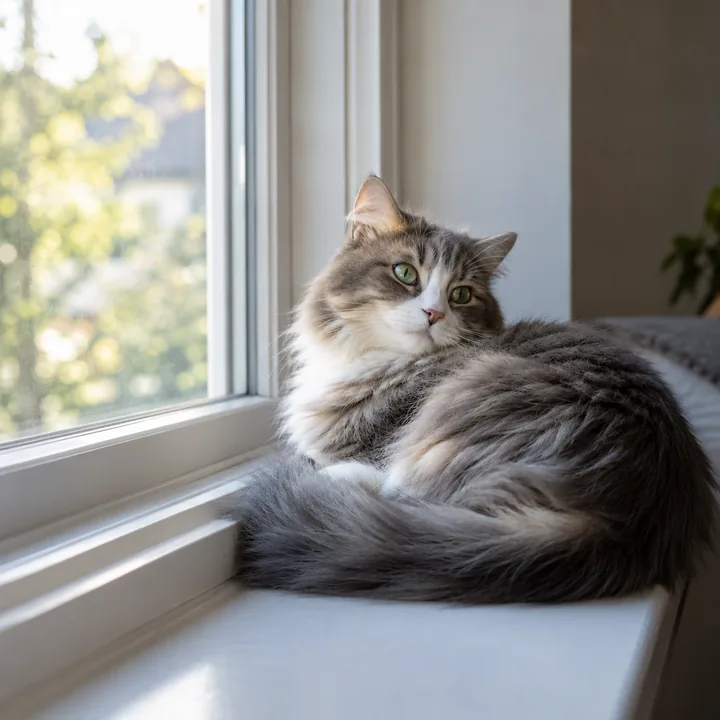
A Window-Side Keepsake
A quiet curl in the sun becomes a miniature-style keepsake, with the cat’s soft pose and long fur still giving the piece its character.
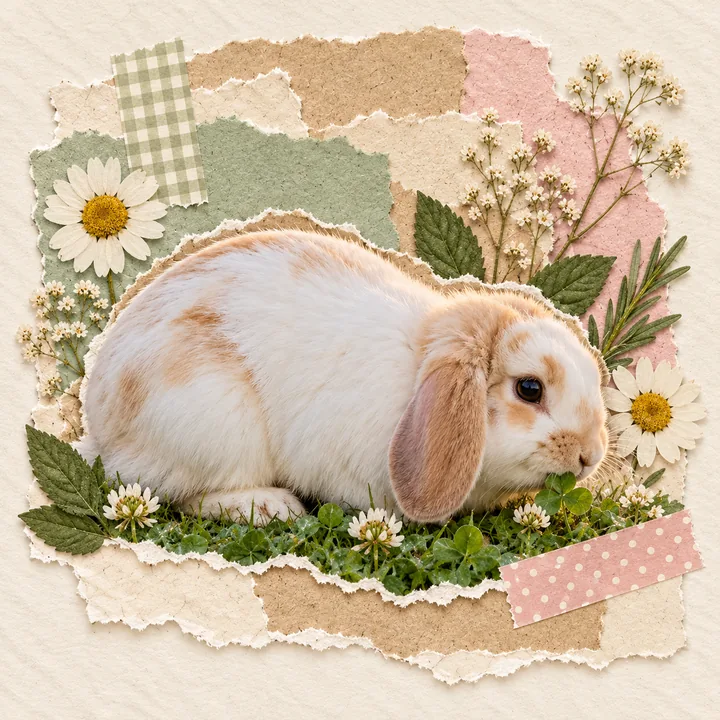
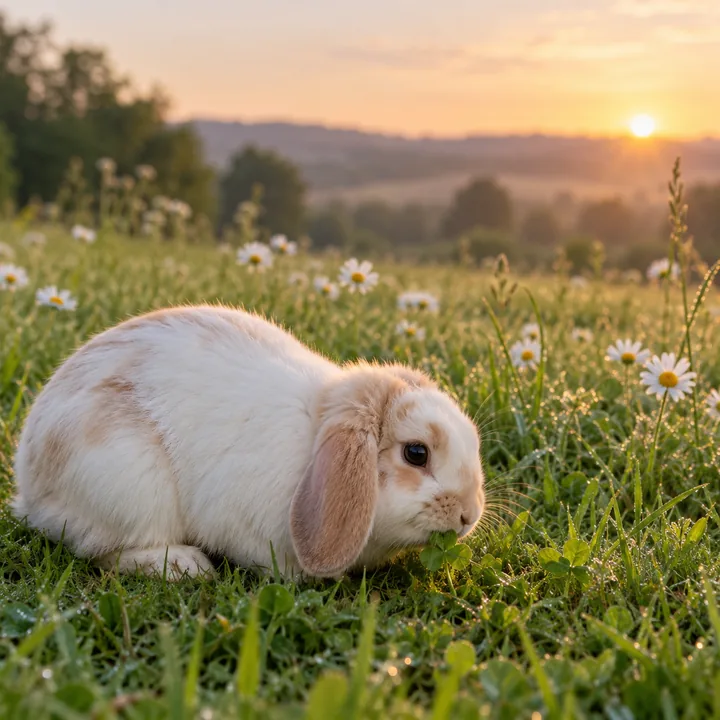
A Meadow Moment to Remember
In Custom, turn a quick clover stop into a scrapbook memory. Pressed flowers and layered paper make the rabbit’s meadow moment feel ready for an album.
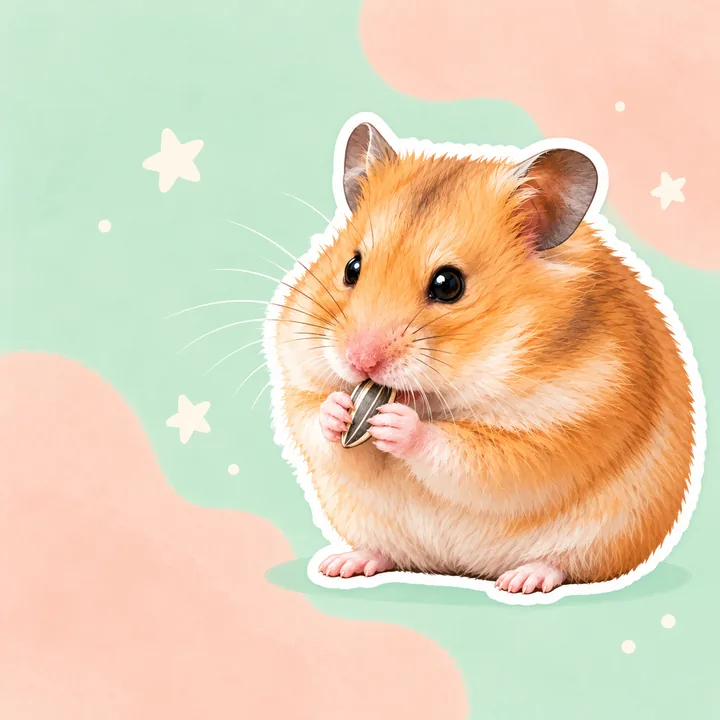
A Little Moment to Share
A hamster’s snack break becomes a bright chibi sticker, ready to add a little personality to a message or shared photo.
Why Choose EnhancePhoto for AI Pet Portraits?
A whole collection in one run
With a paid account, apply one look to up to 20 photos directly in your browser—AI dog portraits of one pup through the years, or a set for several pets. Review each result separately and retry only the item that fails.
Your pet stays at the center
The selected preview guides the look of your AI pet portrait. Your uploaded photo gives the AI your pet’s face, coat markings, ears, and expression to work from.
Review your own before-and-after
Drag the slider across your uploaded photo and the finished AI pet photo to judge the full change, including details you want to keep, before saving.
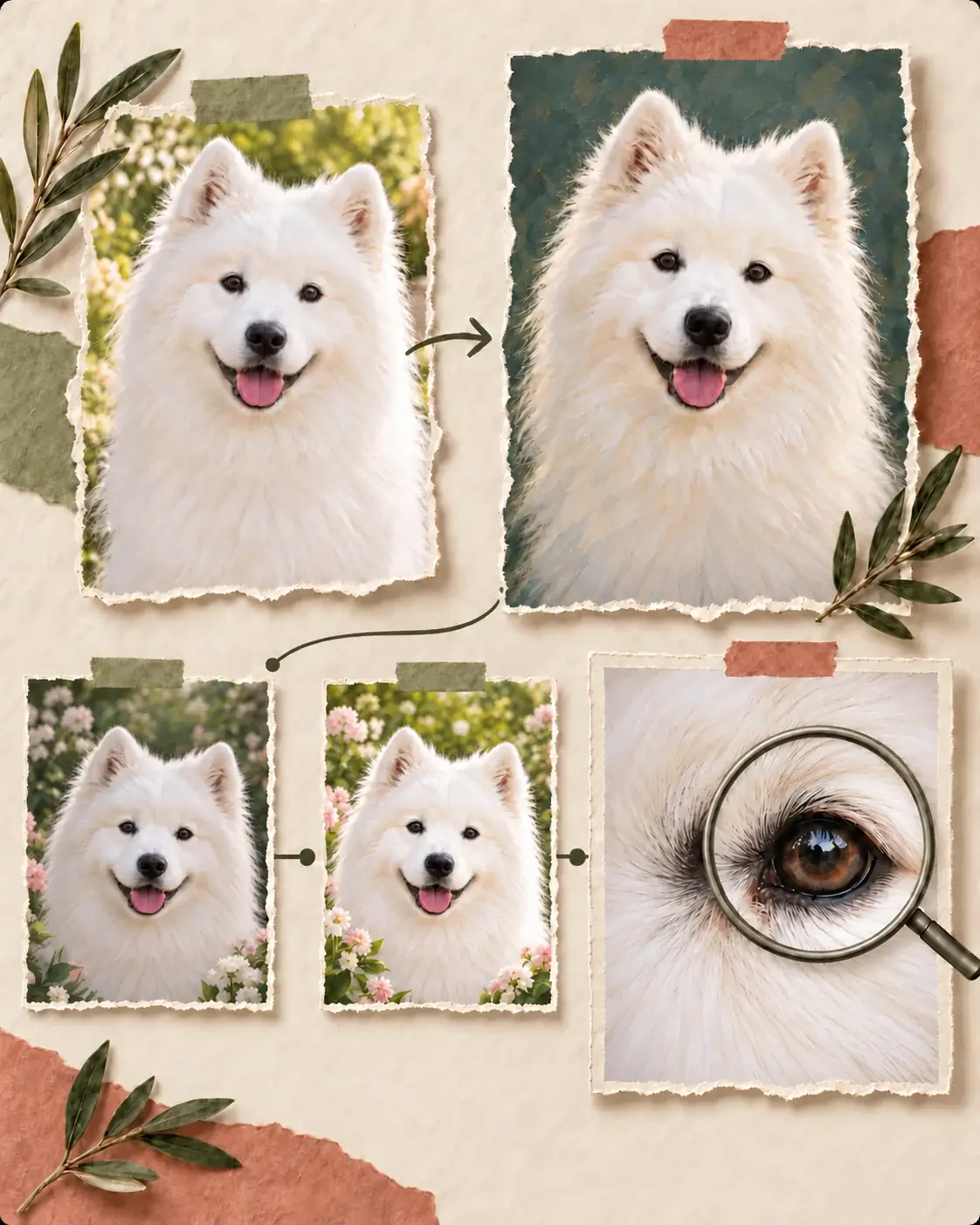
Take Your Portrait One Step Further
Once your AI pet portrait is saved, make it fit your next project: refine the setting, lift the light, or prepare a larger digital pet portrait.
- 01
Refine the setting
If you want a different mood or backdrop for your AI pet portrait, bring the saved image into AI Photo Editor and describe the new setting while asking it to keep your pet’s markings and expression.
- 02
Bring out the best light
For an AI pet portrait that feels dim or flat, try Image Enhancer to brighten the finish, then compare the coat colors with the image you saved.
- 03
Prepare a larger keepsake
If you need more pixels for a larger display or print, use Image Upscaler on the finished image. Check whiskers and fine fur at full size before sharing or printing.
More Tools for Pet Photos and Portraits
A clear source gives the AI pet portrait generator more detail to work from. Once your AI pet photo is ready, use these tools to refine light, clear distractions, or make a larger copy.
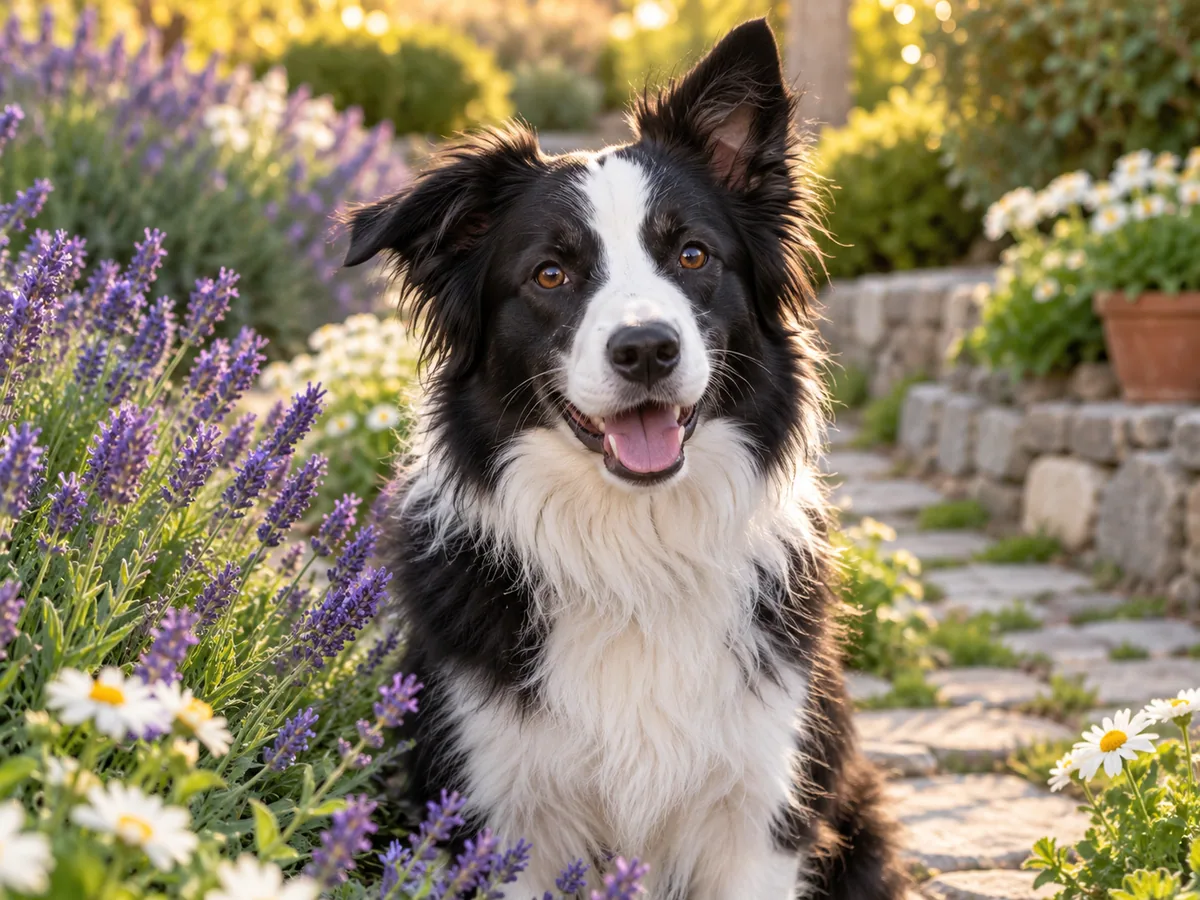
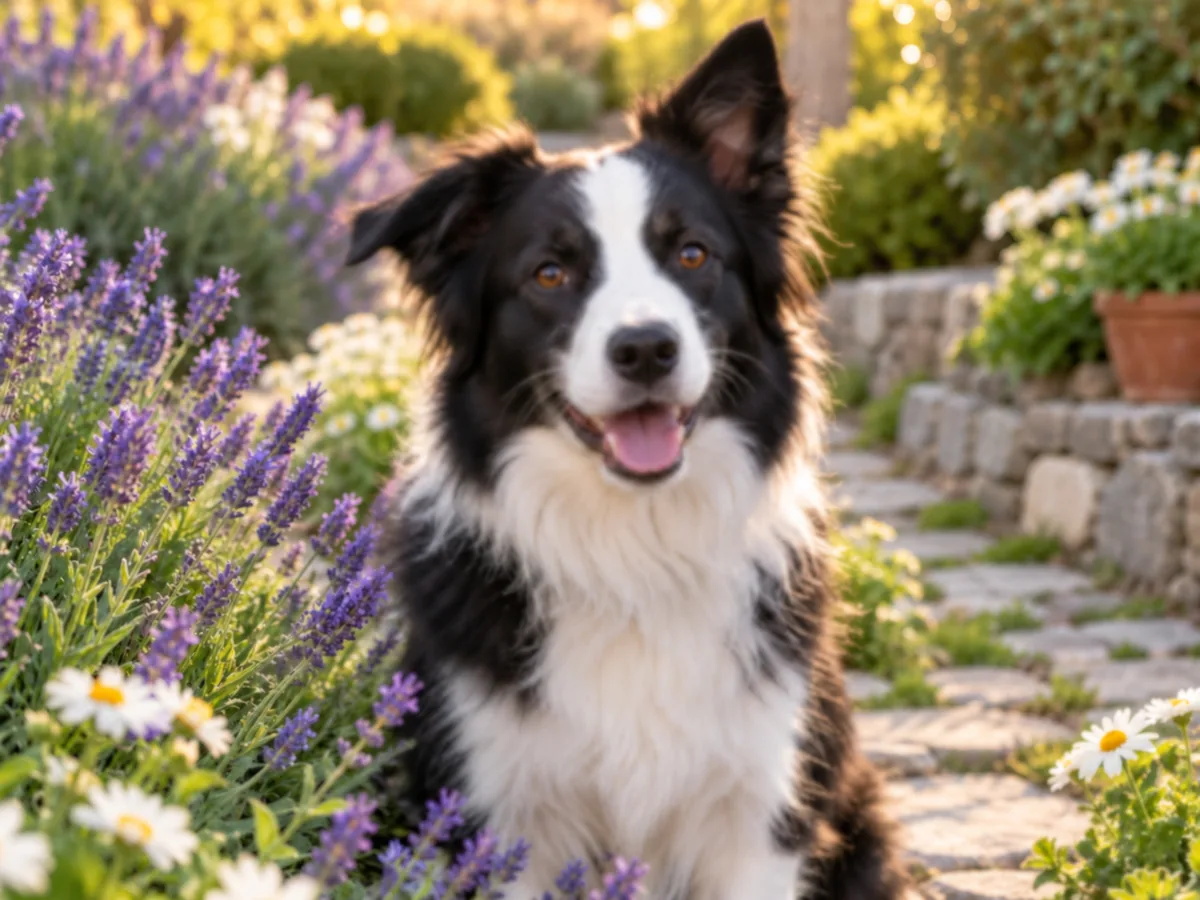
Make a Soft Photo Clearer
This garden portrait catches the Border Collie’s smile, but its eyes and coat look soft. Sharpen the source so the blaze and fur texture you want in AI dog portraits are easier to see.
Sharpen the Photo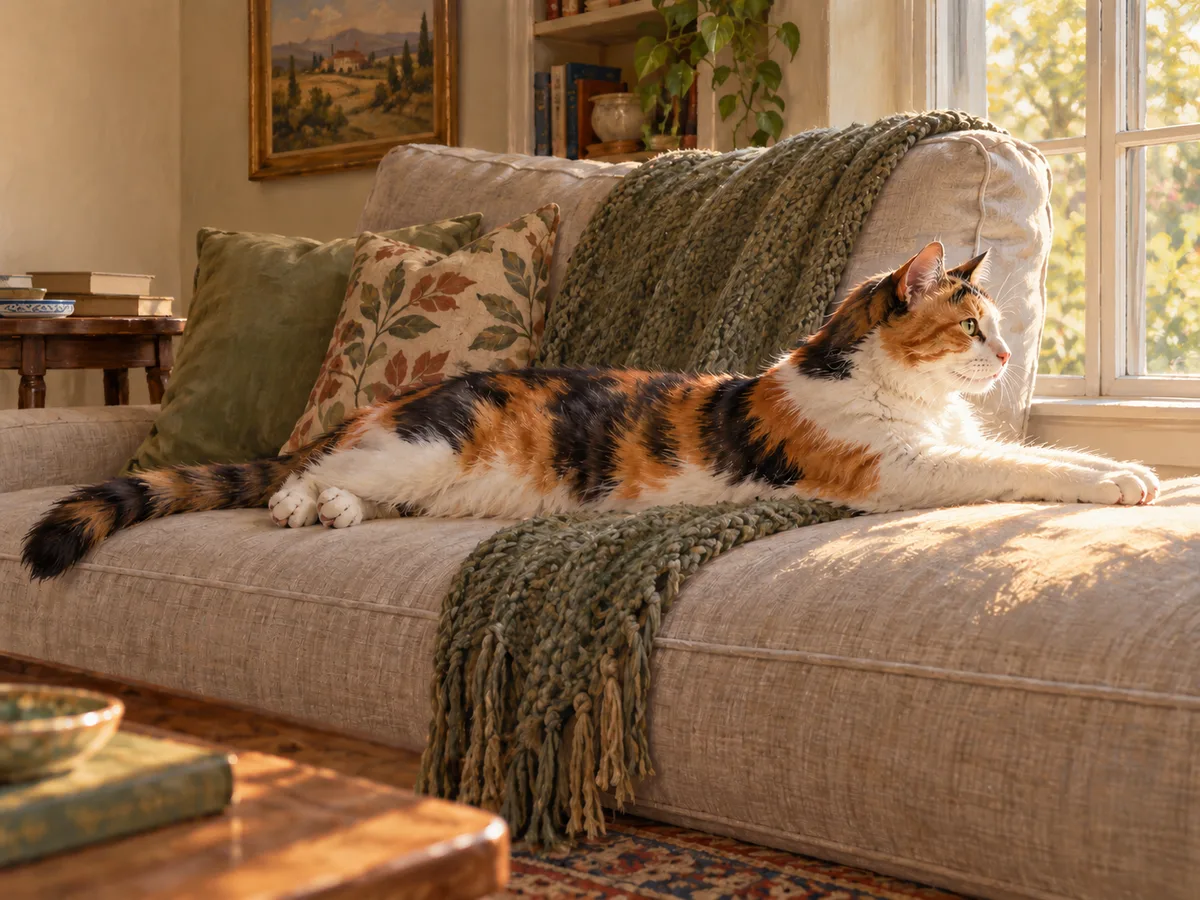
Remove a Distracting Prop
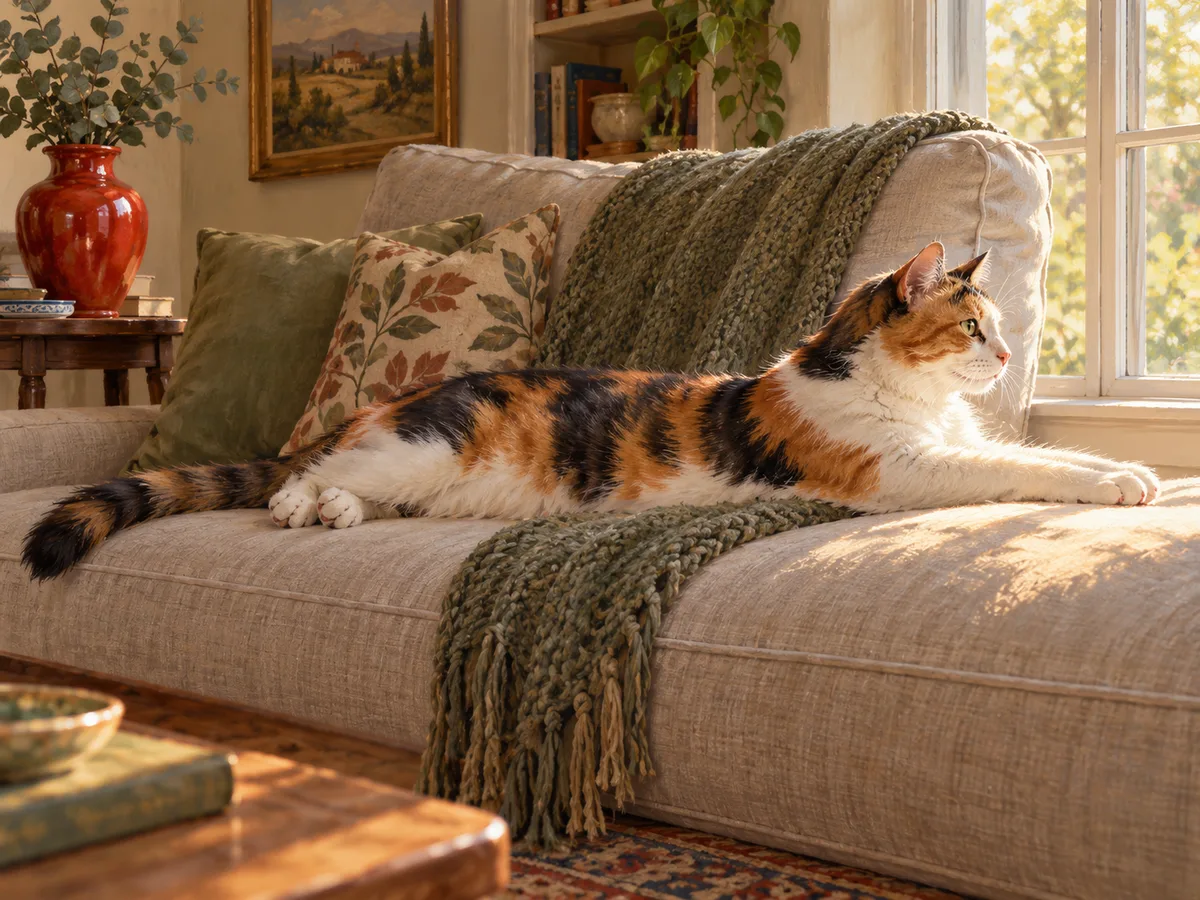
The red vase pulls attention away from the calico’s stretch. Brush over it with Object Remover, then compare the result with the original to check the pose and coat markings.
Erase Distractions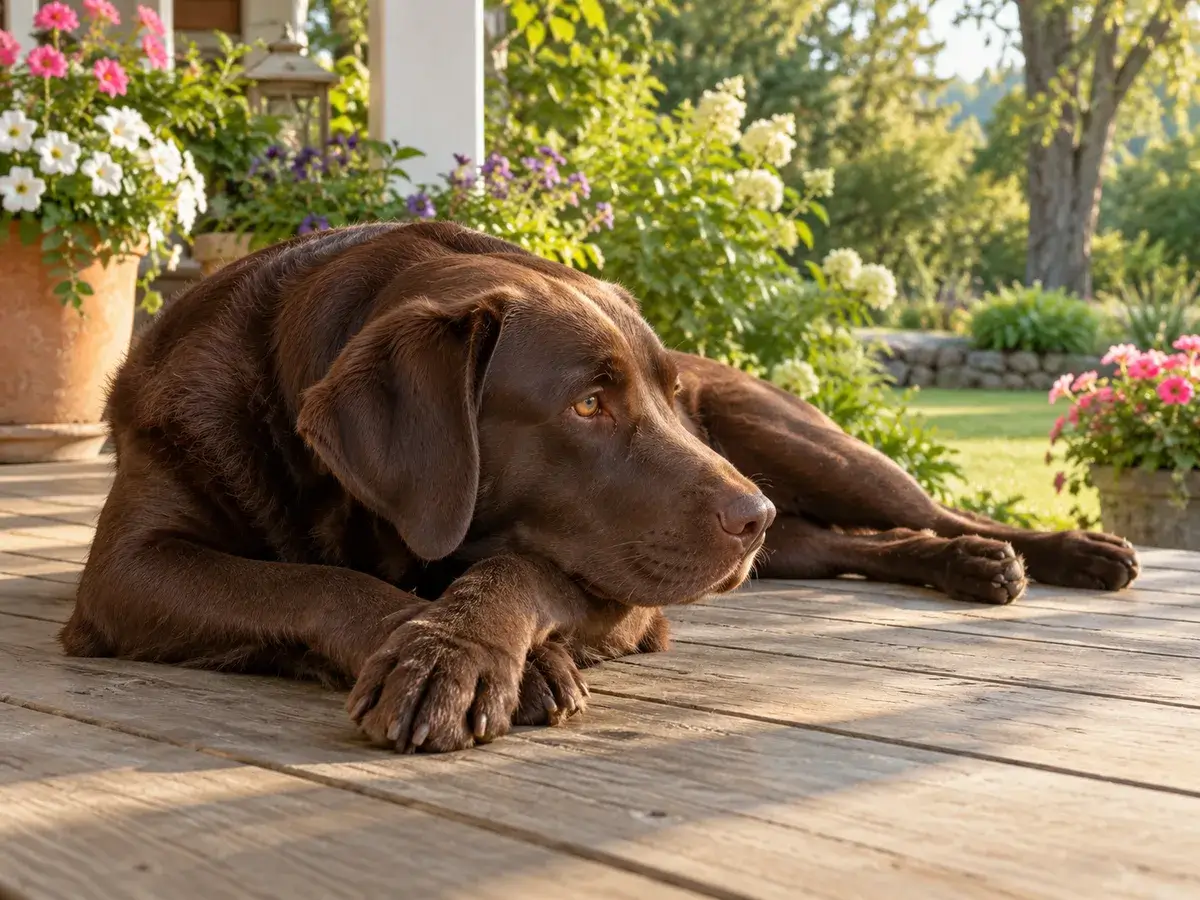
Bring Back Light and Color
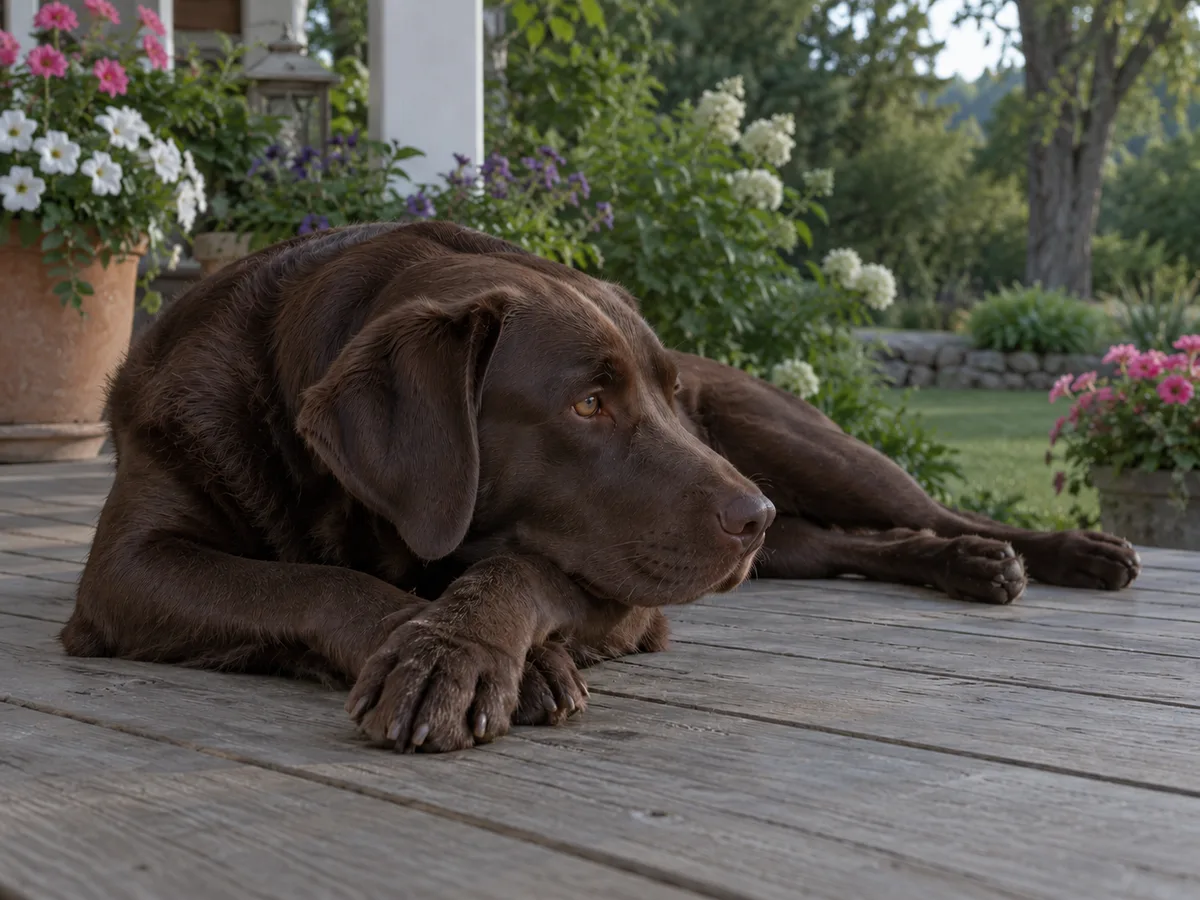
The Labrador’s porch portrait has the right pose but muted light. Brightening it adds warmth while leaving that relaxed moment at the center.
Brighten the Portrait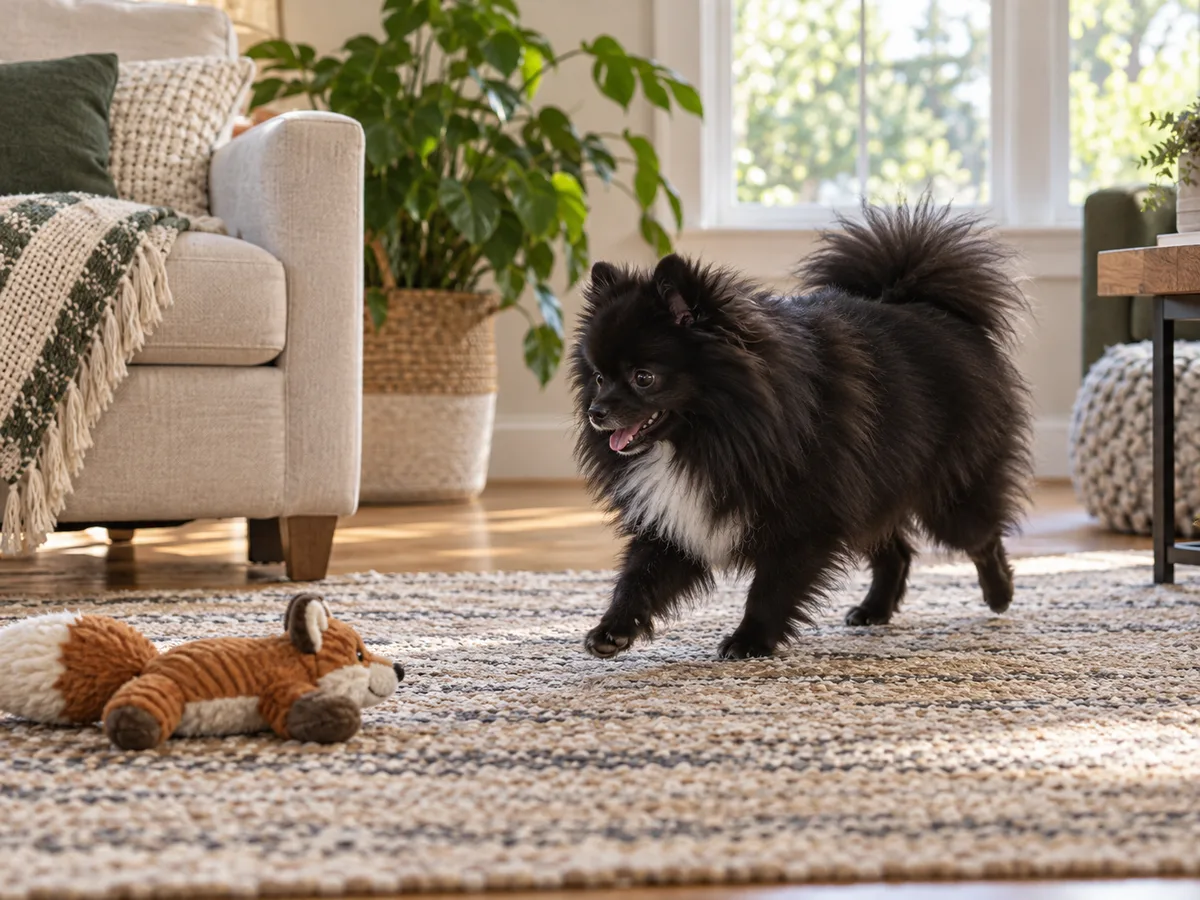
Get a Larger File
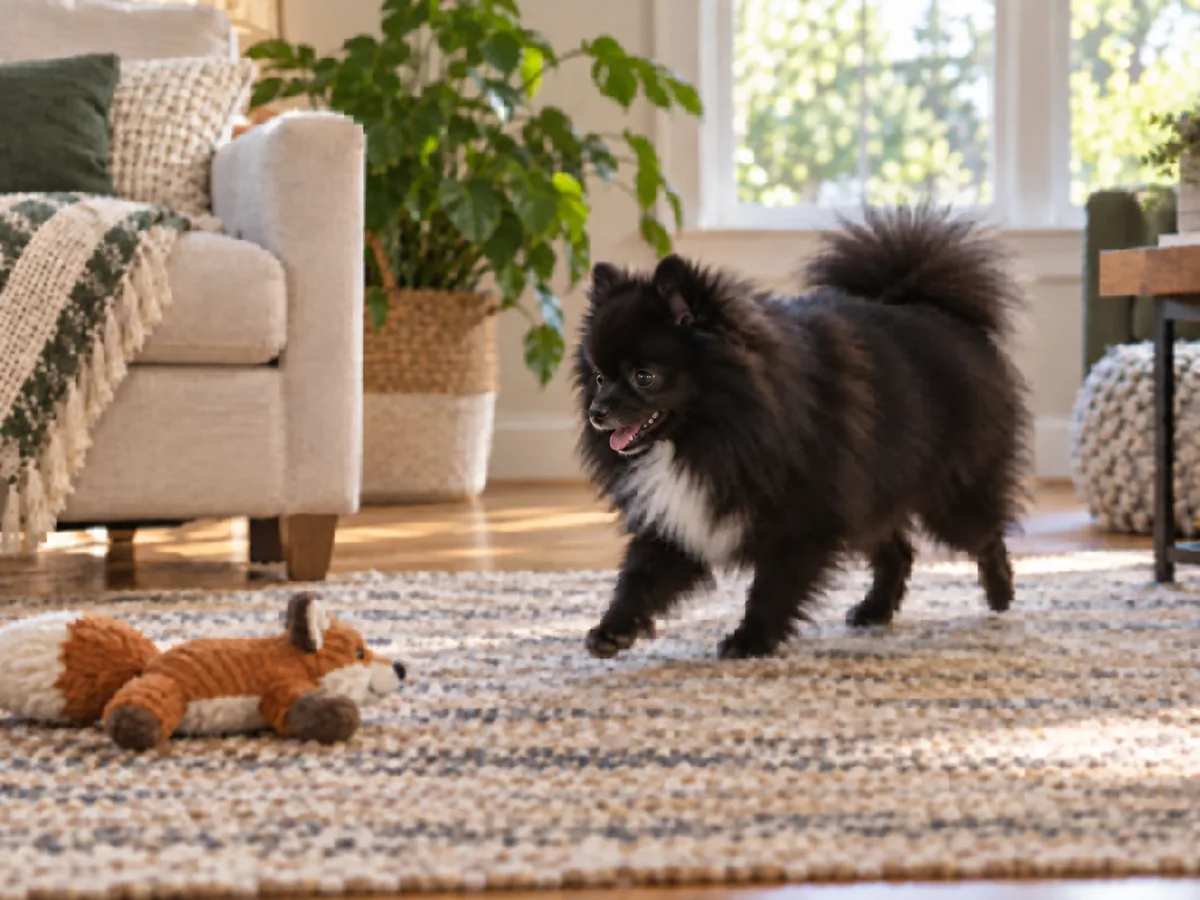
The Pomeranian’s playful stride deserves more room. Enlarge a small digital pet portrait, then inspect the coat texture before you use the larger copy.
Enlarge the Portrait